
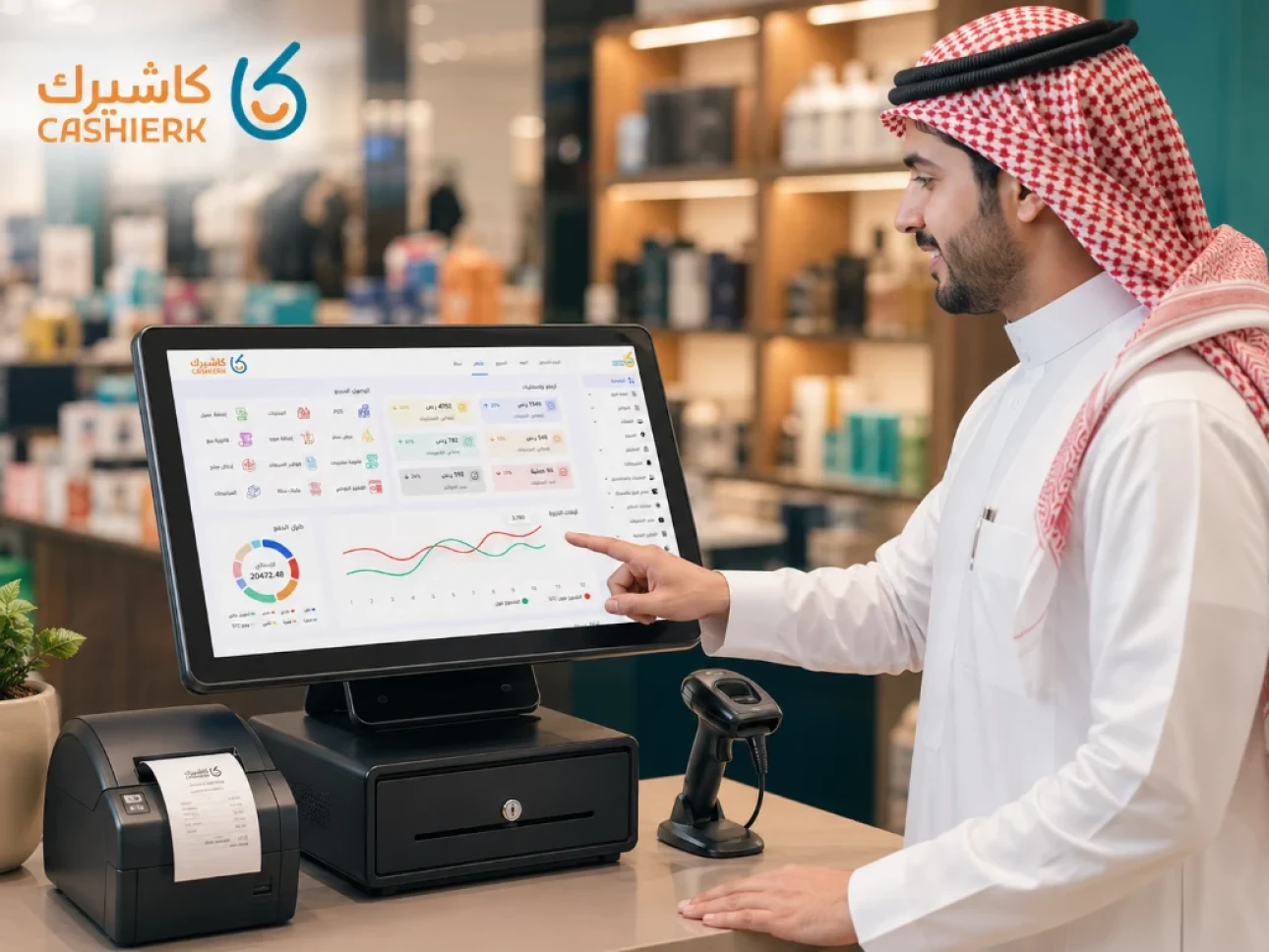
Best Cashier Software for Small and Medium Shops in Saudi Arabia
Running a small or medium-sized shop in Saudi Arabia no longer depends only on sales skills or product quality. Today, shop owners need a system that helps them know their sales, track inventory, issue invoices, monitor staff and reduce day-to-day errors without complexity.
This is why it matters to choose cashier software for shops that fits your type of business, whether you run a grocery store, a clothing store, a perfume shop, an electronics store, a small supermarket, a household goods store or any business that sells directly to customers.
Cashier software is no longer just a screen for ringing up sales and printing invoices; it has become a complete operating tool that helps you run your shop from one place. With cloud systems like Kashierapp, you can follow your sales, inventory and reports even when you are not in the branch.
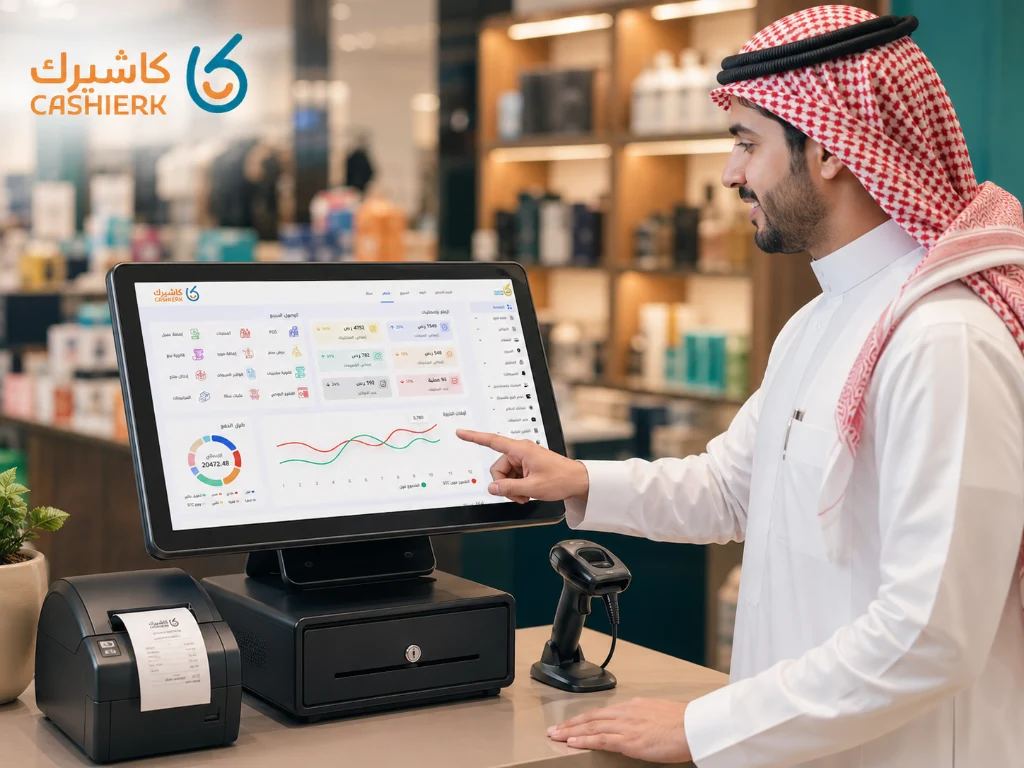
Why does a shop need cashier software?
Many shop owners start out managing sales in a simple way: a notebook, a calculator, paper invoices or an Excel file. This may seem fine at first, but as customers and products grow, it starts creating daily problems.
The most common problems include:
Difficulty knowing your daily sales accurately.
Discovering stock shortages too late.
Errors in calculating prices or discounts.
Cash shortages at the till with no clear reason.
Difficulty monitoring staff performance.
Lost invoices or invoices that are hard to find.
No clear reports to support decision-making.
Having cloud cashier software helps you turn this chaos into a clear system. Every sale is recorded, every product is deducted from inventory and every invoice can be found easily.
That is what makes a point of sale system an essential part of running any store that wants to grow and stay stable.
What is cashier software for shops?
Cashier software for shops is a system that helps you process sales, issue invoices, track inventory, record returns, manage discounts and review reports from a single dashboard.
But the real difference between one program and another isn't just issuing invoices; it's how well the system handles the day-to-day details of your business.
For example, Kashierapp doesn't just help you record sales; it gives you tools to manage products, track inventory, review reports, handle e-invoices and monitor your business performance more clearly.
This is especially important for small and medium-sized shop owners who want a practical system without unnecessary administrative or accounting complexity.
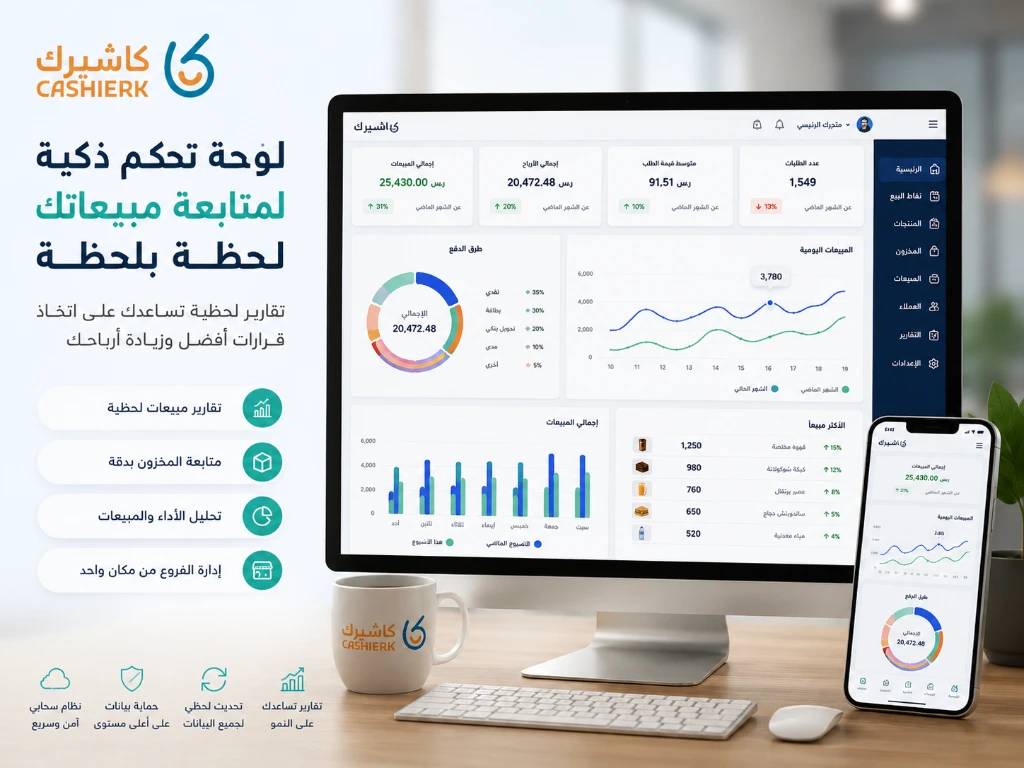
Key features to look for in cashier software for shops
You shouldn't choose cashier software based on price alone. The cheapest program may cost you more in losses if it doesn't support inventory, reports or invoicing, or if it doesn't suit your type of business.
Here are the most important things to consider before choosing a system.
1. Easy selling and invoicing
The first job of any cashier software is to make selling easy. The sales screen should be clear and fast, letting staff add products, apply discounts, choose the payment method and print the invoice without complicated steps.
The faster the sale, the shorter the customer's wait, the more efficient your staff and the lower the chance of errors.
In Kashierapp, business owners can organize products and categories so the cashier can quickly find the right product, whether by search, barcode or category.
2. Automatic inventory management
One of the biggest problems shops face is not knowing the actual quantity available of each product. You might sell a product and later discover it's out of stock, or buy new stock even though you already have enough in the storeroom.
Good cashier software should link sales and inventory automatically. When a product is sold, the quantity is deducted from inventory immediately, and when new purchases are added, quantities are updated.
This feature helps you reduce waste, prevent key products from running out and avoid tying up capital in slow-moving stock.
To learn more about this, see our article Managing inventory smartly to find out how Kashierapp reduces manual stocktaking and improves inventory accuracy.
3. Clear sales reports
Selling without reports is like driving a car without a dashboard. You may be moving, but you don't know your speed, your fuel consumption or the condition of the road.
Sales reports help you see:
Total daily sales.
Best-selling products.
Weak-selling products.
Each employee's performance.
Sales by branch or period.
Most-used payment methods.
Expected profits based on sales activity.
With cashier software like Kashierapp, shop owners can easily follow their business indicators instead of relying on guesswork or asking staff at the end of the day.
.webp)
4. Reducing theft and cash shortages
Cash shortages at the till or missing stock aren't always caused by outright theft. Sometimes the cause is a wrongly entered price, an unauthorized discount, an unrecorded return or a product sold without an invoice.
Cashier software helps reduce these errors because it records every transaction in the system. You can see who processed a sale, who canceled an invoice, who applied a discount and who handled a return.
This is where user permissions come in. Not every employee should have the same permissions: the cashier only sells, the manager reviews reports, and the business owner controls the core settings.
For more details on this point, see our article on preventing theft and inventory shortages for practical steps to protect your shop's profits; it builds on the same idea.
5. E-invoicing support
In the Saudi market, e-invoicing has become an important part of how businesses are regulated, especially as the Zakat, Tax and Customs Authority (ZATCA) extends its requirements to more businesses.
So when choosing cashier software for shops, don't look only at sales and inventory; make sure the system helps you issue well-organized invoices that meet your business's requirements.
Kashierapp helps shop owners manage invoices digitally, making invoices easier to find, reducing reliance on paper and raising the level of organization in the business.
To learn more about this topic, see our article E-invoicing in Saudi Arabia or our article Phase 2 of e-invoicing with Kashierapp.
6. Barcode and thermal printer support
If your shop carries a large number of products, barcode support becomes essential. A barcode scanner reduces product selection errors, speeds up sales and improves the customer experience at the checkout.
A thermal printer is also important for printing invoices quickly and clearly. So choose cashier software that is compatible with essential hardware such as:
Barcode scanners.
Thermal printers.
Cash drawers.
POS screens.
Tablets or iPads, depending on the type of business.
If you'd like a fuller guide to choosing hardware, see our article Barcode scanners and thermal printers to help you as you equip your shop.
7. Easy multi-branch management
You may start with one branch, but over time you might open a second or third. This is where choosing a scalable system matters.
Cloud cashier software lets you follow several branches from the same dashboard, see each branch's sales, compare performance and monitor inventory across branches.
This feature is especially important for businesses that plan to grow, such as retail shops, supermarkets, cafés and consumer goods stores.
For more on this, see our article How to manage multiple branches and monitor sales and inventory in real time, which is especially useful when you are ready to expand.
8. A fit for your type of business
Not every cashier program suits every business. A clothing store is different from a supermarket, a restaurant is different from a perfume shop, and a grocery store is different from an electronics store.
So before choosing a system, ask yourself:
Do I need inventory management?
Do I have a lot of products?
Do I need barcodes?
Do I accept both cash and cards?
Do I have more than one employee?
Do I plan to open more branches?
Do I need daily reports?
Do I need to link invoices, sales and inventory?
If you answered yes to most of these questions, you don't just need a simple cashier; you need a system that helps you run your entire business.
How does Kashierapp help you run your shop?
Kashierapp is designed to help shop and store owners manage daily operations more easily and in a more organized way. Instead of having sales in one place, inventory in another and invoices somewhere else, Kashierapp brings these operations together in one system.
With Kashierapp, you can:
Process sales quickly.
Issue well-organized invoices.
Track inventory.
See your best-selling products.
Monitor staff performance.
Review daily reports.
Reduce errors and cash shortages.
Manage more than one branch.
Follow your business from anywhere.
This makes Kashierapp a good choice for shop owners who want a practical system that helps them control day-to-day details without complexity.
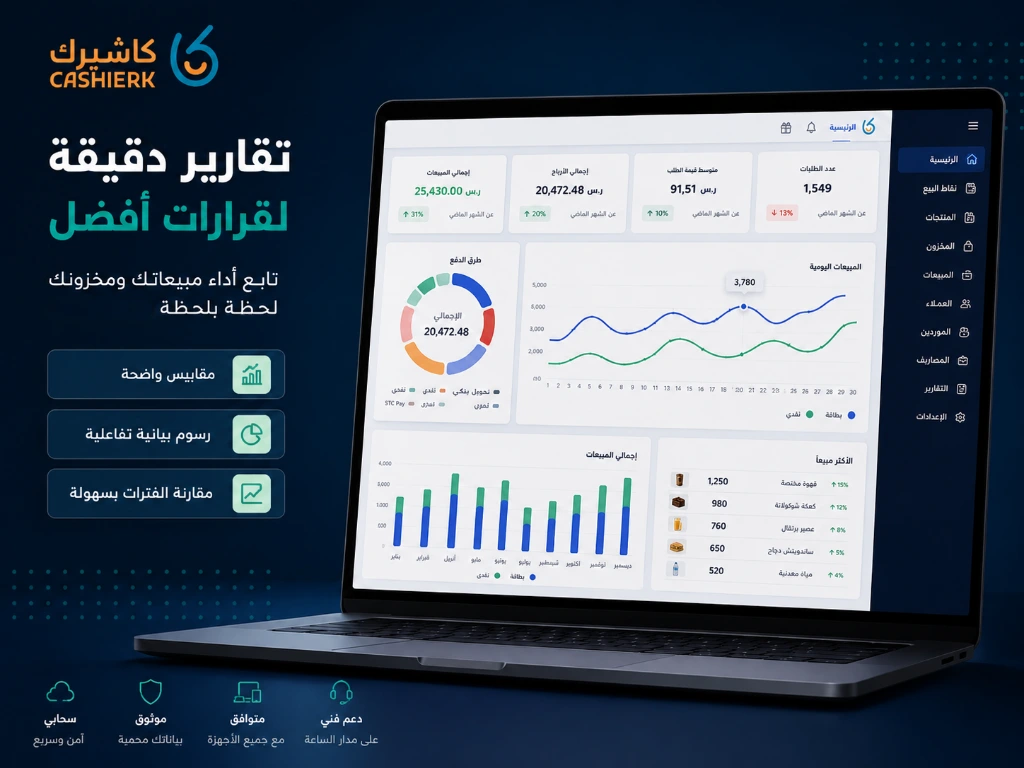
Mistakes to avoid when choosing cashier software
Before subscribing to any cashier system, avoid these mistakes:
Choosing the cheapest software
Price matters, but it isn't the only factor. Weak software can cost you inventory losses, sales errors, wasted time and difficulty generating reports.
Ignoring inventory
If the software doesn't manage inventory clearly, you will keep facing shortages or surpluses of products for no apparent reason.
Not paying attention to reports
Reports aren't a luxury. They are a tool that helps you understand where your business stands and make better decisions.
Choosing a system that can't scale
Even if you're starting with one shop, choose a system that can support your future growth.
Not training your staff
Even the best cashier software won't deliver the results you want if your staff don't know how to use it properly.
Is Kashierapp suitable for small shops?
Yes. Kashierapp is suitable for small and medium-sized shops because it provides the essential tools business owners need without unnecessary complexity.
It helps you organize sales, inventory, invoices and reports in one system. That suits shop owners who want to reduce chaos, keep track of their numbers and improve how they run their business day to day.
A cloud system also gives you more flexibility to follow your business, whether you're inside the shop or away from it.
How do you know you need new cashier software?
If you face one or more of these problems, it's a clear sign that you need a better cashier system:
You don't know your daily sales accurately.
You discover stock shortages too late.
You have recurring cash shortages at the till.
Staff record sales in different ways.
Your invoices are disorganized.
Your reports are unclear.
Stocktaking takes a long time.
You don't know your most profitable products.
You want to open a new branch.
You want to rely less on notebooks and Excel.
In that case, moving to cloud cashier software like Kashierapp isn't just a technical upgrade; it's an essential step toward running your business better.
Summary
Choosing the best cashier software for shops doesn't depend only on how the screen looks or the subscription price; it depends on how well the system helps you manage sales, inventory, invoices, staff and reports clearly.
Successful shop owners don't wait for problems to happen before getting organized. The earlier you start using the right cashier system, the clearer your decisions, the more measurable your profits and the smaller your losses.
With Kashierapp, you can run your shop from one place, follow your sales in real time, organize your inventory, issue your invoices and monitor your business performance with greater confidence.
Start organizing your shop with Kashierapp today, and make every sale a clearer step toward growing your business.
Frequently asked questions about choosing the best cashier software for shops
What is the best cashier software for small shops?
The best cashier software for small shops is a system that helps you manage sales, inventory, invoices and reports easily. Kashierapp provides these tools in a cloud system designed for shop and store owners.
Does cashier software help reduce inventory shortages?
Yes, because every sale or return is recorded in the system, which helps shop owners understand product movement and reduce errors and shortages.
Is Kashierapp suitable for more than one branch?
Yes. Kashierapp helps you follow more than one branch and monitor sales and inventory from a single dashboard.
Do I need a barcode scanner to use cashier software?
Not always, but barcodes become important if you have a large number of products, because they speed up sales and reduce product selection errors.
Is Kashierapp suitable for supermarkets and grocery stores?
Yes. Kashierapp is suitable for stores, grocery stores and supermarkets because it supports product, inventory and sales management as well as daily reports.
.webp)
The Retail Sector in Saudi Arabia and How It Is Developing
The retail sector in Saudi ArabiaSaudi Arabia is one of the largest commercial markets in the world, and its retail...
Read the article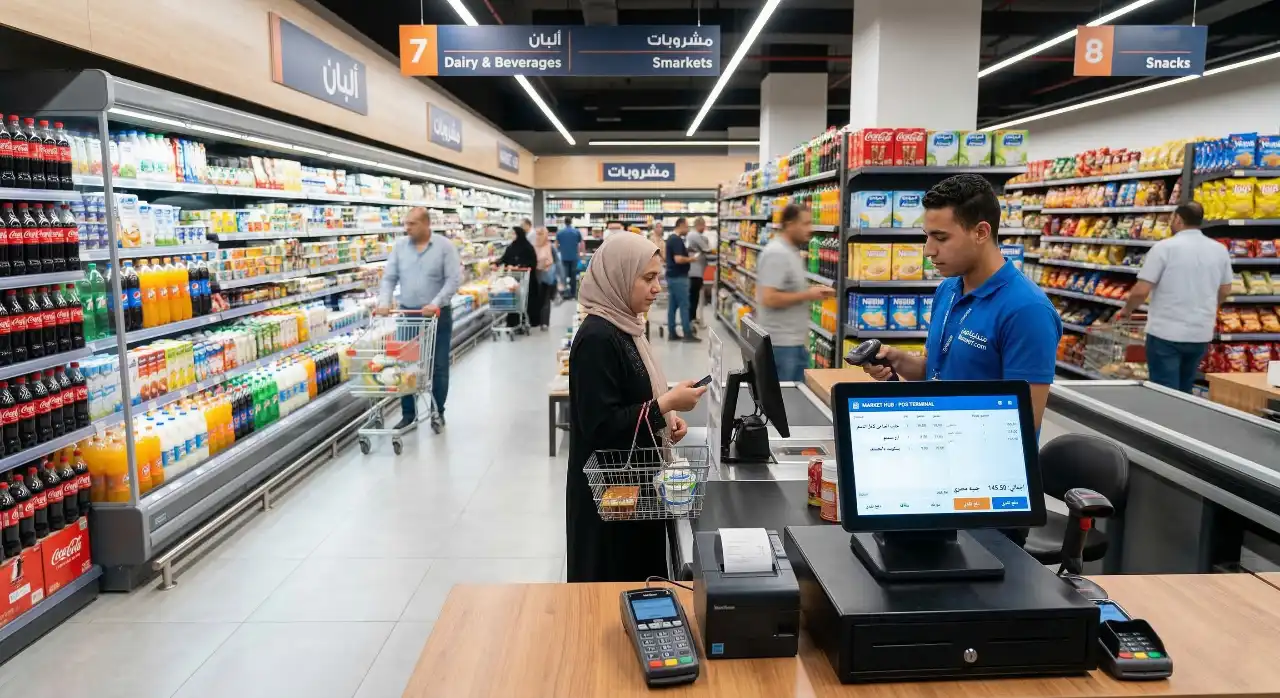
Supermarket and Grocery Store Management: Complete 2026 Guide
Saudi Arabia's retail sector, and the ways it is developing, are seeing an unprecedented boom and radical changes in consumer...
Read the article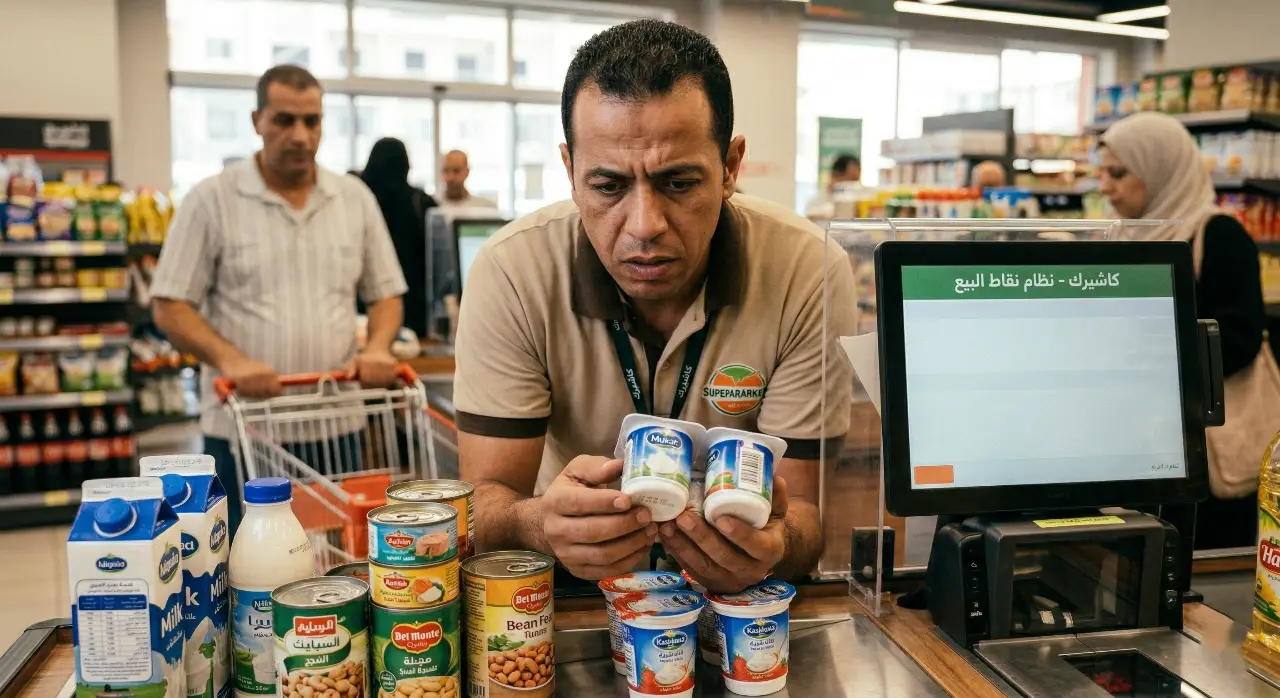
Avoid Expiration Date Losses in Your Store with a POS System
In the competitive world of retail, and especially in running supermarkets and grocery stores, inventory is your real capital and...
Read the article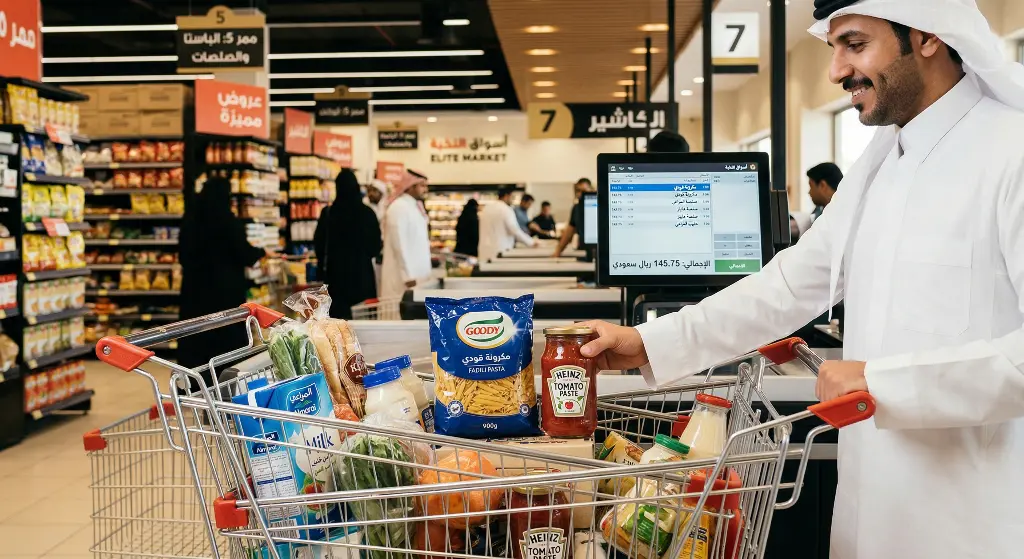
Cross-Selling in Retail: Double Your Profits the Smart Way
In retail, business owners spend thousands of riyals and enormous effort on marketing and promotions to get a new customer...
Read the article Riyadh - King Fahd Road - Al Yamamah Tower, 1st Floor - Office 102

