
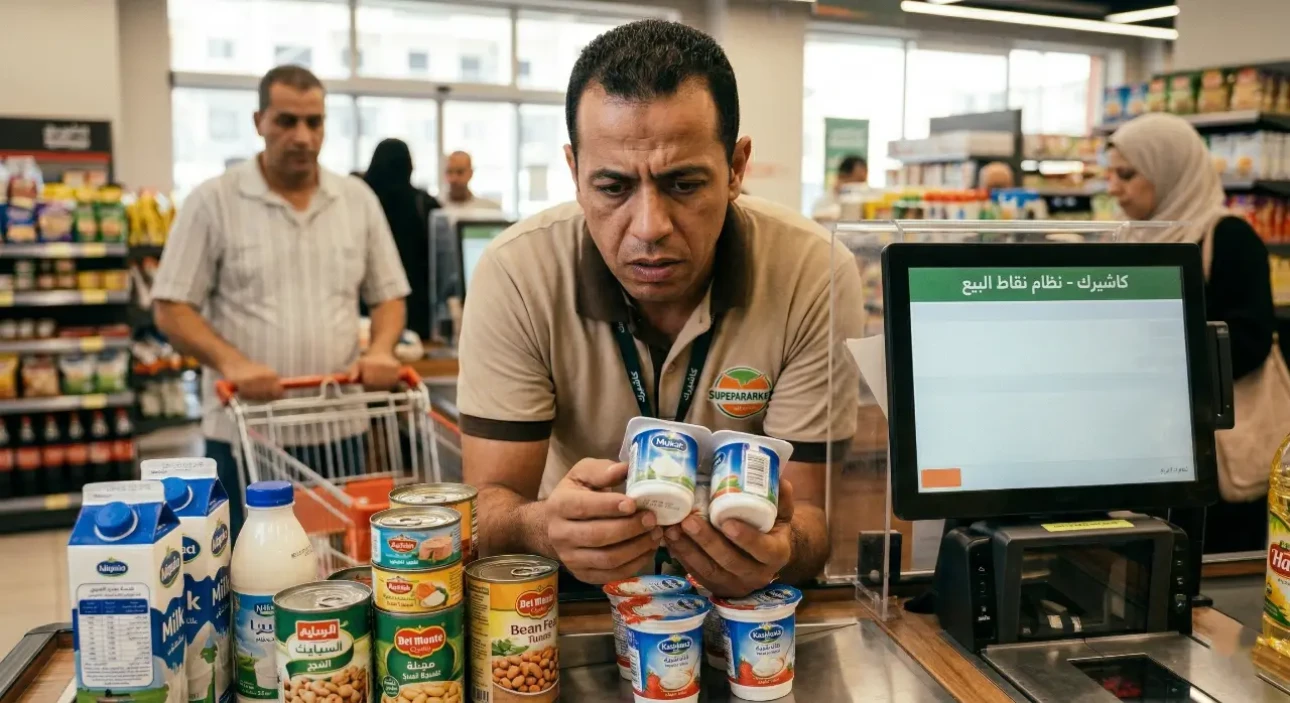
Avoid Expiration Date Losses in Your Store with a POS System
In the competitive world of retail, and especially in running supermarkets and grocery stores, inventory is your real capital and the heartbeat that keeps your business alive. But what happens when this valuable asset, stacked on shelves and in warehouses, turns into a huge financial burden that silently drains your profits? We're talking about the nightmare of expired products, known among merchants as spoilage or write-offs.
Relying on human memory or paper notebooks for expiration date management across thousands of food items and products is not only practically impossible; it is an open invitation to heavy losses that eat into your net profit and damage the reputation you have spent years building. In this comprehensive guide, we'll dig deep into the spoilage problem and show how supermarket cashier software can be your shield for reducing spoilage losses smartly, turning potential losses into secured profits while keeping your customers loyal.
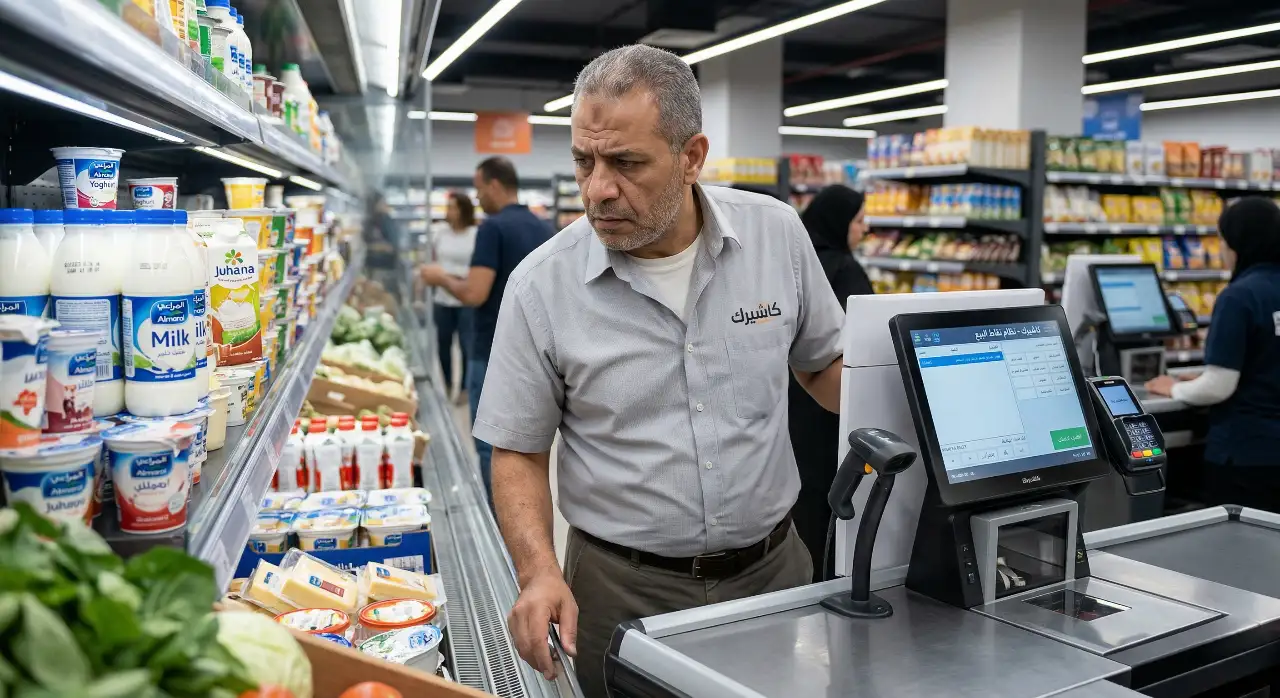
Why do stores fail to manage expiration dates and end up with losses?
Before looking at advanced technical solutions using a POS system, we first need to understand the root of the problem. Why are goods and food left on the shelves until they become expired products without anyone noticing?
- The sheer complexity of inventory counts (SKUs): an average supermarket carries thousands of different items, from baked goods and dairy to canned food. Manually tracking every can or carton to find its production and expiration dates is a huge waste of staff time and a big opportunity for human error, which turns every inventory count into a monthly nightmare that everyone avoids.
- No proper shelf rotation policy: often, because of work pressure, staff put new stock at the front of the shelf and push older stock to the back. The inevitable result? The new stock sells first, while the old stock stays hidden in the dark until it passes its expiration date and becomes spoilage and a guaranteed loss.
- Legal risks and municipal fines: selling expired products to the public (even unintentionally or by honest mistake) exposes your business to heavy fines from the Ministry of Commerce or municipal inspection committees, and can even lead to public naming or the complete closure of your store, not to mention losing customers' trust for good.
- Buying random bulk deals (dead stock): buying large quantities from suppliers to get an extra discount may seem tempting in the short term, but without supermarket cashier software that monitors how fast each product actually sells and turns over, this stock can pile up in your warehouses and become wasted money.
For more on overall management and building a strong strategy, see our article: [Your complete guide to running a successful supermarket or grocery store].
Manual management vs. cashier software for tracking expiration dates
Many grocery store owners rely on Excel sheets or notebooks to record their stock. But when you compare the two, the technology gap is clear:
- Manual management: depends on human effort. If an employee forgets to update the sheet, the whole system collapses. It is also slow, provides no proactive alerts and leaves the business owner at the mercy of the warehouse employee's efficiency.
- Technology-driven management with a POS system: the system works 100% automatically. Once production and expiration dates are entered when the purchase invoice is received, the system links every sale to inventory and updates the data instantly with no human intervention, ensuring exceptional accuracy in expiration date management.
The role of cashier software (POS) in reducing spoilage losses
Technology is no longer a luxury reserved for large stores. Here's how an advanced cloud
POS system changes the rules of the game in your daily business:
1. Automatic alerts before products expire
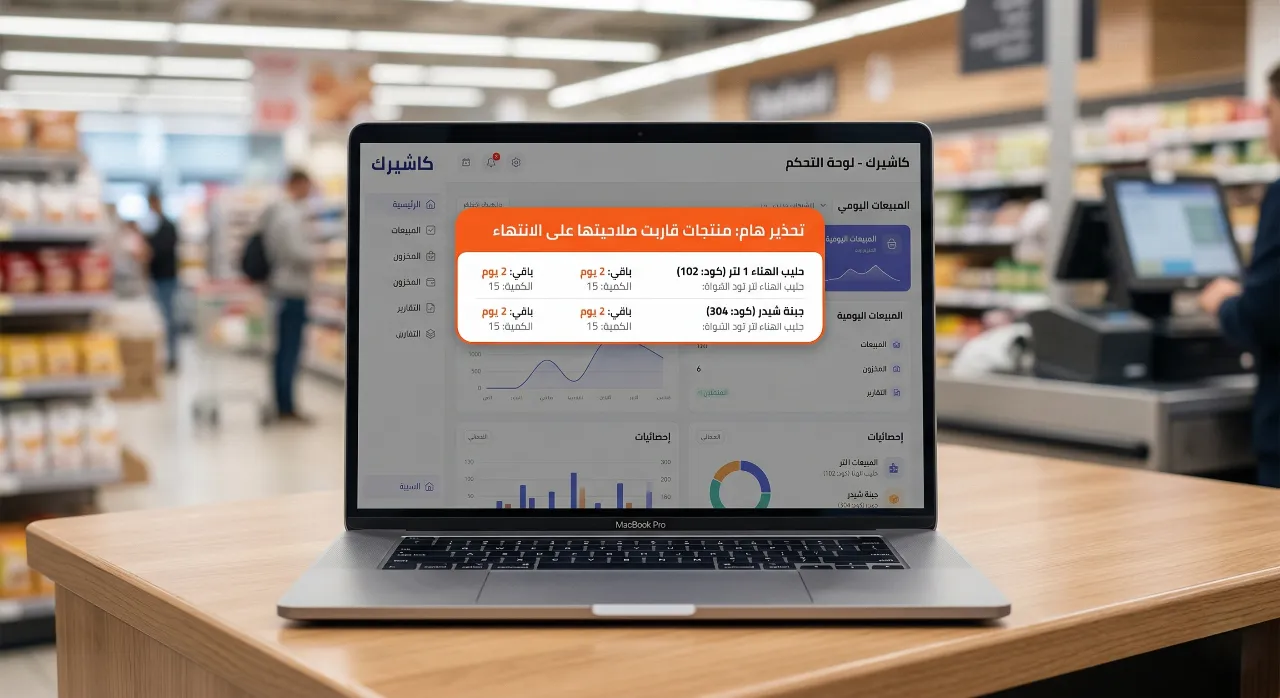
Modern systems like Kashierapp don't just record a product's name and price; they let you enter the expiration date and batch number when you receive goods from the supplier. Based on this, the system provides automatic alerts and notifications on the manager's dashboard a set period before a product expires, which you define yourself (for example, 30 days before). This early, proactive alert gives you enough time to save the product and reduce spoilage losses.
2. Applying a first-in, first-out (FIFO) policy
The FIFO (First-In, First-Out) principle is the golden rule of modern retail. Smart supermarket cashier software helps you track different shipments and dates for the same product. When the barcode is scanned at the checkout, the system automatically deducts the quantity from the oldest shipment in the records. This precise link pushes your team and management to pull the oldest stock first to sell it, completely eliminating forgotten expired products in the warehouse.
3. Smart, continuous inventory counts without closing
Say goodbye to exhausting manual stocktaking days that force you to close the store and lose a full day's sales. With a POS system that integrates with wireless barcode scanners, you can carry out cycle counting for specific sections of the supermarket every day. This quick, effective count makes sure the actual quantities and dates on the shelves match the records in the software. To tighten control and prevent manipulation, see our dedicated article: [How to prevent theft and inventory shortages in your store].
Marketing strategies to save products before they expire
Thanks to the early automatic alerts your cashier system provides, you now have a “golden opportunity” and a window of time to save your capital. How do you turn this at-risk stock into cash?
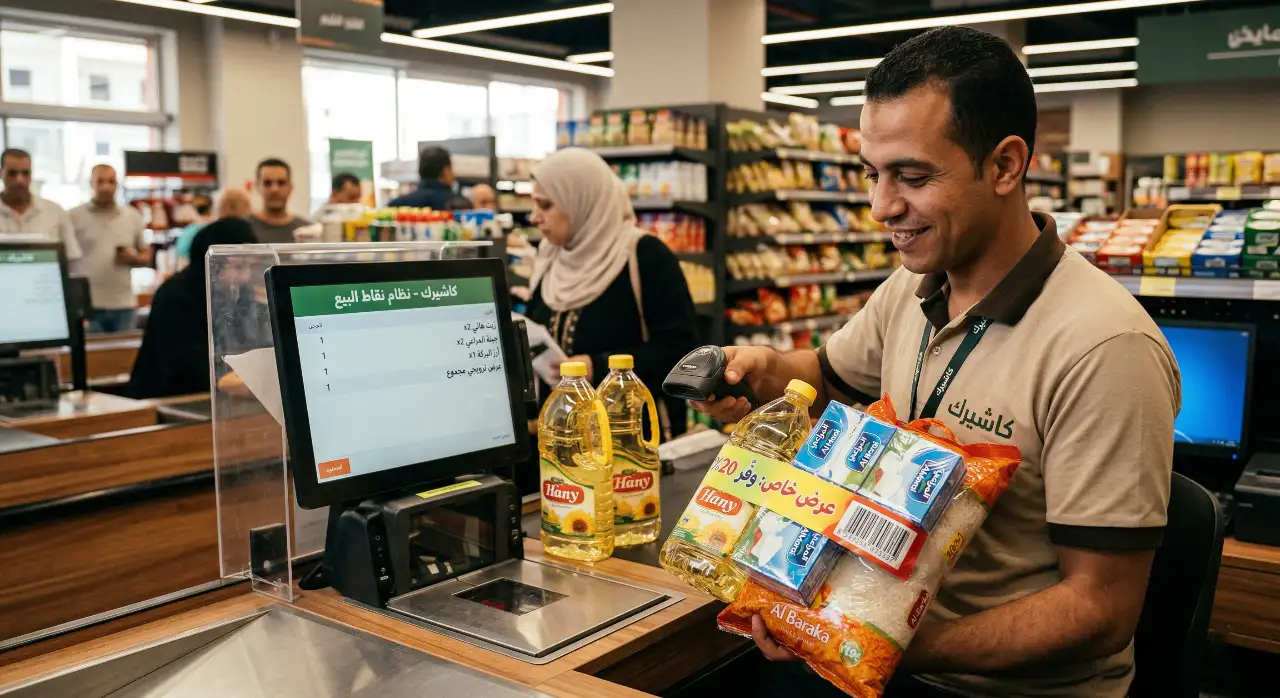
- Creative product bundling: pair a product that is close to its expiration date with another fast-moving, high-demand product. For example, package pasta sauce that will expire soon with bags of pasta or cheese at an attractive promotional price through your POS system. The customer sees the value of the offer, and you clear a product that would otherwise have been spoiled.
- Last-minute discounts (flash sales): use the offers section in Kashierapp to create an instant, temporary discount (such as 30% or 50% off) on products that expire within days, and place them in prominent display baskets near the checkout to encourage quick impulse purchases from shoppers.
- Smart returns to suppliers: with accurate expiration date management and documented reports, the system's data gives you a strong, early case for contacting the supplier or sales rep to return or exchange goods before they spoil, and to issue a purchase return note professionally to protect your rights.
Kashierapp: the definitive solution for managing inventory and spoilage in Saudi Arabia
If you are looking for a reliable tool that does all of the above efficiently and without technical complications, Kashierapp stands out as the best cloud cashier software in Saudi Arabia, designed specifically for reducing spoilage losses and protecting your profits.
How does Kashierapp protect your money from waste?
- Highly advanced inventory management:
the system is built to handle up to 10,000 products, with detailed information for each item so you can carry out expiration date management effectively and effortlessly.
- Smart, proactive reports: with a single tap on your phone or computer, you get a detailed report on item movement and slow-moving products that aren't selling, so you are always one step ahead in saving expired products.
- Full offline/online compatibility: so your inventory count and sales data stay 100% accurate at all times, even when the internet drops or the store's network fails.
Conclusion
The financial losses from disposing of expired products are not an inevitable tax or a necessary evil of running a supermarket or grocery store; they are a constant financial drain that can be stopped completely with mindful management and advanced supermarket cashier software. A modern cashier system is no longer just a receipt printer; it is the most powerful management tool for reducing spoilage losses, tightening control and increasing profits.
Don't let your money spoil on the shelves and end up in the trash! Invest now in automating your business operations and explore the competitive plans and pricing offered by Kashierapp, so your business is managed free of human error and your cash flow is fully protected.
Frequently asked questions about managing expiration dates and spoilage
Q: How do I calculate the actual spoilage loss rate in a supermarket?
A: You can calculate it accurately using the inventory count reports in your cashier system. Add up the purchase cost of all expired products that were destroyed during a month, and compare that figure with total monthly sales or total inventory value to see the real size of the problem and its impact on your profit margin.
Q: Does Kashierapp provide automatic alerts for products that are close to expiring?
A: Yes, absolutely. The system provides advanced inventory reports that let you monitor item movement accurately, making it easier to manage expiration dates proactively and run promotions to sell these products well before they spoil.
Q: What should I do if I find an expired product on the shelf?
A: As a first step, remove it from the sales floor immediately and place it in an isolated area of the warehouse. Then officially record its disposal in the POS system to deduct it from your inventory balance, so your financial figures stay correct and you avoid the disaster of selling it to customers by mistake.
Q: Does supermarket cashier software make it easier to manage supplier returns?
A: Definitely! Kashierapp lets you manage the entire purchasing and supplier cycle and issue return invoices (debit notes) to suppliers for products nearing their expiration date, in order to reduce spoilage losses
and update inventory quantities and supplier accounts automatically, with full documentation.
.webp)
The Retail Sector in Saudi Arabia and How It Is Developing
The retail sector in Saudi ArabiaSaudi Arabia is one of the largest commercial markets in the world, and its retail...
Read the article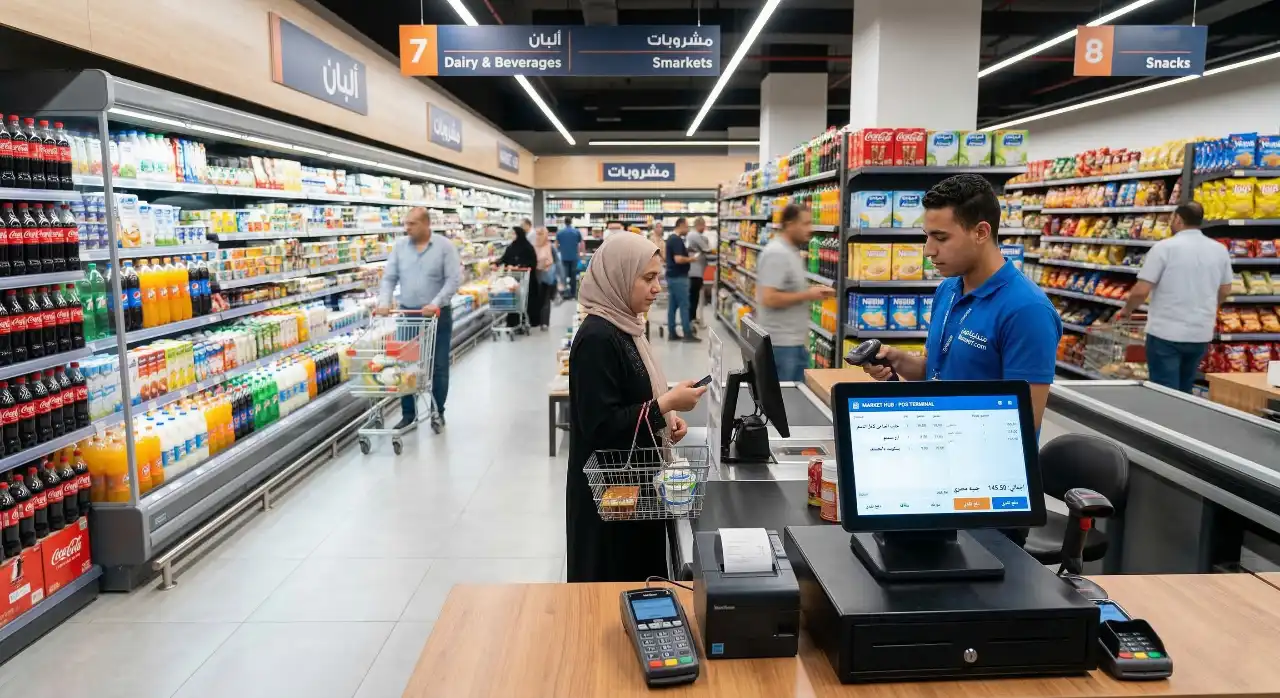
Supermarket and Grocery Store Management: Complete 2026 Guide
Saudi Arabia's retail sector, and the ways it is developing, are seeing an unprecedented boom and radical changes in consumer...
Read the article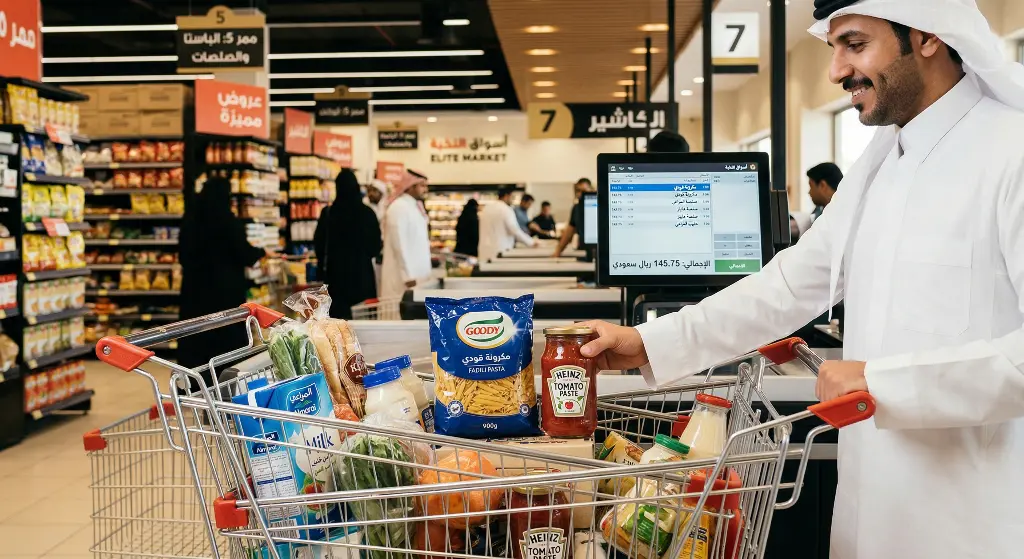
Cross-Selling in Retail: Double Your Profits the Smart Way
In retail, business owners spend thousands of riyals and enormous effort on marketing and promotions to get a new customer...
Read the article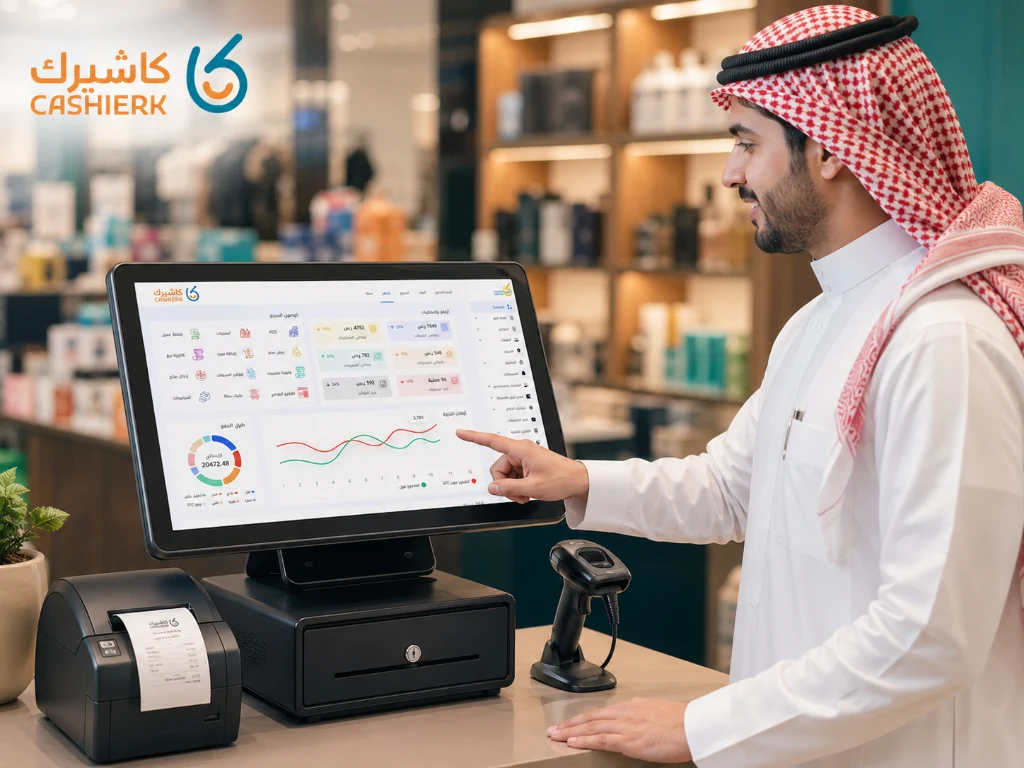
Best Cashier Software for Small and Medium Shops in Saudi Arabia
Running a small or medium-sized shop in Saudi Arabia no longer depends only on sales skills or product quality. Today,...
Read the article Riyadh - King Fahd Road - Al Yamamah Tower, 1st Floor - Office 102

