
How to Choose Barcode Scanners and Thermal Printers That Last
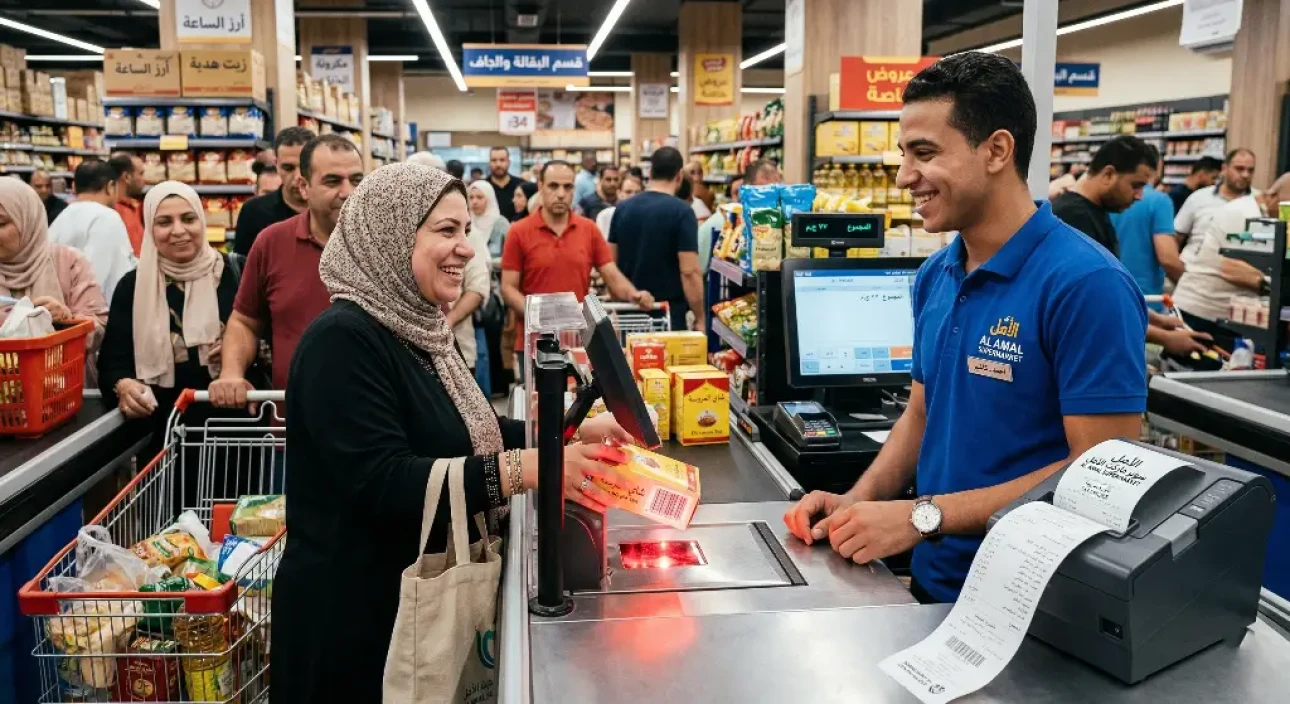
Picture this nightmare scenario: it's Thursday evening, or the night before Eid, and your store is packed with customers. Everyone is lining up at the checkout to pay. Suddenly, the barcode scanner refuses to read a product wrapped in a crumpled plastic bag, so the cashier has to type in the long number by hand. The queue grows longer and customers start to complain. Then the misery is complete when the receipt printer stops working or the paper jams! The result? An angry customer abandons their basket and leaves for good, and you suffer a heavy financial loss that could have been avoided.
Investing in the right cashier hardware isn't just an add-on; it's the lifeblood of your daily operations. Many store owners spend a fortune on stock and decor, but go for the cheapest option when buying barcode scanners and thermal printers, and end up paying dearly in their store's reputation and their staff's nerves.
In this practical guide, we get to the heart of the problem and explain in detail how to choose the best POS hardware that can withstand heavy workloads, and how integrating this hardware with advanced supermarket cashier software delivers maximum efficiency.
The queue nightmare: when cheap cashier hardware lets you down
Queues at the checkout are the number one enemy of retail. If you're wondering why your lines move so slowly, the cause is often poor-quality hardware, and your pain usually comes down to the following:
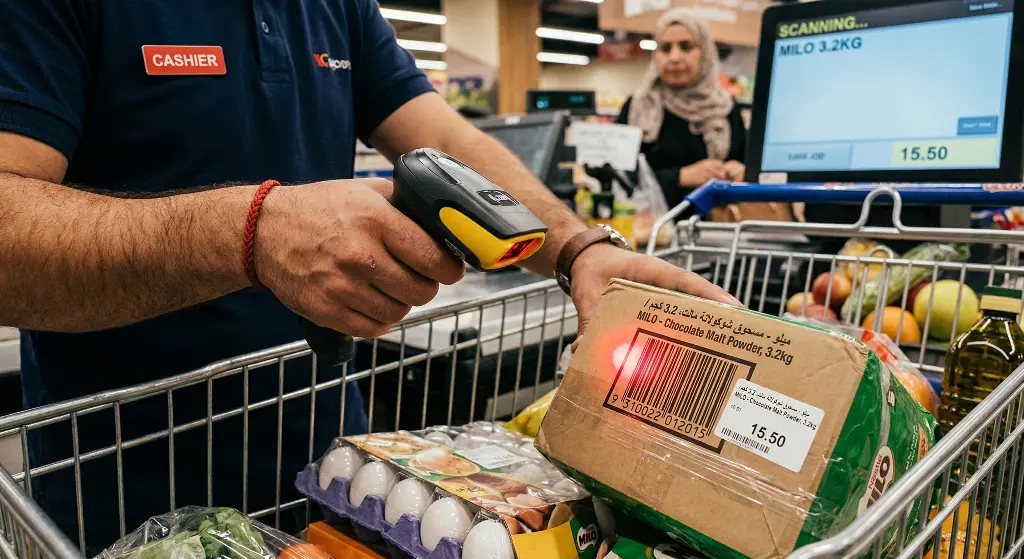
- Scanners that can't read damaged barcodes: Frozen products covered in ice, crumpled bags and faded barcodes all challenge cheap scanners and waste the cashier's time.
- Slow receipt printing: Low-quality printers take a few extra seconds to print each invoice. Multiply those seconds by hundreds of customers a day and you'll find you're wasting hours of working time.
- Connection faults and tangled cables: Poor connections cause the cashier's receipt printer to suddenly lose its connection to the computer, forcing staff to restart the entire system.
For complete management that goes beyond hardware, we recommend reading: [Your complete guide to running a successful supermarket or grocery store].
The golden rules for choosing barcode scanners
To put an end to these problems, choose your scanner based on what your business needs, not on the lowest price. Here's what to look for:
1. Scanning technology: one-dimensional (1D) vs. two-dimensional (2D)
- 1D scanner: Reads only traditional black-and-white line barcodes. It's cheap, but it can't read codes from mobile phone screens or square codes.
- 2D scanner (the better choice): This is the investment that pays off. It reads traditional barcodes as well as QR codes from any angle, even from phone screens. That's essential if you plan to run loyalty programs and discount apps.
2. Connectivity: wired vs. wireless
If you run a supermarket or a store selling building materials and plumbing supplies, customers often bring heavy products that can't be placed on the checkout counter. This is where a wireless barcode scanner (Bluetooth or Wi-Fi) comes to the rescue. It lets the cashier move freely to scan heavy items in the customer's cart, which dramatically improves the shopping experience.
3. Response speed and durability
The checkout is a tough environment, and your scanner may be dropped dozens of times. Make sure you buy a device rated to survive drops from at least 1.5 meters (drop resistance). The scan rate should also be very high so the cashier can pass products through one after another without stopping.
How do you choose a thermal receipt printer that won't fail at peak times?
The thermal receipt printer is the heart of the point of sale. These printers work without ink (they use heat to print on special paper), which makes them economical. But to pick a printer that won't leave you in an awkward spot, focus on the following:
1. Printing speed
Printer speed is measured in millimeters per second (mm/s). Cheap printers print at 90mm/s, which is very slow and frustrating at busy times. In modern retail, always look for a printer that offers speeds from 200mm/s to 300mm/s. That speed ensures even a long invoice comes out in the blink of an eye.
2. Auto-cutter
Don't make your cashier tear off every receipt by hand; it wastes time, makes the receipt look messy, and can pull the paper roll and jam the printer. Look for supermarket equipment with an auto-cutter, and make sure the cutter life is rated for up to 1 million or 1.5 million cuts.
3. Connection options and interfaces
A great printer offers multiple connection options (USB, LAN/Ethernet, Bluetooth). Connecting the printer with a network cable (LAN) is the most stable option and prevents the connection drops that often occur with poor-quality USB ports.
(Extra tip: to encourage customers to come back, you can print promotional offers at the bottom of the receipt. See our article on [the best product pricing strategies in retail to increase profits] to learn more.)
Compatibility is the secret: how Kashierapp works with your cashier hardware
You could buy the most expensive, highest-quality barcode scanners and thermal printers on the market, but if your cashier software is slow, complicated, or can't recognize this hardware, it's as if you'd done nothing at all!
This is where Kashierapp comes in: the best cloud cashier software in Saudi Arabia, built to be “hardware agnostic.”
How does Kashierapp get the most out of your equipment?
- Full compatibility (plug and play): Kashierapp doesn't force you to buy hardware from a particular brand. The system is designed to work immediately with 99% of the POS hardware, receipt printers, barcode scanners and cash drawers available in the Saudi market.
- Instant response when scanning:
Thanks to lightweight, fast code, as soon as the barcode scanner reads a product, it appears on the Kashierapp screen with no lag, so your checkout speed is maximized.
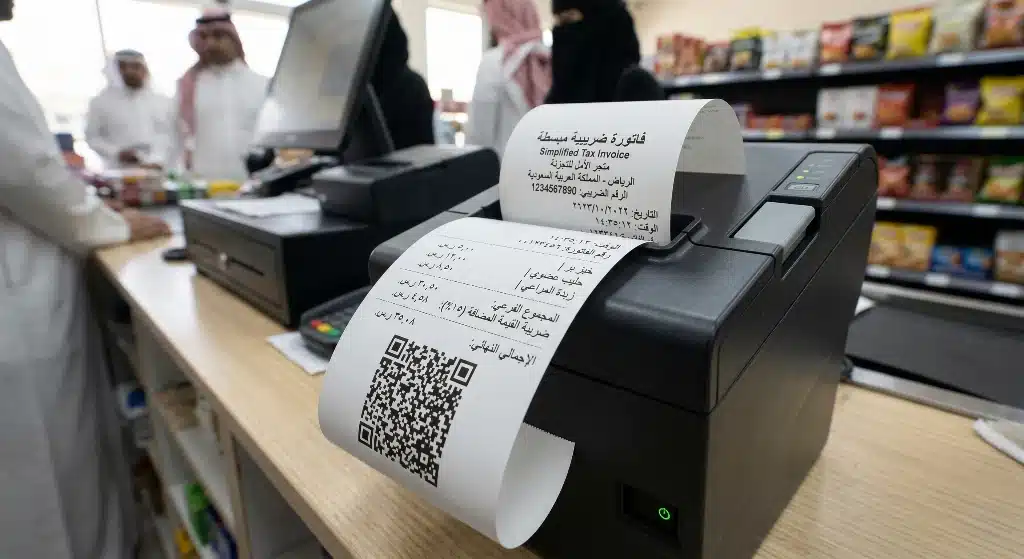
- Clear ZATCA invoice printing: The system sends print jobs to the cashier's receipt printer at high speed and prints the simplified tax invoice with the ZATCA QR code in high quality, so customers can easily scan it with their phones.
Conclusion
The decision to buy barcode scanners and thermal printers should be based on a real understanding of your daily challenges and the pain points your staff and customers face at peak times. Cheap, unbranded devices may save you a few hundred riyals today, but they will cost you thousands of riyals in lost sales and angry customers tomorrow.
Invest in cashier hardware that delivers fast printing, flexible connectivity and durability. Most importantly, connect that hardware to a smart, fast electronic brain. Discover how Kashierapp integrates seamlessly with your existing or new equipment to give you and your customers an ultra-fast, trouble-free checkout that fully meets tax requirements.
FAQ about cashier and POS hardware
Do I need to buy new cashier hardware to use Kashierapp?
Not at all! Kashierapp is a cloud system and very flexible, designed to work with the hardware you already have. You can use your own computer or iPad and connect it to any thermal receipt printer or barcode scanner you already own to reduce your setup costs.
My receipt printer prints strange numbers and symbols. What's the fix?
The problem is usually incompatible drivers or the print language settings in Windows. Make sure the correct printer driver is installed and that your cashier software supports Arabic encoding. The Kashierapp technical support team always helps customers adjust these settings so their supermarket equipment runs efficiently.
What's the difference between a laser barcode scanner and an imager?
A (traditional) laser scanner uses a red laser line to read standard (1D) barcodes and must be aimed precisely. An imager is newer: it captures an image of the barcode (like a camera) and can read square (2D) codes, torn codes and even codes on phone screens very quickly and from any angle, making it the best choice for speeding up your point of sale.
Does a thermal receipt printer need its ink replaced regularly?
No! This is the biggest advantage of thermal printers. They don't use ink or cartridges at all. Instead, they use a thermal head to print on special thermal paper that reacts to heat to produce black. Your only cost is buying rolls of thermal paper.
.webp)
POS Systems in Retail and Restaurants: A Key to Success
Point of sale in retail and restaurantsRetail and food service are vital sectors of the global economy: they provide income...
Read the article
What Is Kashierapp? Cloud Cashier Software and Its Key Features
Kashierapp cashier softwareCashier software (a point of sale (POS) system ) is one of the essential tools for managing sales...
Read the article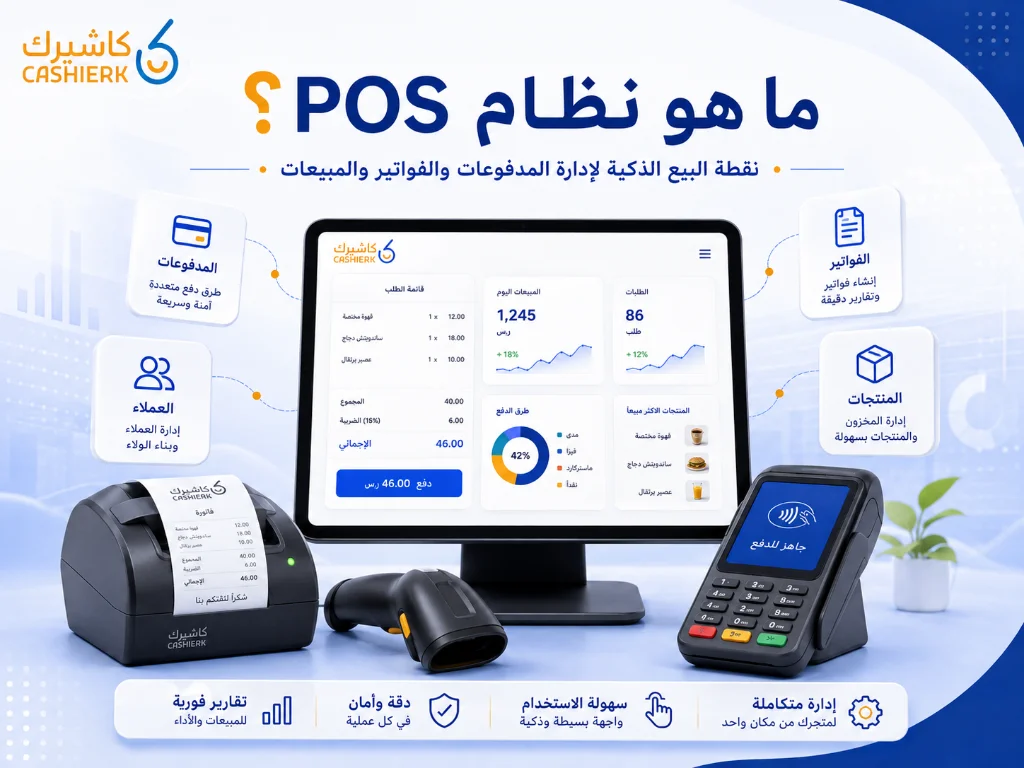
What Is Kashierapp? A Guide to POS and Cloud Point of Sale
A cashier system is no longer just a device for taking payments or printing receipts in a shop. Today, the...
Read the article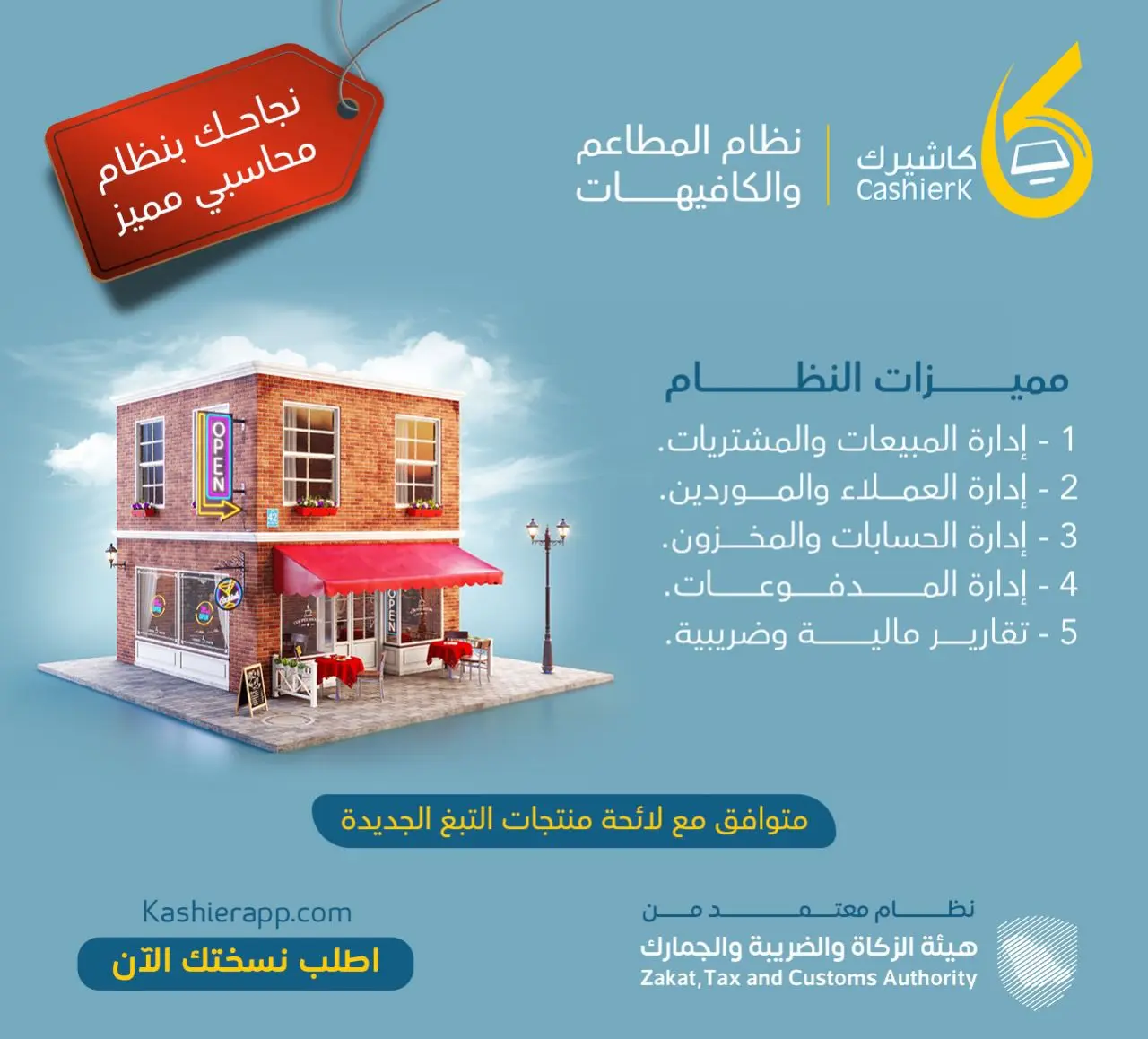
Restaurant Management Software in Saudi Arabia
There is no doubt that restaurant management software in Saudi Arabia is an important field with many aspects, as it...
Read the article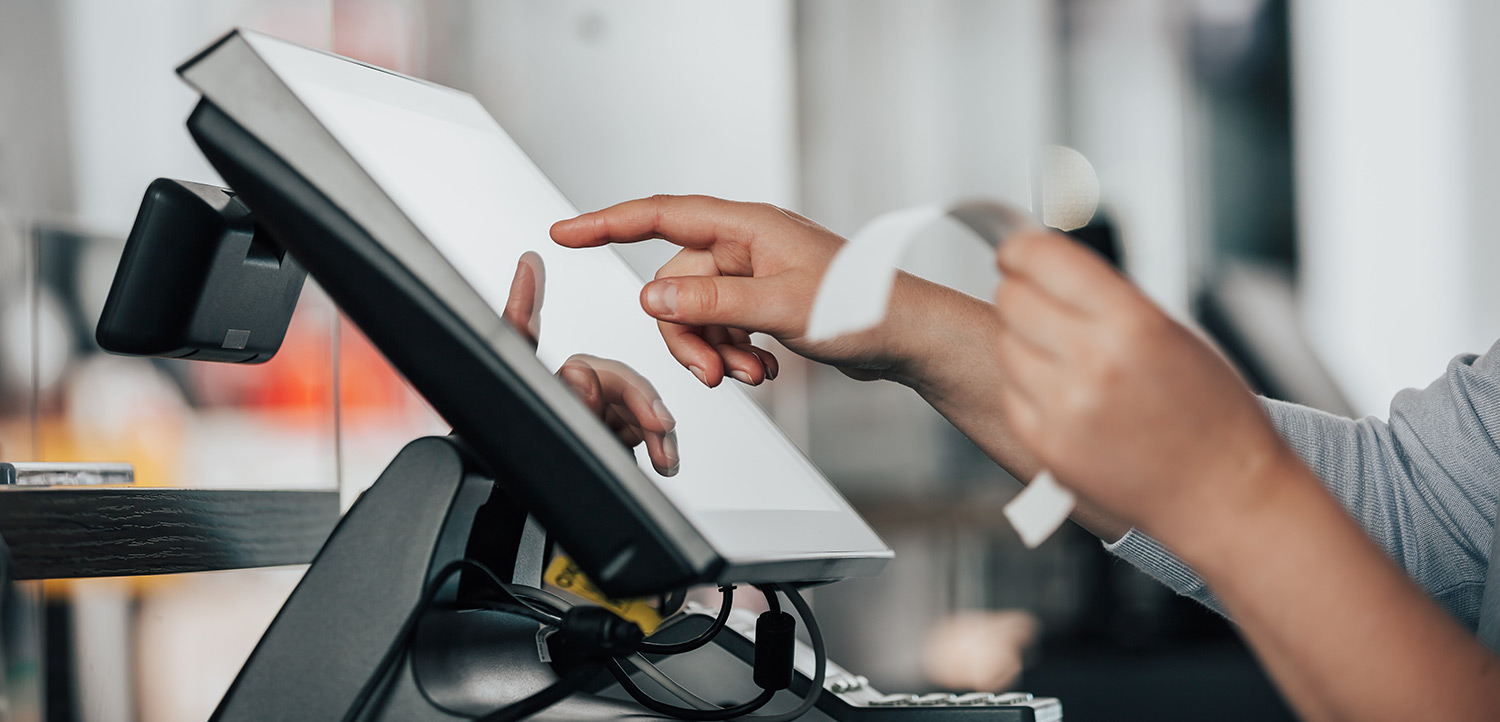
The Best Cloud Cashier Software in Saudi Arabia
With technology evolving so rapidly, traditional ways of running stores and businesses no longer work. Relying on technology has become...
Read the article
What Is a Cashier System? Types, Benefits and Kashierapp's Role
In modern commerce, a cashier system is no longer just a way to collect payments or print receipts; it has...
Read the article Riyadh - King Fahd Road - Al Yamamah Tower, 1st Floor - Office 102

