
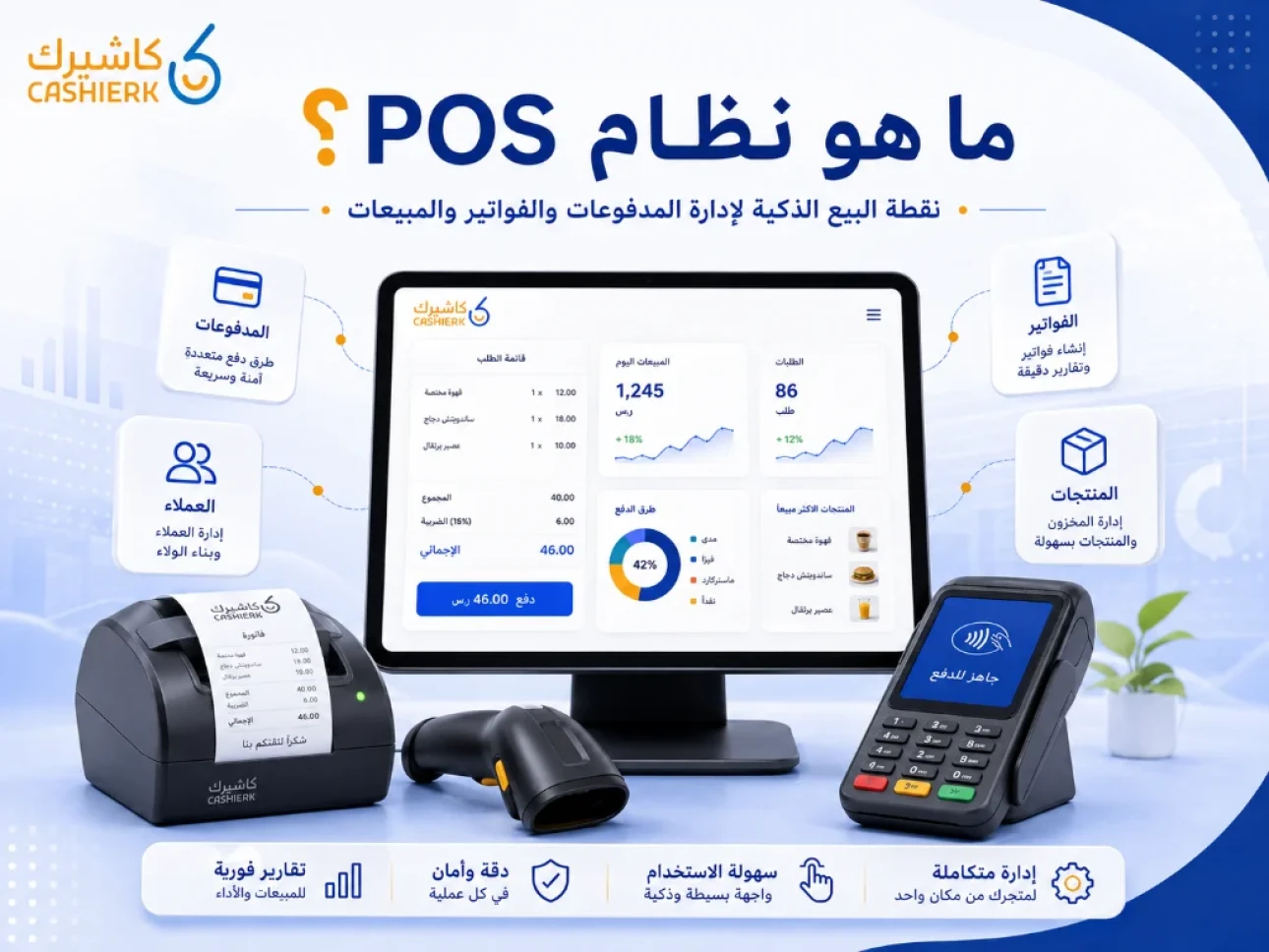
What Is Kashierapp? A Guide to POS and Cloud Point of Sale
A cashier system is no longer just a device for taking payments or printing receipts in a shop. Today, the cashier is part of a complete operating system that helps business owners manage sales, inventory, invoices, customers, branches, reports and payment methods from one place.
This is where Kashierapp comes in: an integrated cloud platform that brings together a point of sale (POS) system, e-invoicing, inventory management, reporting, customer and branch management, and day-to-day operating tools for many types of business.
In this article, we explain what Kashierapp is, what POS means, how a traditional cash register differs from a cloud POS system, and how Kashierapp helps you run your business more efficiently.
Contents
- What is Kashierapp?
- What does POS mean?
- How does a traditional cash register differ from a POS system?
- Why do businesses need a cloud POS system?
- What are Kashierapp's main features?
- How does Kashierapp help you manage sales?
- How does Kashierapp help you manage inventory?
- Kashierapp's role in e-invoicing
- How does Kashierapp support branch management?
- Which sectors is Kashierapp right for?
- Separate programs vs. Kashierapp
- When do you need software like Kashierapp?
- FAQ about Kashierapp and POS systems
What is Kashierapp?
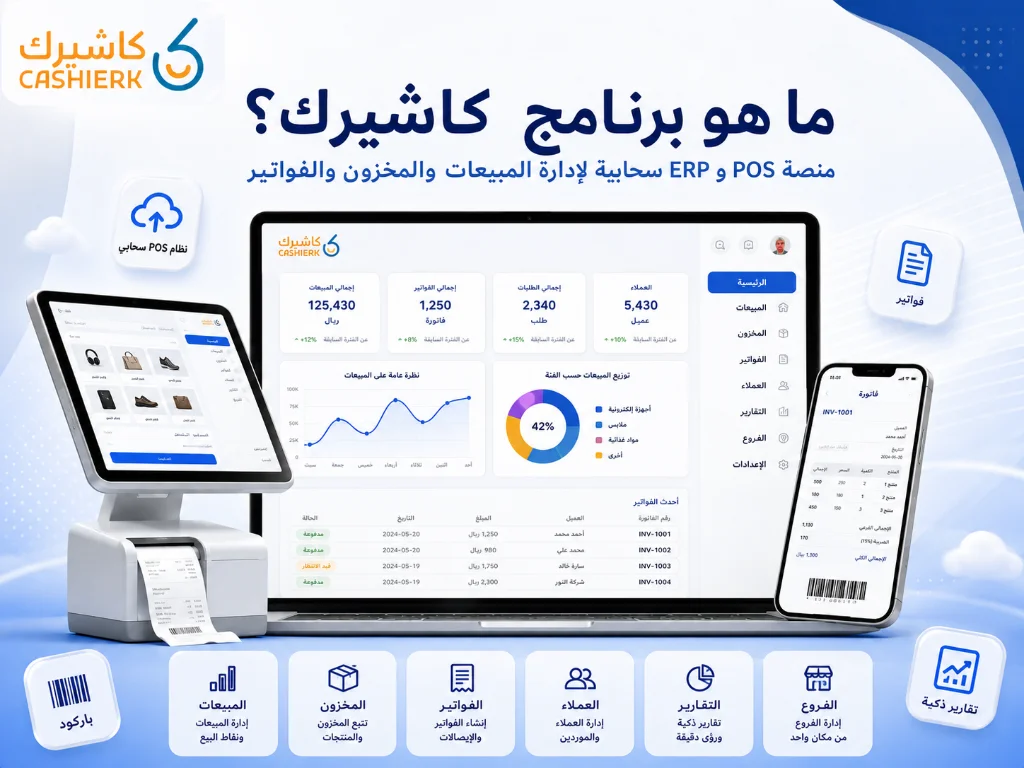
Kashierapp is a cloud system for managing your point of sale and daily business operations. It helps companies, establishments, shops, stores, restaurants and cafés manage sales, invoices, inventory, customers, branches, reports and payments from a single platform.
The core idea behind Kashierapp is that it doesn't just record the sale; it connects each sale to the rest of the business. When you issue an invoice or record an order, the system can help update your sales data, track inventory, save the customer's details and show the results in your reports.
That is why Kashierapp is best seen as a complete operating system for your business, not just simple cashier software.
What does POS mean?
POS stands for Point of Sale. It refers to the place or system through which a sale takes place between a business and its customer.
A point of sale can be inside a shop, restaurant, café, branch or showroom, or it can even be a tablet or a cloud system connected to the internet.
A modern POS system does more than record the invoice amount. It helps you manage many things, such as:
- Products and prices.
- Discounts and promotions.
- Payment methods.
- Invoices and receipts.
- Customers.
- Inventory.
- Reports.
- Branches.
- Employee permissions.
This is why cloud POS systems such as Kashierapp have become essential tools for any business that wants to manage its sales more professionally.
How does a traditional cash register differ from a POS system?
A traditional cash register usually has limited functions and is used only to record sales and print receipts. A modern POS system goes much further, because it connects the point of sale to everything that happens in the business.
| Aspect | Traditional cash register | Cloud POS system |
|---|---|---|
| Main function | Records sales and prints receipts | Manages sales, invoices, inventory and reports |
| Data storage | Usually on a single device | In the cloud, accessible according to permissions |
| Inventory management | Limited or separate | Linked to sales transactions |
| Reports | Basic or manual | Real-time reports and clearer analytics |
| Branch management | Difficult or separate | Centralized from one dashboard |
| Scalability | Limited | Ready for growth and new branches |
| Customer experience | Limited | Can be enhanced with loyalty, promotions, a digital menu and payments |
The difference is clear: a traditional cash register completes the sale, while a POS system helps you understand and manage your business after every sale.
Why do businesses need a cloud POS system?
Today's businesses need clear, fast data. Knowing your total sales at the end of the day is not enough; you need more detail to make better decisions.
A cloud POS system helps you find out:
- Which products sell best?
- Which branches perform best?
- When are your peak hours?
- Which payment methods are used most?
- Is there enough stock, or do you need a purchase order?
- Which employee or branch needs attention?
- Which customers buy most often?
- Are your invoices organized and clear?
This data helps you reduce errors, manage inventory better, raise the quality of your service and follow your business from anywhere, according to your access permissions.
What are Kashierapp's main features?
Kashierapp brings together a set of practical tools for running a business, especially for companies that don't want to juggle separate programs for sales, invoices, inventory and reports.
1. An easy-to-use POS system
Kashierapp offers a clear interface that helps staff complete sales quickly, whether in a shop, restaurant, café or branch.
Ease of use matters a great deal: it cuts training time and helps new employees get comfortable with the system quickly.
2. Daily sales management
Kashierapp helps you record sales, follow up on invoices, review transactions and see how the business is performing each day.
Instead of relying on manual calculations or late reports, you can follow sales activity more clearly from inside the system.
3. Inventory management
One of Kashierapp's most important advantages is that it links sales to inventory, so product movements and quantities become clearer.
Learn more on the Smart Inventory Management page.
4. E-invoice management
Kashierapp helps you organize invoices and link them to daily sales, which reduces manual data entry and improves the quality of your financial data.
For more, see the Kashierapp invoicing software page and the e-invoicing page.
5. Smart Reports
Reports help you understand your business instead of running it on guesswork. With reports, you can see sales, top-performing products, branches, employees and payment methods.
See the Smart Reports page.
6. Branch management
If you have more than one branch, Kashierapp helps you track branch performance from a central dashboard, while still letting you review each branch separately.
Take a look at the Advanced Branch Management page.
7. Customer management and loyalty programs
Kashierapp helps you improve the customer experience by organizing customer data and linking it to promotions and loyalty programs, depending on what your business needs.
See the Customer Loyalty Program page.
How does Kashierapp help you manage sales?
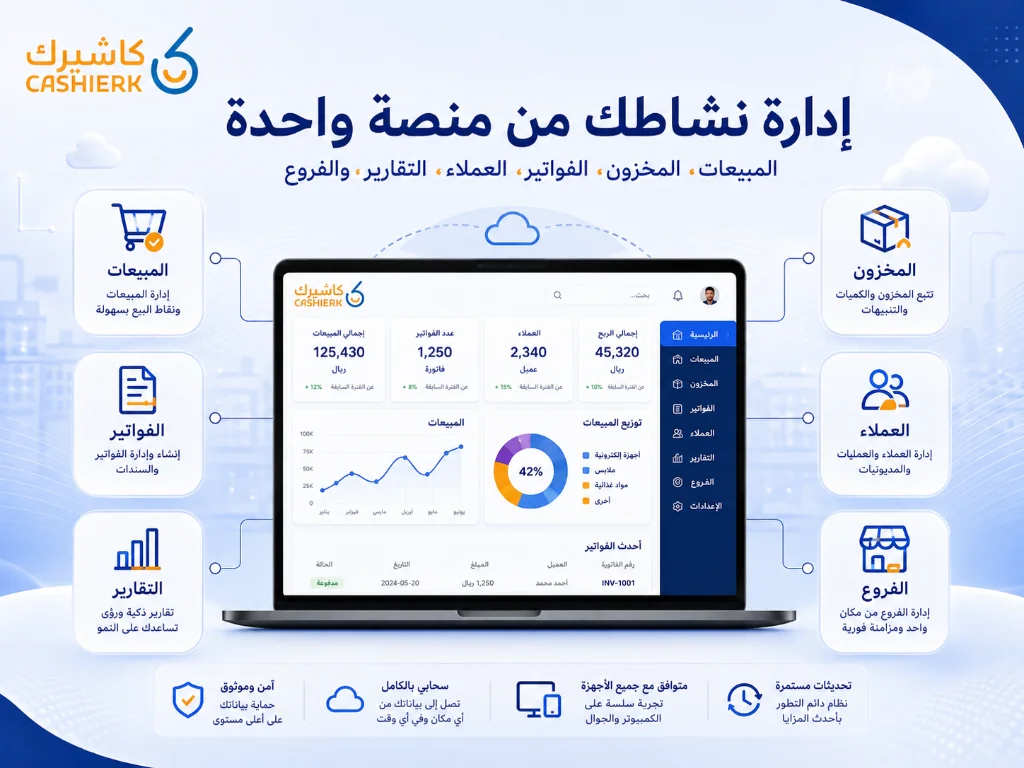
Managing sales is not just about recording invoices; it means understanding your entire sales activity. Kashierapp helps you follow daily sales and connect them to your reports, branches and employees.
With Kashierapp, you can track:
- Total sales.
- Sales per branch.
- Best-selling products.
- Peak hours.
- Payment methods.
- Discounts and promotions.
- Employee performance.
- Invoices and returns.
This data shows you the strengths and weaknesses of your business and gives you a clearer picture of daily performance.
How does Kashierapp help you manage inventory?
Inventory is one of the biggest factors in a business's profitability. Running out of products means lost sales, while excess stock ties up capital and can lead to losses from spoilage or slow-moving items.
When your cashier system is linked to inventory, tracking becomes much easier. Every sale helps update product movements, and every report gives you a clearer view of quantities and the products you need.
Kashierapp helps you:
- Track available quantities.
- Identify your fastest-moving products.
- Spot slow-moving stock.
- Reduce stocktaking errors.
- Make better purchasing decisions.
- Link sales to inventory and reports.
- Track inventory across branches.
This makes inventory management part of your daily operations instead of a separate, tiring task.
Kashierapp's role in e-invoicing
E-invoicing has become a core part of running a business in Saudi Arabia. Businesses therefore need a system that helps them issue invoices and organize sales data clearly.
Kashierapp links invoices to sales, so you don't have to record the invoice in a separate system after the sale is complete. This reduces errors and makes it easier to review invoices and reports later.
Because invoices are linked to sales, it is easier for the business owner or accountant to review revenue, taxes, returns and payments.
How does Kashierapp support branch management?
Running one branch is completely different from running several. As the number of branches grows, new challenges appear: inconsistent reports, harder inventory tracking, uneven staff performance and delays in seeing results.
Kashierapp helps multi-branch businesses by:
- Tracking sales at each branch.
- Comparing branch performance.
- Managing users and permissions.
- Monitoring cash drawers.
- Unifying product data.
- Reviewing branch reports from one place.
- Reducing reliance on manual reports.
This gives management a clear view of every branch and lets it make faster decisions when sales drop or an inventory problem appears.
Which sectors is Kashierapp right for?
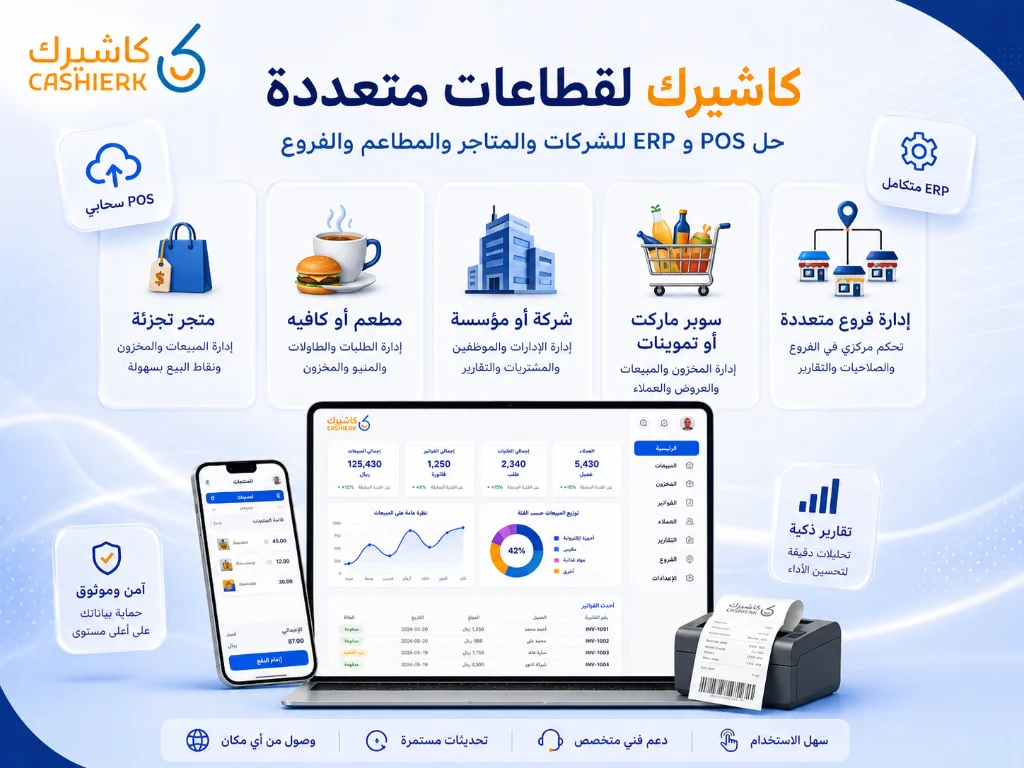
Kashierapp suits many sectors because it is not just cashier software for a single shop; it is an operating platform that helps run many different types of business.
Sectors that Kashierapp is a good fit for include:
- Companies and establishments.
- Shops.
- Retail stores.
- Supermarkets and grocery stores.
- Restaurants and cafés.
- Multi-branch businesses.
- Sales and distribution companies.
- Businesses that rely on sales reps.
- Businesses that need invoicing, inventory and reports.
For restaurants and cafés, visit the cashier software for restaurants and cafés page.
For stores, visit the POS software for stores page.
For sales and distribution teams, visit the Sales Rep Management page.
Separate programs vs. Kashierapp
Some businesses start with one program for sales, an Excel file for inventory, another program for invoices and separate reports for each branch. That may seem fine at first, but it becomes exhausting as operations grow.
| Area | Separate programs | Kashierapp |
|---|---|---|
| Sales | In a standalone program | Linked to invoices and reports |
| Inventory | Tracked separately or manually | Linked to sales activity |
| Invoices | May require duplicate data entry | Linked to the sale |
| Branches | Separate reports | Centralized tracking |
| Customers | Scattered data | Better organized for your business |
| Reports | Need to be compiled manually | Generated inside the system |
| Errors | More likely | Fewer, because the data is connected |
Using a single platform like Kashierapp helps you cut down on fragmentation, connect your data and make better operational decisions.
When do you need software like Kashierapp?
You need software like Kashierapp if your business faces one or more of these challenges:
- You have daily sales that need to be organized.
- You use more than one file or program to run your business.
- You run into errors in inventory or invoices.
- You have more than one branch.
- You need clear, fast reports.
- You want to manage customers and promotions better.
- You need to link sales to invoices.
- You want to follow your business from outside the branch.
- You plan to grow and open new branches.
- You want a cloud ERP system that helps you run your whole business.
The more daily transactions you handle, the more you need an integrated system instead of separate tools.
Is Kashierapp just cashier software or an ERP system?
Kashierapp is not just traditional cashier software. It can be considered a cloud ERP system for running your business, because it connects several parts of your operations: sales, inventory, invoices, customers, branches, reports and payments.
The difference is that simple cashier software focuses only on the sale, while an ERP system helps manage everything connected to the sale and what comes after it.
So if you are looking for a solution that helps you run your business end to end, the key is to choose a system that connects your data, not just a screen for issuing invoices.
How do you get started with Kashierapp?
Getting started with Kashierapp begins with defining the nature of your business:
- Are you a restaurant or café?
- Are you a store or retail shop?
- Do you have more than one branch?
- Do you need inventory management?
- Do you need e-invoicing?
- Do you have a sales team or sales reps?
- Do you need detailed reports?
Once your needs are clear, you can choose the settings and solutions that fit your business, whether that's a point of sale, invoicing, inventory, branches, reports or add-ons such as loyalty, a digital menu and payments.
Start by contacting the Kashierapp team to choose the right solution for your business.
FAQ about Kashierapp and POS systems
What is Kashierapp?
Kashierapp is a cloud system for managing your point of sale, sales, invoices, inventory, customers, branches and reports from a single platform.
What does POS mean?
POS stands for Point of Sale: the system a business uses to complete sales, issue invoices and process payments.
Is Kashierapp suitable for shops and stores?
Yes. Kashierapp suits shops and stores because it helps them manage sales, products, inventory, invoices and reports from one place.
Is Kashierapp suitable for restaurants and cafés?
Yes. Kashierapp suits restaurants and cafés because it helps manage sales, invoices and reports, and it can be connected to solutions that improve the customer experience, such as a digital menu.
Is Kashierapp an ERP system?
Yes. Kashierapp works as a cloud ERP system that connects sales, invoices, inventory, branches, customers and reports within one system.
Does Kashierapp work on more than one device?
Yes. Because it is a cloud system, it can be used and monitored from different devices, depending on the system settings and the permissions available to each user.
Does Kashierapp help with inventory management?
Yes. Kashierapp links sales to inventory, which makes tracking quantities and product movements easier and more organized.
Does Kashierapp support e-invoicing?
Yes. Kashierapp helps you organize and issue e-invoices and link them to your sales and reports.
What is the difference between Kashierapp and traditional cashier software?
Traditional cashier software usually focuses only on recording sales, while Kashierapp connects sales to inventory, invoices, customers, branches and reports on a single platform.
How do I start using Kashierapp?
You can start by contacting the Kashierapp team, defining your type of business and your needs, and then choosing the right settings and solutions for managing sales, invoices, inventory and reports.
Run your business from one platform
If you are looking for a system that helps you manage sales, invoices, inventory, customers, branches and reports from one place, Kashierapp gives you an integrated cloud platform suited to companies, establishments, shops, stores, restaurants, cafés and multi-branch businesses.
Instead of using several separate programs, you can rely on one system that connects your business data and helps you make clearer decisions.
Get started now by contacting the Kashierapp team and choose the solution that best fits your business.

What Is Kashierapp? Cloud Cashier Software and Its Key Features
Kashierapp cashier softwareCashier software (a point of sale (POS) system ) is one of the essential tools for managing sales...
Read the article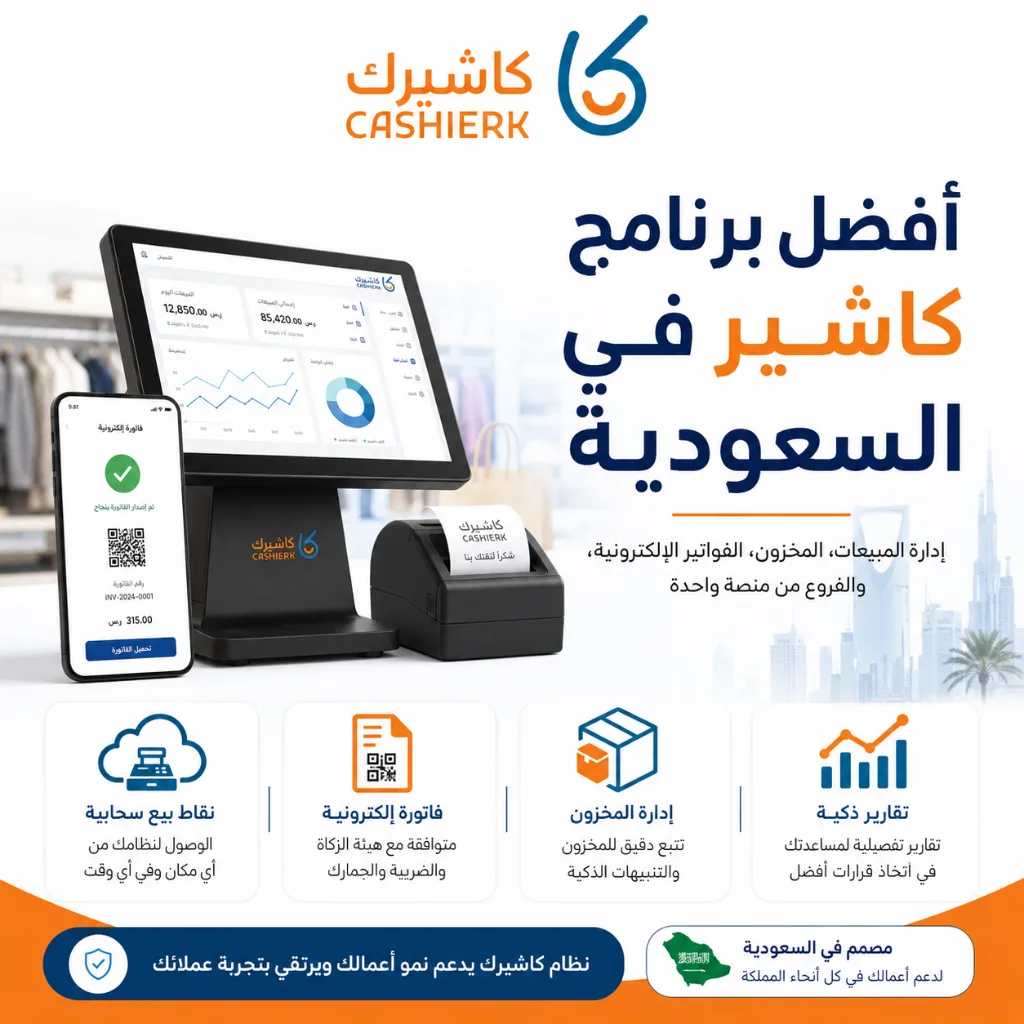
Best Cashier Software in Saudi Arabia: Sales, Stock, E-Invoices
Choosing the best cashier software in Saudi Arabia is no longer a simple decision about how fast you can issue...
Read the article
What Is a Cashier System? Types, Benefits and Kashierapp's Role
In modern commerce, a cashier system is no longer just a way to collect payments or print receipts; it has...
Read the article.webp)
Integrated Accounting Software for Saudi Businesses
Key highlightsIntegrated accounting software that meets the needs of Saudi companiesA look at the main advantages of accounting softwareThe core...
Read the article.webp)
E-Invoicing Financial Support for SMEs in Saudi Arabia
In this article, we discuss the details of e-invoicing financial support and look at how to make better use of...
Read the article
Kashierapp Sales Rep Management: Your Smart Path to Productivity
The challenges of managing sales reps the traditional wayBefore technology solutions arrived, small and medium-sized companies, and even some large...
Read the article Riyadh - King Fahd Road - Al Yamamah Tower, 1st Floor - Office 102

