
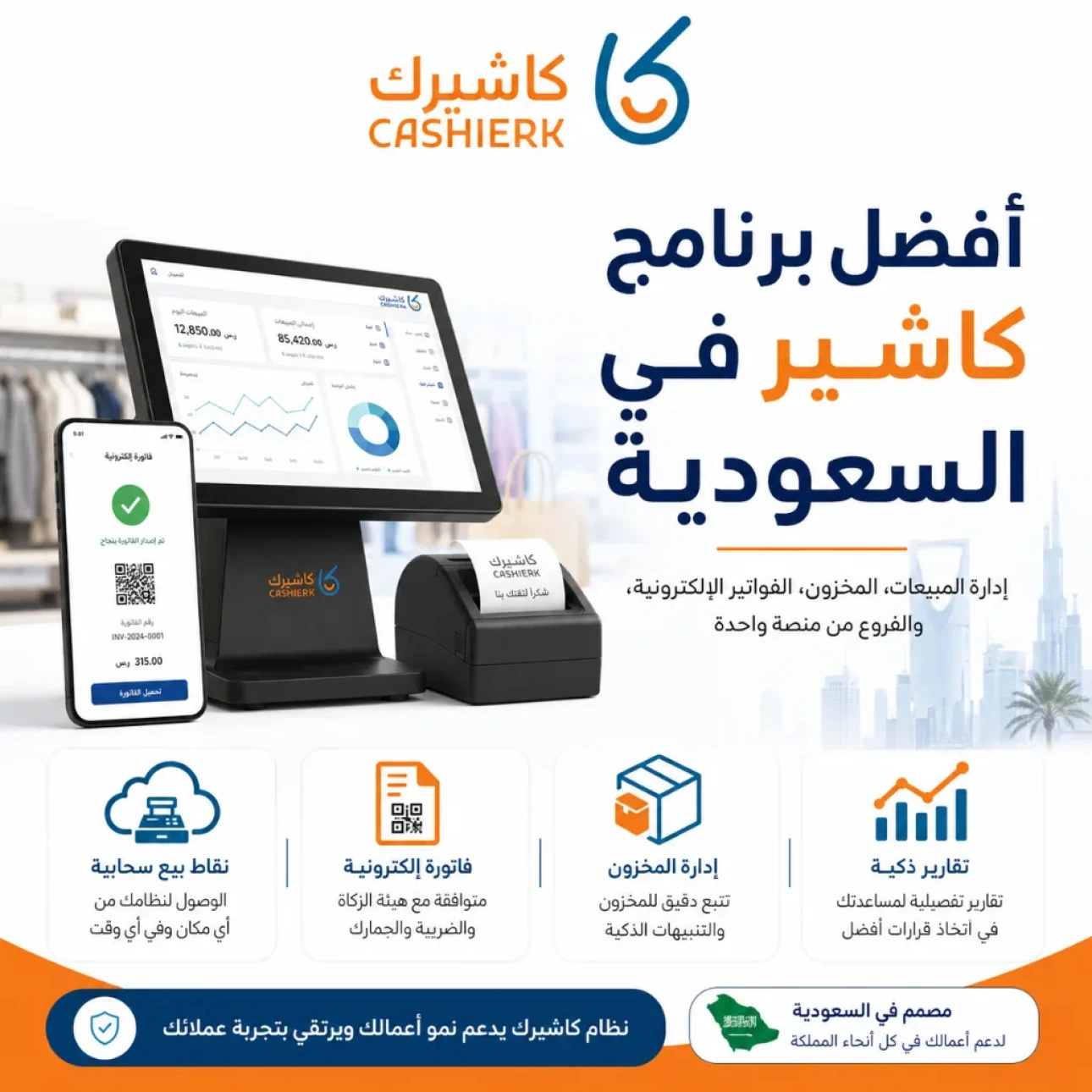
Best Cashier Software in Saudi Arabia: Sales, Stock, E-Invoices
Choosing the best cashier software in Saudi Arabia is no longer a simple decision about how fast you can issue an invoice. It has become an important operational decision that affects your sales, inventory, e-invoices, branch management, reporting and customer experience.
Any business that depends on daily sales, whether it is a shop, a store, a restaurant, a café, a company or an establishment, needs a system that helps it manage the entire business from one place, not just software that records a sale and prints a receipt.
This is where Kashierapp comes in: an integrated cloud ERP that brings together a point of sale (POS) system, e-invoicing, inventory management, branch management, reports, customers, payments and day-to-day operating tools for different types of businesses.
Table of contents
What is cashier software?
Why do you need professional cashier software in Saudi Arabia?
What is the difference between traditional and cloud cashier software?
How do you choose the best cashier software in Saudi Arabia?
Why is Kashierapp a good choice for businesses?
Kashierapp features for sales management
Managing branches and cash registers in Kashierapp
Inventory management linked to sales
E-invoicing and ZATCA compliance
Smart Reports and how they help your business grow
What hardware can you use with a cashier system?
Which businesses is Kashierapp suitable for?
Common mistakes when choosing cashier software
Frequently asked questions
What is cashier software?
Cashier software is a system used to manage sales within a business. It covers recording products, calculating the bill, processing payments, issuing receipts or invoices, and linking each sale to other operational data such as inventory, reports and customers.
In the past, cashier software was simply a tool for ringing up the customer and printing a receipt. Today, the cashier system is part of an integrated management platform that lets business owners see what is happening in their business in real time.
Modern cashier software should help you:
Record sales quickly and accurately.
Issue invoices and receipts.
Track inventory after every sale.
Manage different payment methods.
Monitor branches and cash registers.
Analyze sales and reports.
Organize customers and offers.
Reduce manual errors.
Support e-invoicing according to your business's requirements.
So when you look for cashier software, don't just look for a sales screen; look for a system that helps you run your entire business.
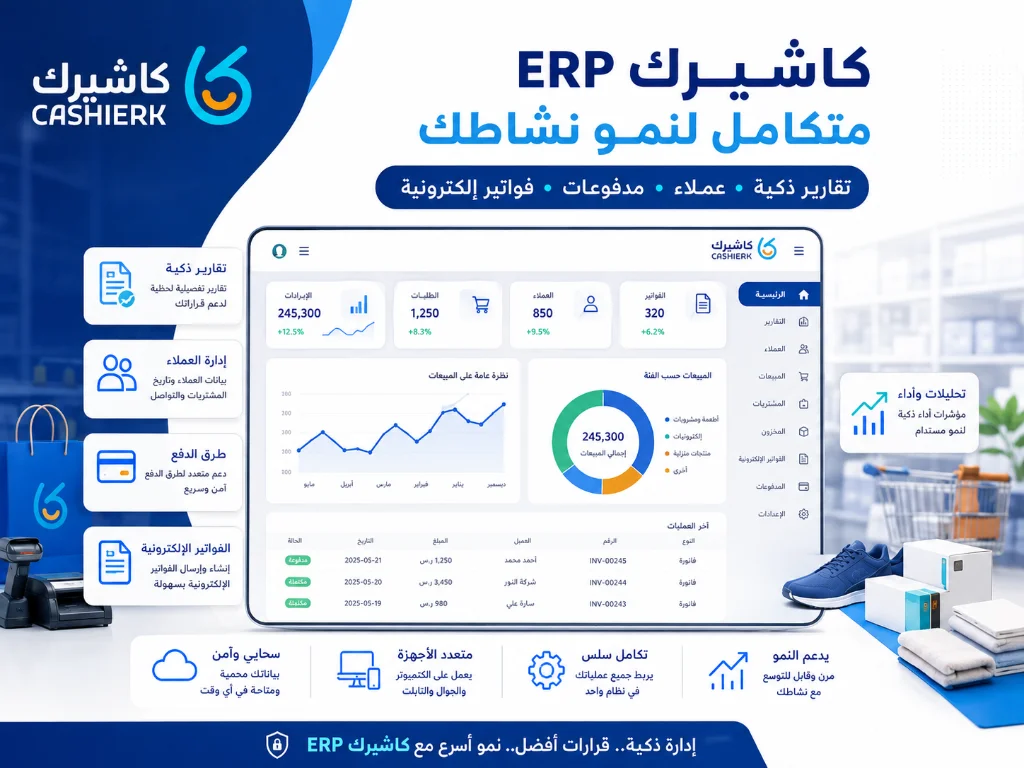
Why do you need professional cashier software in Saudi Arabia?
The Saudi market is going through a major shift in how sales, invoices and reports are managed, especially with the spread of cloud POS systems, the phased rollout of e-invoicing, and businesses' need for accurate data to make faster decisions.
Professional cashier software helps you:
Cut waiting times at the point of sale.
Improve the customer experience in your branch.
Reduce calculation and discount errors.
Know your best-selling products.
Track inventory and available quantities.
Issue well-organized invoices.
Link sales to reports.
Manage several branches from a single dashboard.
Improve control over staff and cash registers.
Support business growth instead of relying on separate tools.
If you run a shop, a store, a restaurant or a company with daily sales, a professional cashier system is no longer a luxury; it is an essential part of running your business efficiently.
What is the difference between traditional and cloud cashier software?
Before choosing the best cashier software in Saudi Arabia, it is important to understand the difference between a traditional cashier system and a cloud cashier system.
| Comparison | Traditional cashier | Cloud cashier |
|---|---|---|
| Where data is stored | Usually on a device in the branch | On a cloud system that can be accessed according to user permissions |
| Branch monitoring | Limited and difficult | Centralized from a single dashboard |
| Reports | Limited or require manual export | Instant reports and monitoring dashboards |
| Inventory | May be separate from sales | More clearly linked to sales |
| Updates | May need technical intervention | Easier and faster |
| Scalability | Limited | Suited to growth and opening new branches |
| User management | Basic or limited | Multiple role-based permissions |
Cloud cashier software like Kashierapp gives you more flexibility in monitoring your business because it doesn't tie you to a single device or branch; instead, it helps you manage sales, branches and reports from one platform.
How do you choose the best cashier software in Saudi Arabia?
Your choice of cashier software should be based on what your business actually needs, not just on price or name. Here are the most important criteria to review.
1. E-invoicing support
If your business operates in Saudi Arabia, choose a system that helps you issue well-organized invoices that meet e-invoicing requirements. The software should support your business details, tax, invoice data and the issuing methods that suit your type of business.
You can learn more on the Kashierapp e-invoicing page.
2. Ease of use
The cashier interface should be easy for staff to use, especially in businesses that depend on fast service, such as restaurants, cafés and retail shops.
The easier the system, the fewer the errors and the faster the sales.
3. Inventory management
The best cashier software links each sale to inventory, so quantities are updated after every sale and the business owner can clearly see how products are moving.
See the Smart Inventory Management page to learn how inventory management improves your operations.
4. Branch management
If you have more than one branch, you need a system that lets you monitor each branch separately while also giving you a unified view of overall performance.
You can check out the Advanced Branch Management page.
5. Reports and analytics
Reports show you your sales, most popular products, peak times, branch performance, staff performance and inventory movement.
A system without strong reporting leaves you running your business on guesswork. That is why Smart Reports are an important part of any professional cashier software.
6. Support for different sectors
A good system should serve more than one type of business, such as shops, stores, restaurants, cafés, companies, establishments and multi-branch businesses.
7. Scalability
You may start with one branch, but over time you will need more branches, users, permissions, larger inventory, deeper reports and more sales channels connected. So choose a system that can grow with your business.
Why is Kashierapp a good choice for businesses?
Kashierapp is a good choice because it is more than just cashier software: it works as an integrated cloud ERP for managing your business.
Kashierapp brings together:
Point of sale (POS).
E-invoicing.
Sales management.
Inventory management.
Branch management.
Customer management.
Smart Reports.
Payments.
Digital menu.
Loyalty programs.
Sales Rep Management.
Operating solutions suited to companies, establishments, shops, stores, restaurants and cafés.
This integration reduces your reliance on separate systems and keeps your business data connected, from the sale all the way to the reports.
Kashierapp features for sales management
1. Fast, accurate sales recording
Kashierapp helps staff record sales quickly, whether customers pay in cash or by electronic payment, while reducing errors caused by manual calculation.
2. Price and discount management
Prices, discounts and offers can be organized within the system, which helps you apply a clear sales policy across your branches.
3. Invoices and receipts
Kashierapp helps you issue invoices and receipts in an organized way and link them to the sale and to customer data when needed.
For more specialized invoice management, visit the Kashierapp invoicing software page.
4. Payment method tracking
The system supports organizing different payment methods, which makes it easier to review payments and sales.
5. Customer management
With Kashierapp, you can organize customer data, track purchase history and improve the customer experience with offers and loyalty rewards.
You can learn more on the Customer Loyalty Program page.
Managing branches and cash registers in Kashierapp
Branch management is one of the key things that separate basic cashier software from an integrated operating system. If you have more than one branch or plan to expand, you need a system that lets you manage each branch clearly.
Kashierapp helps you:
Add branches to the system.
Track each branch's sales.
Compare branch performance.
Manage users and permissions.
Monitor cash registers and sales transactions.
Generate separate or consolidated reports.
Rely less on manual reports from each branch.
Instead of each branch running on its own system, Kashierapp helps you unify management while still being able to monitor each branch individually.
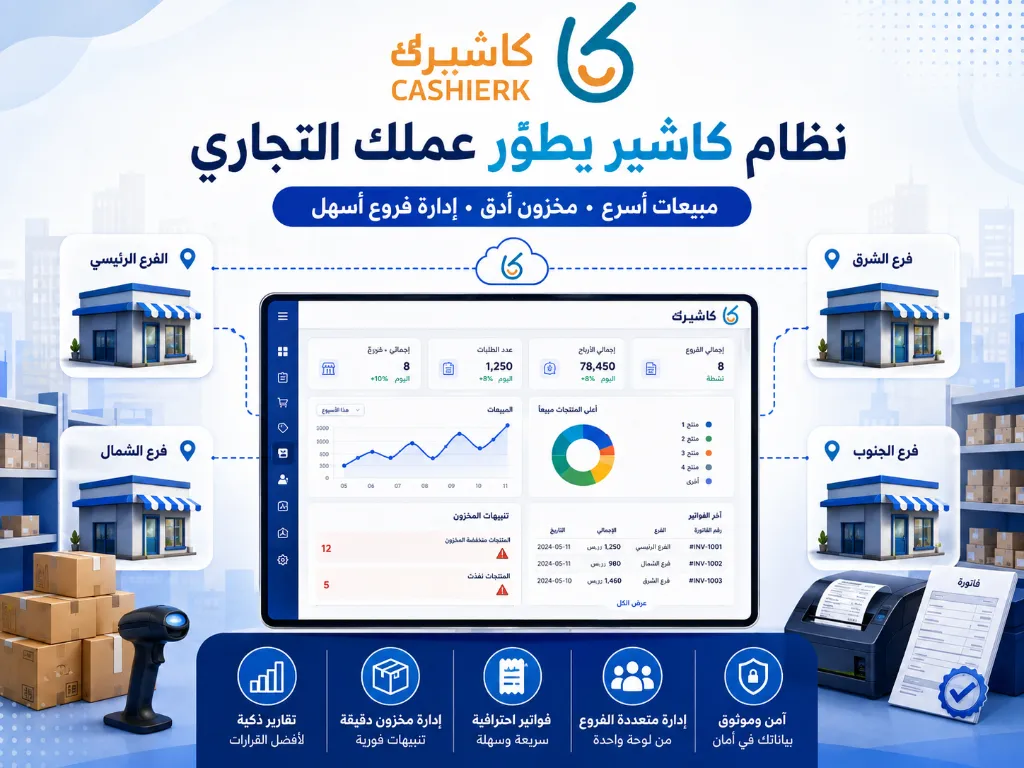
Inventory management linked to sales
Inventory is one of the most sensitive parts of any business. Running out of a product can mean lost sales, while excess stock can mean tied-up capital or losses from spoilage or slow movement.
Kashierapp helps you link sales to inventory, so product movement becomes clearer after every sale.
Benefits of managing inventory within your cashier system include:
Knowing the available quantities.
Tracking your fastest-moving products.
Fewer manual stocktaking errors.
Identifying slow-moving products.
Better purchasing decisions.
Lower risk of shortages or overstocking.
Linking inventory to reports and sales.
This matters for shops, stores, restaurants and cafés, because every sale should be reflected in the management of products or ingredients, depending on the type of business.
E-invoicing and ZATCA compliance
With e-invoicing now in force in Saudi Arabia, businesses need systems that help them issue and store invoices electronically in an organized way.
E-invoicing in Saudi Arabia is applied in two phases: Phase 1 (Generation), covering issuing and storing invoices, which began on 4 December 2021, and Phase 2 (Integration), which has been rolled out gradually in waves since 1 January 2023. That is why it is important to choose an invoicing and cashier system that helps you manage invoices in line with ZATCA's requirements, based on your business's status and the wave it falls under.
Kashierapp helps you organize your invoices and link them to sales and reports, reducing manual data entry and making it easy for the business owner or accountant to review the data.
Smart Reports and how they help your business grow
Reports are the difference between running your business on guesswork and running it on data. Good cashier software doesn't just issue invoices; it helps you understand how your business is performing.
With reports, you can see:
Total sales.
Sales by branch.
Sales by employee.
Best-selling products.
Peak times.
Most-used payment methods.
Inventory movement.
Performance of offers and discounts.
Growth or decline trends.
This data helps you make better decisions, such as increasing stock of a particular product, adjusting offers, optimizing staffing at peak times or improving the performance of a specific branch.
What hardware can you use with a cashier system?
A cashier system usually relies on a set of devices that speed up sales and keep the checkout organized. The hardware may vary depending on the type of business.
The most common cashier hardware includes:
Sales screen
Used to display products, record orders and complete sales.
Invoice or receipt printer
Used to print invoices or receipts for the customer, depending on the type of business.
Barcode scanner
Helps scan products quickly in stores, supermarkets and retail shops.
Cash drawer
Used by businesses that accept cash payments.
Electronic payment terminals
Used to accept payments by card or digital payment methods.
Tablets
Suitable for businesses that need flexibility in taking orders or selling from more than one point.
The right hardware depends on the nature of your business; not every business needs the same equipment.
Which businesses is Kashierapp suitable for?
Kashierapp serves a wide range of sectors because it combines ERP, point of sale, invoicing and reporting.
Kashierapp is suitable for:
Companies and establishments.
Shops.
Retail stores.
Supermarkets and grocery stores.
Restaurants and cafés.
Multi-branch businesses.
Sales and distribution companies.
Businesses that rely on sales reps.
Businesses that need inventory, invoicing and reporting.
For restaurants and cafés, visit the cashier software for restaurants and cafés page.
For stores, visit the POS software for stores page.
To manage sales teams, visit the Sales Rep Management page.
Common mistakes when choosing cashier software
1. Choosing the cheapest software
Price matters, but it is not the only factor. The cheapest software may lack important features such as reports, inventory, branch management, e-invoicing or technical support.
2. Ignoring future growth
You may start with one branch, but as you expand you will need a system that supports more branches, users, permissions and broader reports.
3. Not linking the cashier to inventory
If the cashier doesn't update inventory, you will still need tiring manual checks, and quantity discrepancies may appear.
4. Relying on a system without adequate reports
Without reports, you won't know which products perform best or which branches need improvement.
5. Overlooking technical support
Any downtime at the point of sale can hit sales directly, so choose a system that offers proper technical support.
6. Choosing a system that doesn't fit your business
Cashier software built for a small shop may not suit a restaurant or a multi-branch company. So choose a flexible system that fits the way you work.
Summary: what is the best cashier software in Saudi Arabia?
The best cashier software in Saudi Arabia is the one that helps you run your entire business, not just record sales. It should combine point of sale, e-invoicing, inventory, branches, customers, reports and ease of use.
If you are looking for an integrated cloud ERP that helps you run your company, establishment, store or restaurant from a single platform, Kashierapp offers a complete operating system that helps you improve management, reduce errors and make better decisions.
Get started now by contacting the Kashierapp team to choose the solution that best fits your business.
Frequently asked questions about the best cashier software in Saudi Arabia
What is the best cashier software in Saudi Arabia?
The best cashier software is a system that combines easy selling, inventory management, e-invoicing, reports and branch management, and that supports the nature of your business. Kashierapp is a good choice because it offers an integrated ERP and POS platform.
Is Kashierapp suitable for shops and stores?
Yes. Kashierapp is suitable for shops and stores because it helps you manage sales, products, inventory, invoices, payment methods and reports from one place.
Is Kashierapp suitable for restaurants and cafés?
Yes. Kashierapp is suitable for restaurants and cafés because it helps organize sales, invoices and reports, and it can be connected to solutions that enhance the customer experience, such as the digital menu.
Is Kashierapp an ERP system?
Yes. Kashierapp works as an integrated cloud ERP that helps you manage sales, invoices, inventory, branches, customers, reports and day-to-day operations according to your business's needs.
Does cashier software help with inventory management?
Yes. Integrated cashier software links sales to inventory, making it easier and more accurate to track quantities and products.
Does Kashierapp support e-invoicing?
Yes. Kashierapp helps businesses organize their e-invoices and link them to sales and reports, in line with e-invoicing requirements in Saudi Arabia.
Can I manage more than one branch with Kashierapp?
Yes. You can use Kashierapp to manage branches and track sales, cash registers and reports from a central dashboard.
What hardware do I need to run cashier software?
Depending on your type of business, you may need a sales screen, an invoice printer, a barcode scanner, a cash drawer and electronic payment terminals. Some businesses may also need tablets or additional equipment.
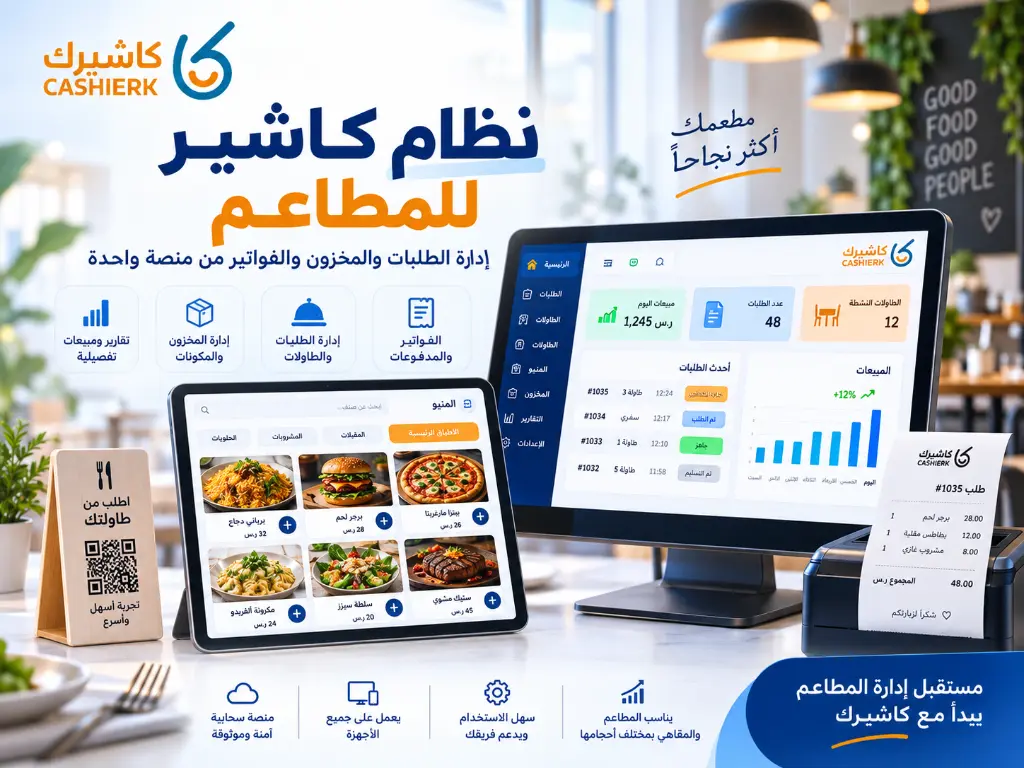
Restaurant POS System: Manage Orders, Inventory and Invoices
Running a restaurant is no longer just about great food or fast service. It now takes a clear operating system...
Read the article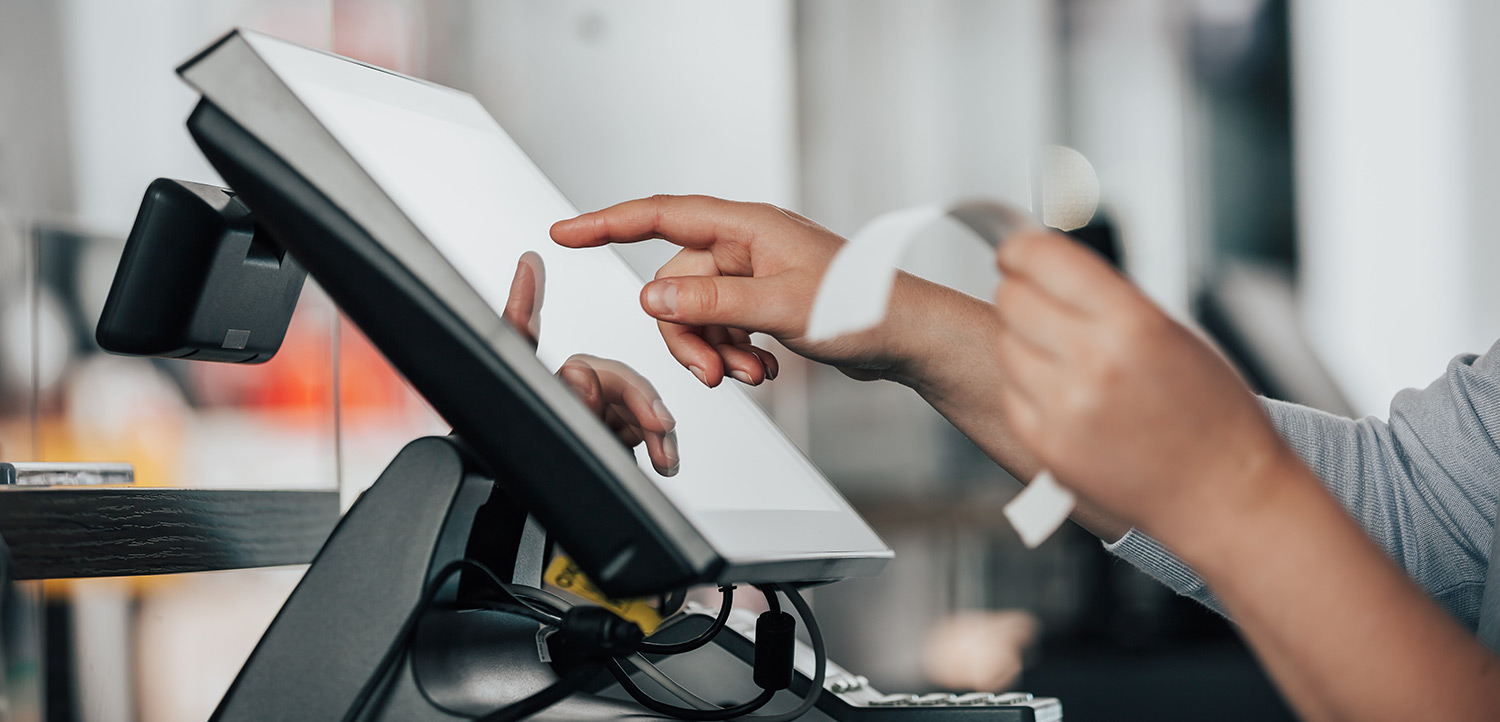
The Best Cloud Cashier Software in Saudi Arabia
With technology evolving so rapidly, traditional ways of running stores and businesses no longer work. Relying on technology has become...
Read the article.webp)
Integrated Accounting Software for Saudi Businesses
Key highlightsIntegrated accounting software that meets the needs of Saudi companiesA look at the main advantages of accounting softwareThe core...
Read the article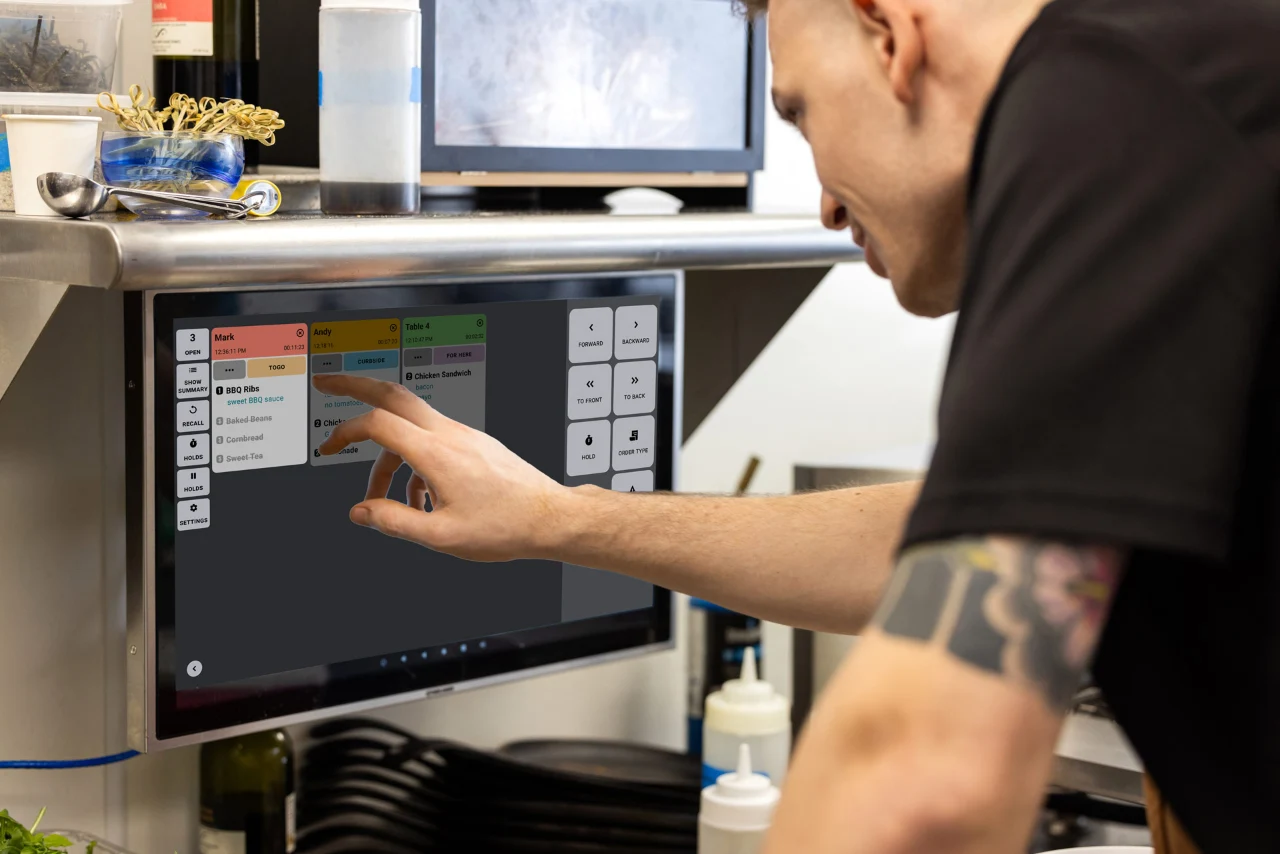
Restaurant POS Software: Managing Tables, Orders and the Kitchen
This article is a practical guide to managing tables, orders and the kitchen with a modern cashier system that supports...
Read the article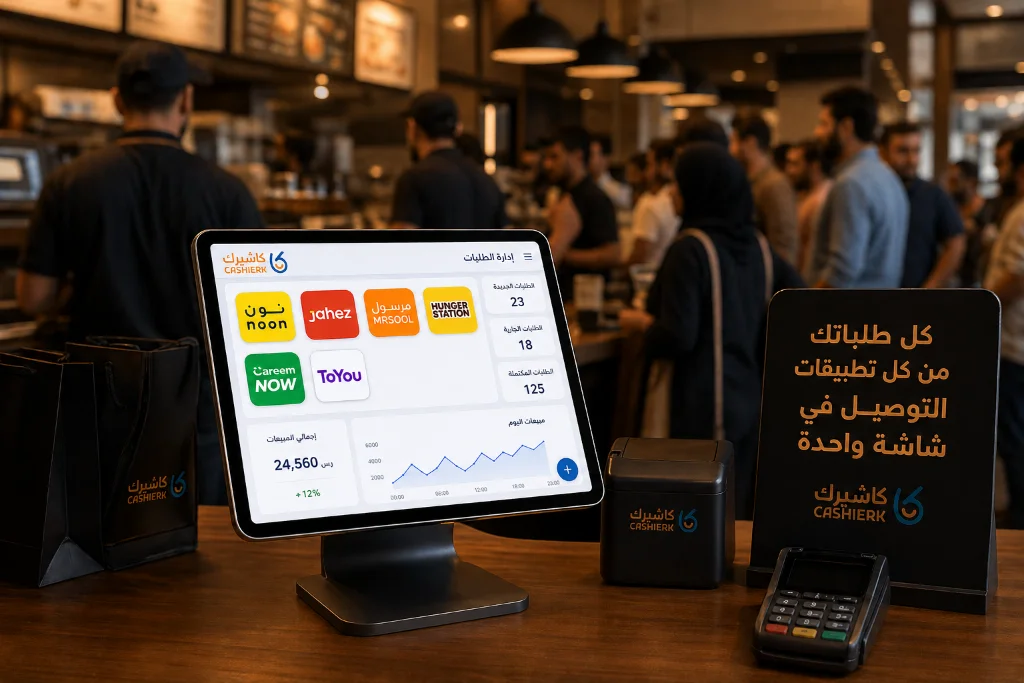
Best iPad Cashier Software to Manage Delivery Orders in One Place
Delivery apps such as Jahez, HungerStation and ToYou have become an indispensable partner for increasing sales and reaching new customer...
Read the article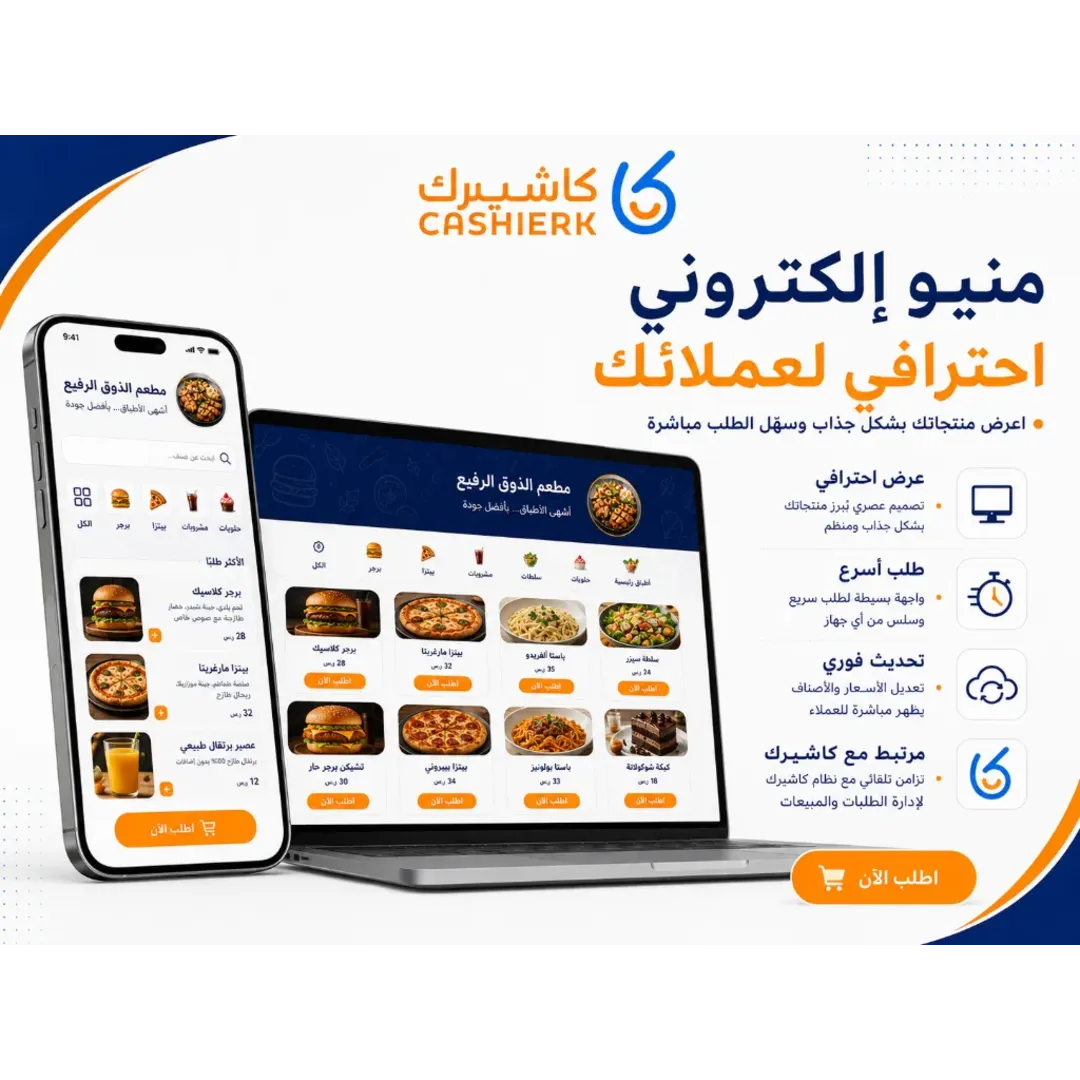
Best Cashier Software in Saudi Arabia for Restaurants and Stores
Choosing the best cashier software in Saudi Arabia is no longer just about selling quickly; it has become a core...
Read the article Riyadh - King Fahd Road - Al Yamamah Tower, 1st Floor - Office 102

