

Restaurant POS System: Manage Orders, Inventory and Invoices
Running a restaurant is no longer just about great food or fast service. It now takes a clear operating system that connects orders, tables, the kitchen, invoices, inventory, payments and reports. That is why a restaurant cashier system has become essential for any restaurant that wants to reduce errors, improve the customer experience and run more efficiently.
A restaurant that records orders by hand or relies on a limited, traditional cash register can run into recurring problems: delayed orders, invoice mistakes, poor inventory tracking, difficulty identifying best-selling items, and little visibility into the performance of staff or branches.
This is where Kashierapp's restaurant cashier software comes in. It helps restaurant and café owners manage their daily operations from a single cloud point of sale, from taking the order to issuing the invoice and reviewing the reports.
Table of contents
- What is a restaurant cashier system?
- Why do restaurants need a professional cashier system?
- How does restaurant POS software work?
- Key features of a restaurant cashier system
- Managing orders and tables in the restaurant
- Managing the menu, prices and add-ons
- Managing restaurant inventory and ingredients
- E-invoicing and payments in restaurants
- Smart reports and restaurant performance analysis
- Traditional cash register vs. cloud restaurant POS
- How to choose the best restaurant POS software
- Why Kashierapp is a good fit for restaurants and cafés
- Common mistakes when choosing a restaurant cashier system
- FAQ about restaurant cashier systems
What is a restaurant cashier system?
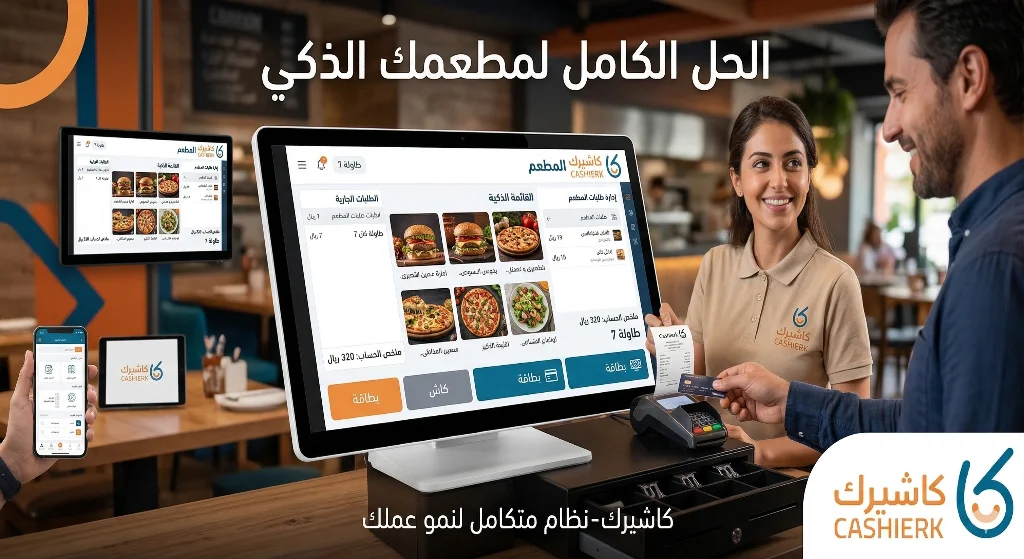
A restaurant cashier system is point of sale software designed to manage sales and operations in restaurants and cafés. Its role goes well beyond issuing invoices: it helps organize orders, track tables, send orders to the kitchen, manage payment methods, update inventory and analyze sales.
Put simply, the cashier system is the control center for a restaurant's daily sales. When a staff member takes a customer's order, it is entered into the system, linked to the invoice, and may be routed to the kitchen, the bar or the preparation station, depending on how the restaurant works.
With modern cloud systems such as Kashierapp, restaurant owners can track sales, reports and branches from anywhere, according to their user permissions, instead of depending on a single device inside the branch.
Why do restaurants need a professional cashier system?
Restaurants are different from many other businesses because their sales cycle is fast and has many moving parts. A single order may include items, add-ons, notes, discounts, delivery, a table, a staff member, a payment method, and a full or simplified tax invoice.
A professional cashier system helps a restaurant:
- Take orders faster.
- Reduce invoicing errors.
- Improve communication between the cashier and the kitchen.
- Track order status.
- Organize tables and off-premises orders.
- Update prices and the menu easily.
- Track inventory and ingredients.
- Identify the most-ordered items.
- Analyze sales by day, period or branch.
- Support e-invoicing according to the requirements that apply to the business.
- Improve the customer experience and cut waiting times.
All of this makes a restaurant cashier system an essential operating tool, not just a program for collecting payments.
How does restaurant POS software work?
Restaurant POS software works by connecting every step of an order within one system. The process starts with selecting items and adding notes or add-ons, then sending the order to the kitchen or holding it on a table, and finally issuing the invoice and taking payment.
A typical cycle in a restaurant looks like this:
- Select the table or order type: dine-in, takeaway or delivery.
- Add items from the menu.
- Specify any add-ons or special notes for the order.
- Send the order to the kitchen or preparation station.
- Track the order status.
- Issue the invoice.
- Choose the payment method.
- Update sales data and reports.
- Link the sale to inventory where needed.
This cycle keeps work more organized and helps staff serve customers faster, especially during peak hours.
Learn more about Kashierapp's smart POS system.
Key features of a restaurant cashier system
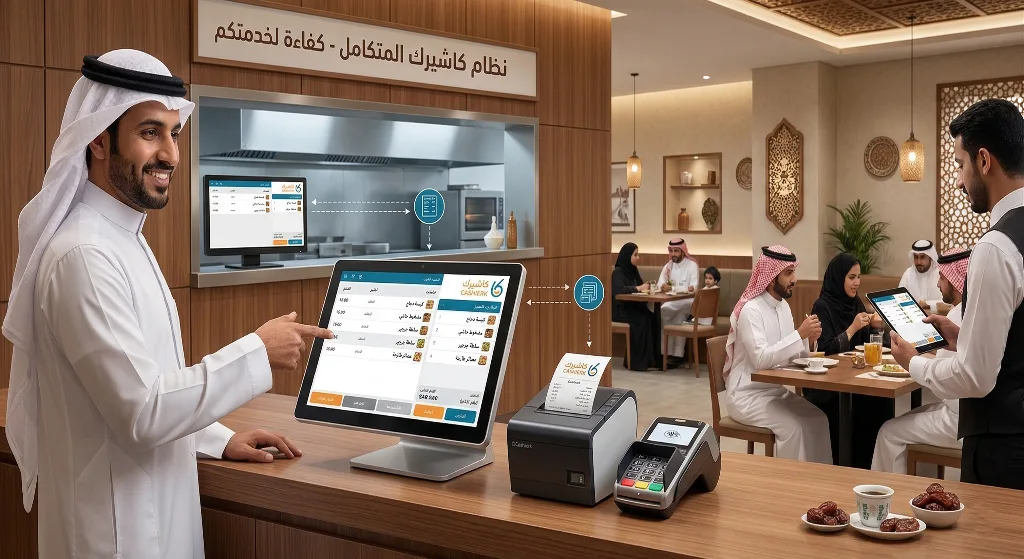
A good restaurant cashier system should fit the way a restaurant actually runs day to day, not just provide a generic sales screen. It needs to combine ease of use with strong management tools.
1. Fast order entry
The system should let staff enter an order in seconds and easily choose items, quantities, add-ons, notes and discounts.
2. Table management
If your restaurant offers dine-in service, table management is essential. The system shows you which tables are occupied, which orders are open, and which invoices belong to each table.
3. Takeaway and delivery order management
Restaurants that offer takeaway or delivery need a system that separates orders by type and tracks each order from receipt to handover.
4. Menu management
The menu changes constantly: new items, new prices, promotions, add-ons and items that are temporarily unavailable. Updating the menu should therefore be quick and easy.
You can improve the customer experience further with a digital menu.
5. Invoicing
A restaurant cashier system should help you issue invoices and receipts quickly, with the required details such as tax, total, discounts and payment method.
For broader invoice management, see Kashierapp's invoicing software.
6. Inventory tracking
Every sale in a restaurant can affect inventory or ingredients. Linking sales to inventory helps you reduce waste and keep track of your key items.
See Smart Inventory Management to learn more.
7. Reports and analytics
Reports show you your best-selling items, peak hours, branch performance, payment methods and average order value.
Take a look at Smart Reports.
Managing orders and tables in the restaurant
One of the most common problems restaurants face is not knowing the status of orders. Has the order been sent to the kitchen? Has it been prepared? Has the invoice been paid? Is the table still open?
A restaurant cashier system organizes all of this through a clear interface for staff, so orders are recorded and tracked more reliably.
Examples of what the system can organize:
- Dine-in orders.
-
Takeaway orders.
- Delivery orders.
- Open tables.
- Modified orders.
- Discounts.
- Split bills.
- Authorized returns or cancellations.
- Different payment methods.
This reduces confusion in the restaurant and helps the team serve customers quickly and clearly.
Managing the menu, prices and add-ons
A restaurant menu is more than a list of items. Each item may have a size, add-ons, notes, a different price, tax or an availability status. Menu management in the cashier system therefore needs to be flexible.
A restaurant cashier system helps you:
- Add items and categories.
- Change prices quickly.
- Disable an item that is temporarily unavailable.
- Add options such as size or add-ons.
- Organize promotions and discounts.
- Link items to invoices and reports.
- Avoid price mismatches between the menu and the cashier.
When the digital menu is connected to the cashier system, the customer experience becomes more organized, especially if customers can browse items or order from their table.
Managing restaurant inventory and ingredients
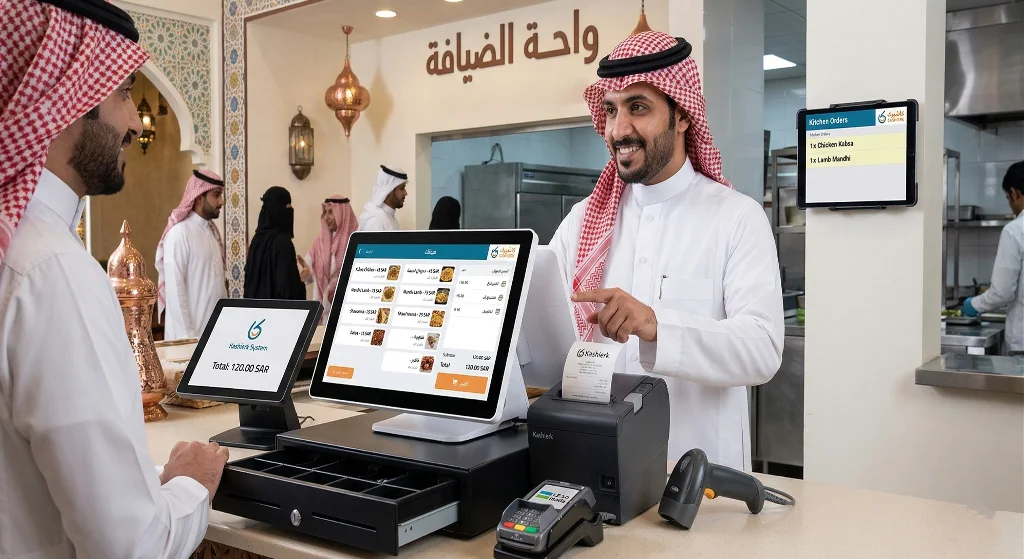
Restaurant inventory is harder to manage than a regular store's, because a restaurant does not only sell ready-made products; it often sells dishes made from several ingredients. The system should therefore help you track the movement of items and ingredients in an organized way.
Inventory management matters in restaurants because it helps you:
- Reduce waste.
- Spot items that are running low.
- Track the most-used ingredients.
- Make better purchasing decisions.
- Avoid overstocking.
- Track slow-moving items.
- Support stocktaking and reviews.
- Link sales activity to inventory reports.
When inventory is linked to sales, restaurant owners can see how each day of trading affects available stock instead of discovering shortages too late.
E-invoicing and payments in restaurants
In Saudi Arabia, e-invoicing has become an important part of running a business, including restaurants and cafés. Phase 1 of e-invoicing started on December 4, 2021, while Phase 2, the Integration phase, has been rolled out gradually since January 1, 2023.
The cashier system used in your restaurant must therefore be able to issue properly structured invoices and support e-invoicing requirements according to your business's status and the wave it falls under.
It is also worth noting that searches for phrases like approved restaurant cashier software are very common, but in practice the more accurate check is whether the system complies with e-invoicing requirements, because ZATCA states that its list of solution providers is for guidance only and does not constitute technical approval of the listed solutions.
On the payments side, a restaurant needs to accept more than one payment method, such as cash, cards or electronic payment solutions. You can learn about payment solutions on the Kashierapp Pay page.
Smart reports and restaurant performance analysis
Reports are the difference between running a restaurant on guesswork and running it on data. Instead of relying on a feeling that a certain item sells well, you can see the actual numbers in the system.
A restaurant cashier system helps you track:
- Total sales.
- Sales per branch.
- Best-selling items.
- Slow-moving items.
- Peak hours.
- Average invoice value.
- Staff performance.
- Payment methods.
- Discounts and promotions.
- Invoices and returns.
- Inventory movement.
This data helps you make better day-to-day decisions, such as preparing more of a particular item, adjusting the staff schedule, dropping a weak item or launching a promotion at the right time.
Traditional cash register vs. cloud restaurant POS
| Criterion | Traditional cash register | Cloud restaurant POS |
|---|---|---|
| Order entry | Basic sales recording | Order, table and invoice management |
| Data access | Usually from one device in the branch | From a cloud dashboard, based on permissions |
| Menu management | Limited or manual | Easy updates to items and prices |
| Inventory management | Separate or limited | Better link between sales and inventory |
| Reports | Simple or manual | Real-time reports and analytics |
| Branches | Each branch managed separately | Centralized branch management |
| E-invoicing | May need a separate system | Supported within the operating platform |
| Customer experience | Limited | Can be enhanced with a digital menu, loyalty and payments |
If your restaurant depends on daily sales volume, a cloud POS system gives you far more flexibility in management and monitoring than a traditional cash register.
How to choose the best restaurant POS software
Choosing the best POS software for restaurants is not just about price; it is about how well the system fits the way your restaurant operates.
Before subscribing to any system, ask the following questions:
- Is the system easy for staff to use?
- Does it support order and table management?
- Can the menu and prices be updated easily?
- Does it support e-invoicing?
- Can it be linked to inventory?
- Does it provide clear sales reports?
- Does it support multiple branches?
- Does it support different permission levels for staff?
- Does it handle dine-in, takeaway and delivery orders?
- Does it offer adequate technical support?
- Will it help you grow in the future?
If a system does not cover these points, it may be fine for simple sales, but it will not help you run your restaurant efficiently as you expand.
Why Kashierapp is a good fit for restaurants and cafés
Kashierapp suits restaurants and cafés because it brings day-to-day operating tools and cloud management together in one platform. It does more than issue invoices: it helps you manage the entire sales cycle.
What Kashierapp offers restaurants:
- A cloud POS system.
- Order management.
- Invoice management.
- Inventory management.
- Sales reports.
- Branch management.
- A better customer experience through the digital menu.
- Support for loyalty programs and promotions.
- Organized payment methods.
- Sales data linked to reports.
- Suitable for restaurants, cafés and multi-branch businesses.
If you have more than one branch, see Advanced Branch Management.
And if you want more customers to come back, see the Customer Loyalty Program.
Common mistakes when choosing a restaurant cashier system
1. Choosing a generic system that doesn't suit restaurants
Some cashier systems work for simple sales but don't support restaurant essentials such as tables, orders, add-ons or the menu.
2. Ignoring inventory management
Inventory management is crucial in restaurants, especially with perishable ingredients and fast-moving items.
3. Neglecting reports
Without reports, you won't know precisely which items perform best, which times are busiest, or which branch needs improvement.
4. Choosing a system that can't scale
You may start with one branch, but as you expand you will need branch management, permissions and centralized reporting.
5. Separating invoicing from the point of sale
If your invoicing software is separate from the cashier, you may have to enter the same data more than once, which increases errors and slows work down.
6. Overlooking the customer experience
A digital menu, fast ordering, flexible payment methods and loyalty rewards all improve the customer experience and increase the chances that customers come back.
Checklist before choosing a restaurant cashier system
Before you choose a system, go through this checklist:
- Does it support order management?
- Does it work for dine-in, takeaway and delivery?
- Does it support table management?
- Can the menu be edited easily?
- Does it support add-ons and notes?
- Is it linked to inventory?
- Does it support e-invoicing?
- Does it provide clear reports?
- Does it support multiple branches?
- Can staff permissions be managed?
- Does it support the payment methods you need?
- Does it offer technical support when needed?
This checklist helps you choose a system that truly serves your restaurant's operations, rather than a limited program whose weaknesses only show up after you start using it.
FAQ about restaurant cashier systems
What is a restaurant cashier system?
A restaurant cashier system is POS software that helps manage orders, invoices, payments, inventory, reports and tables in restaurants and cafés.
What is the difference between a restaurant cashier system and a regular cash register?
A regular cash register focuses on recording sales and printing receipts, while a restaurant cashier system supports how restaurants actually operate, including orders, tables, the menu, the kitchen, invoices and inventory.
Is Kashierapp suitable for small restaurants?
Yes. Kashierapp suits small restaurants because it helps them organize orders, invoices and inventory from day one, and it scales with them as they add branches.
Is Kashierapp suitable for cafés?
Yes. Kashierapp works well for cafés because it helps them take orders quickly, manage items, track sales, and organize invoices and reports.
Does a restaurant cashier system support e-invoicing?
A modern cashier system should help you issue e-invoices according to the requirements that apply to your business. Kashierapp helps restaurants organize their invoices and link them to sales and reports.
Do I need approved restaurant cashier software?
More precisely, you should look for a system that complies with e-invoicing requirements in Saudi Arabia and can issue and manage invoices as required, rather than relying only on the word “approved.”
Can a digital menu be connected to the cashier system?
Yes. Connecting the digital menu to the cashier system keeps items and prices up to date and improves the ordering experience for customers.
Does a cashier system help reduce waste in a restaurant?
Yes. When sales are linked to inventory and reports, it becomes easier to track how items and ingredients are used and to reduce waste or shortages.
How do I choose the best restaurant cashier system?
Choose a system that supports orders, tables, the menu, invoices, inventory, reports, branches and payment methods, and that is easy to use and suited to the way your restaurant works.
Run your restaurant more efficiently with Kashierapp
If you are looking for a restaurant cashier system that helps you manage orders, invoices, inventory, reports and branches from one platform, Kashierapp offers a cloud solution that helps restaurants and cafés run more efficiently.
Instead of relying on separate tools or recording orders and invoices by hand, you can use one system that connects the entire sales cycle and gives you a clearer view of your restaurant's performance.
Get started now by contacting the Kashierapp team and choose the solution that best fits your restaurant.
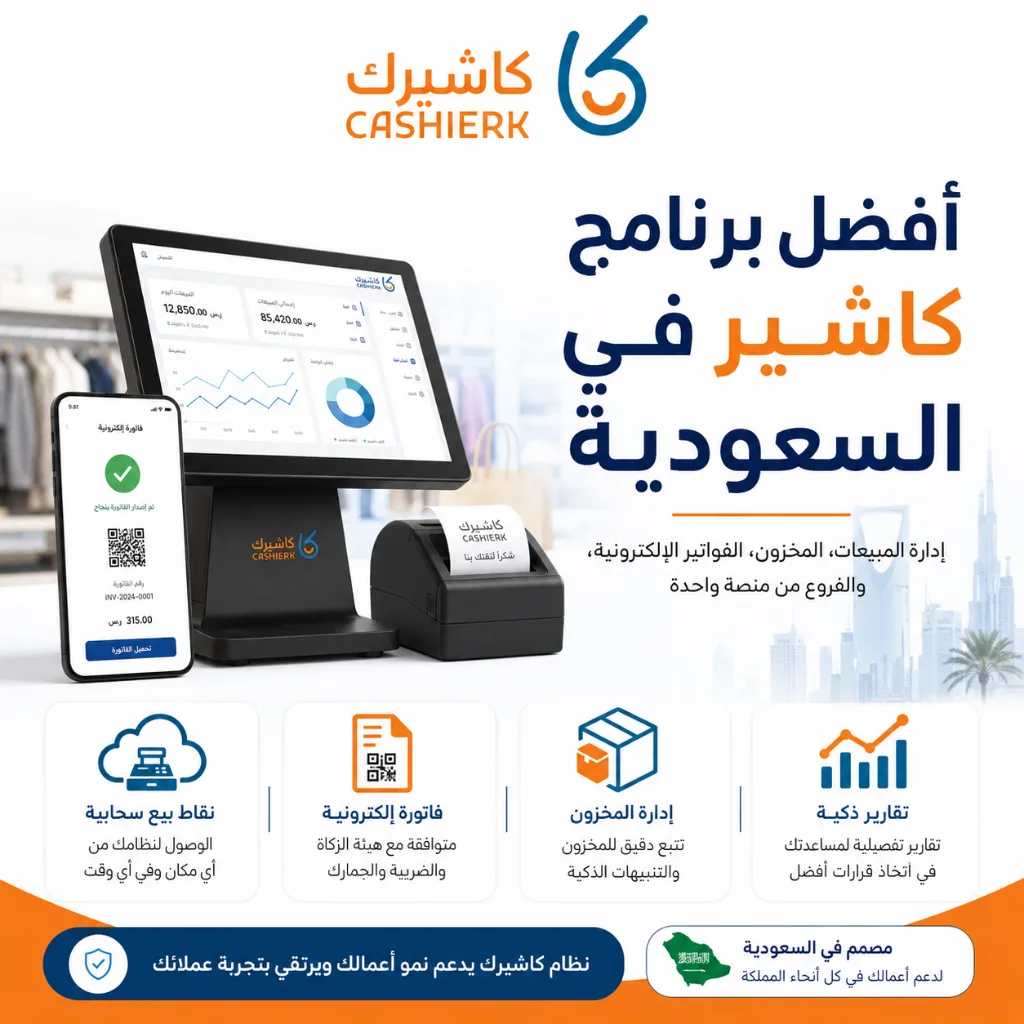
Best Cashier Software in Saudi Arabia: Sales, Stock, E-Invoices
Choosing the best cashier software in Saudi Arabia is no longer a simple decision about how fast you can issue...
Read the article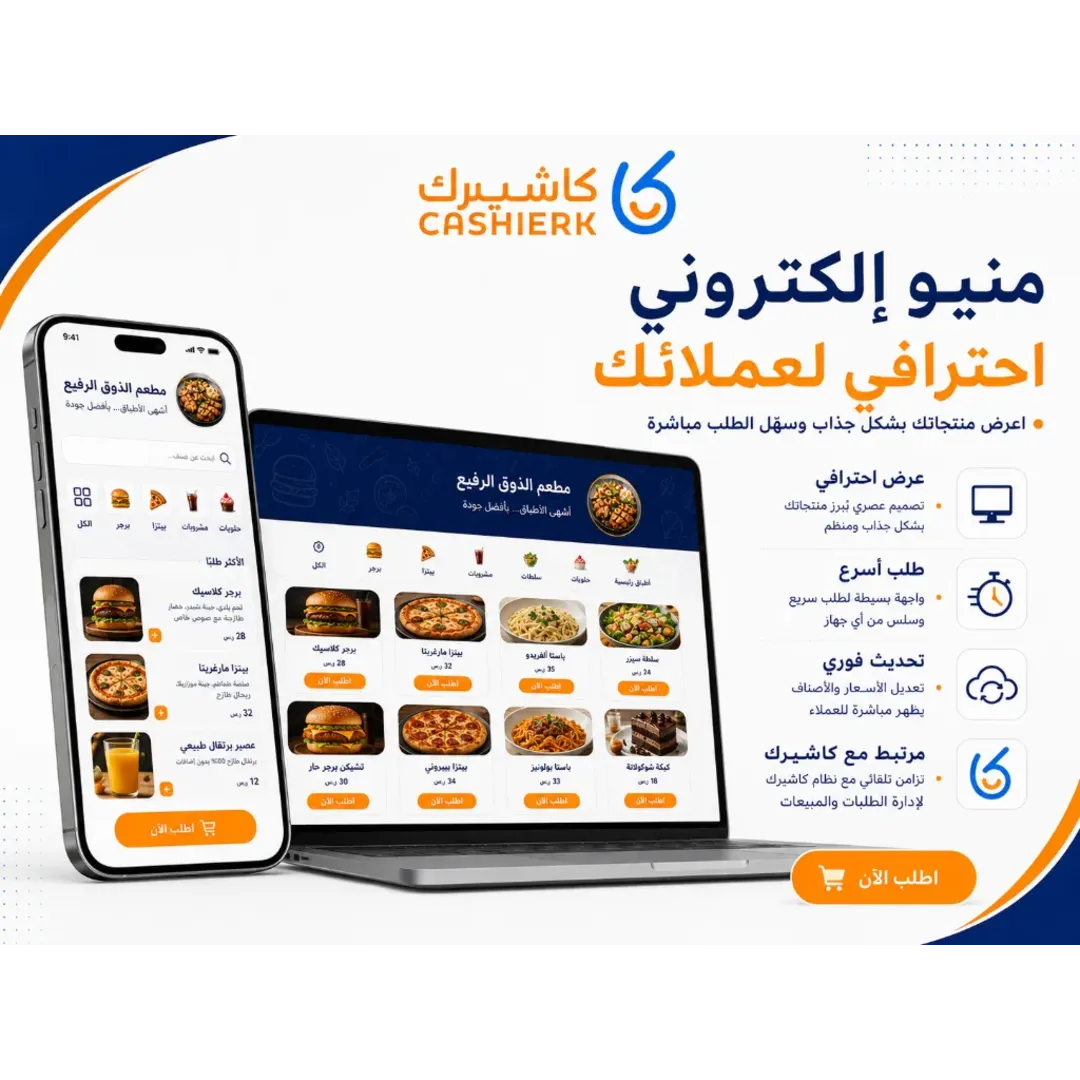
Best Cashier Software in Saudi Arabia for Restaurants and Stores
Choosing the best cashier software in Saudi Arabia is no longer just about selling quickly; it has become a core...
Read the article
What Is a Cashier System? Types, Benefits and Kashierapp's Role
In modern commerce, a cashier system is no longer just a way to collect payments or print receipts; it has...
Read the article.webp)
E-Invoicing Financial Support for SMEs in Saudi Arabia
In this article, we discuss the details of e-invoicing financial support and look at how to make better use of...
Read the article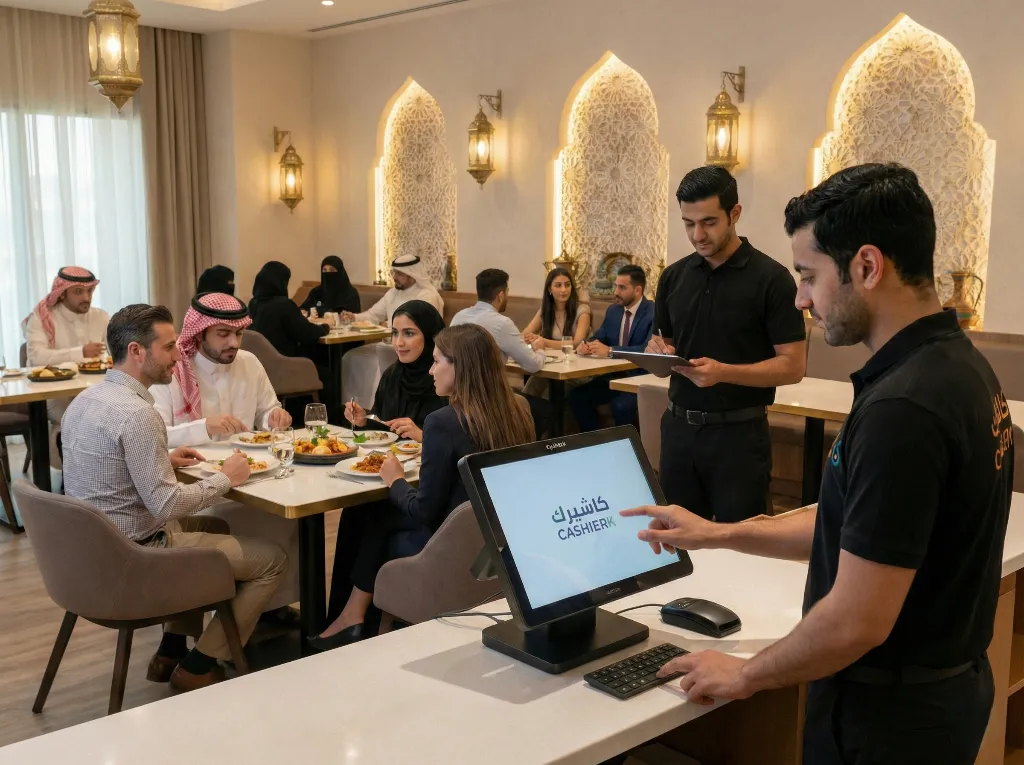
Restaurant Cashier Software: All-in-One Restaurant Management
Would you like to see the order rush and invoicing errors in your restaurant solved in just a few days?Every...
Read the article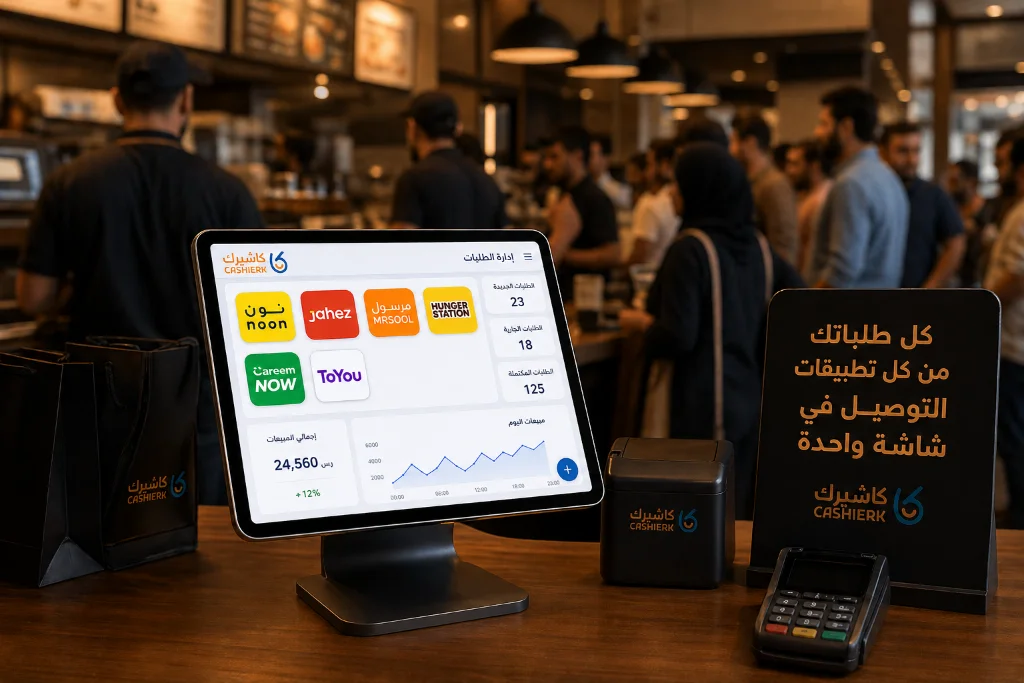
Best iPad Cashier Software to Manage Delivery Orders in One Place
Delivery apps such as Jahez, HungerStation and ToYou have become an indispensable partner for increasing sales and reaching new customer...
Read the article Riyadh - King Fahd Road - Al Yamamah Tower, 1st Floor - Office 102

