
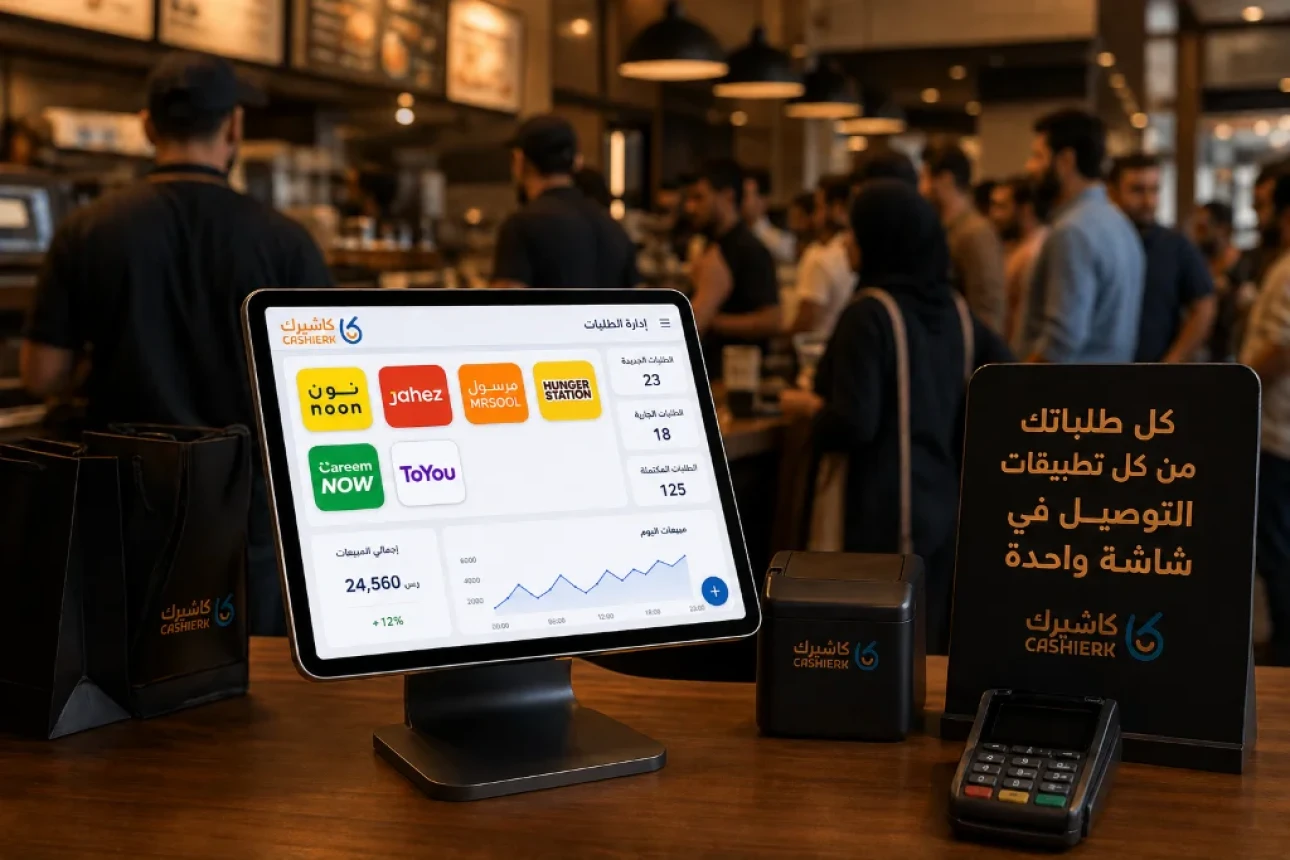
Best iPad Cashier Software to Manage Delivery Orders in One Place
Delivery apps such as Jahez, HungerStation and ToYou have become an indispensable partner for increasing sales and reaching new customer segments. But every new app you add to your restaurant brings a new operational challenge to your front counter.
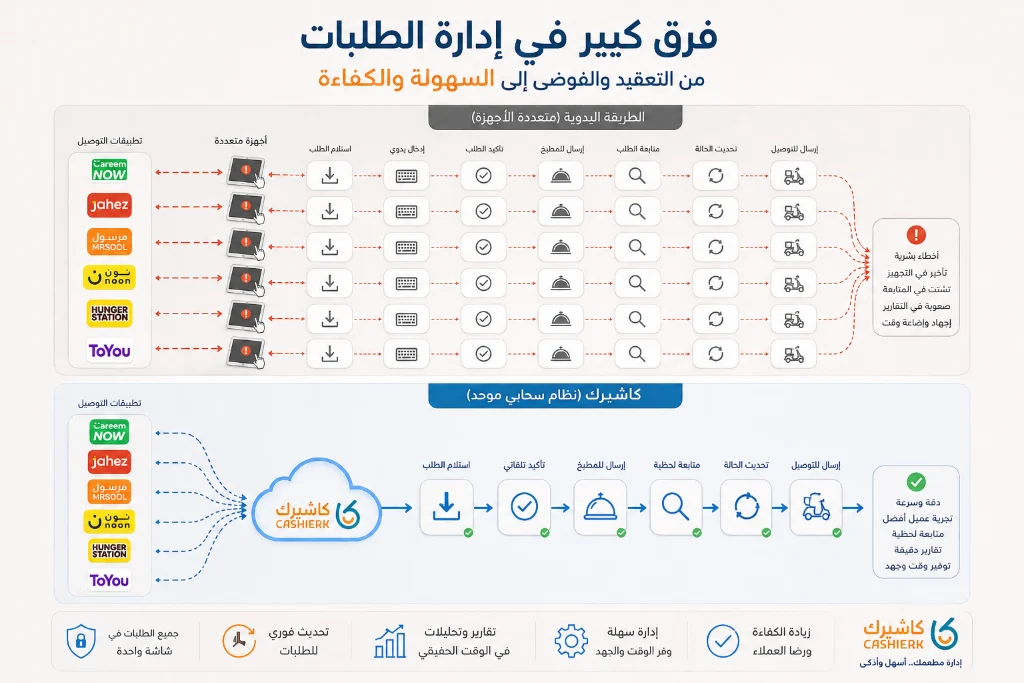
Picture the scene at peak time: while you are trying to increase your table turnover rate, a line of customers is waiting for dine-in orders, and at the same moment three different tablets start beeping with one delivery order after another. Your front-desk employee is forced to act as a data courier, reading each order from the app's tablet and then re-entering it by hand into the main cashier so it can be printed in the kitchen.
This phenomenon is known worldwide as “Tablet Hell.” If you rely on this manual method, you're not just losing time; you're draining your net profits every day. In this guide, we explain in detail the hidden losses this chaos causes and how you can turn your restaurant into a highly precise operating machine with iPad cashier software that brings all your operations together on one screen.
The damaging impact of managing delivery apps manually
You may think that relying on separate POS devices for each app is just a nuisance for staff, but in reality this fragmentation hits the core of your business in three critical ways:
1. The double-entry disaster and the customer experience
Statistics in the hospitality sector indicate that transferring orders by hand raises the human error rate to 15%. A stressed employee may forget an important note such as “nut-free” or enter the wrong meal size. The result?
- Returned orders and wasted ingredients (higher food cost).
- Delays in handing orders to the delivery driver, so the customer's food arrives cold.
- Negative ratings on delivery apps, which push your restaurant down in the app's search results.
2. The accounting nightmare and conflicting financial data
Sales management isn't just about collecting money; it's about analyzing data. When you have several POS devices, you end up with scattered sales reports at the end of the day. Each app takes a different commission and has its own tax policy and weekly or monthly settlements. Forcing your accountant to reconcile data from 4 different apps with your in-house sales system is an open invitation to errors, manipulation, or lost payments that you may not discover for months.
3. Wasted effort on menu management
What do you do if you suddenly run out of burger buns in the middle of the day? With the traditional approach, the manager has to run to each app's tablet one by one and log in to disable the item so you stop receiving orders you can't fulfill. Forget just one app and you'll have to cancel a customer's order after accepting it, a violation that delivery platforms penalize heavily.
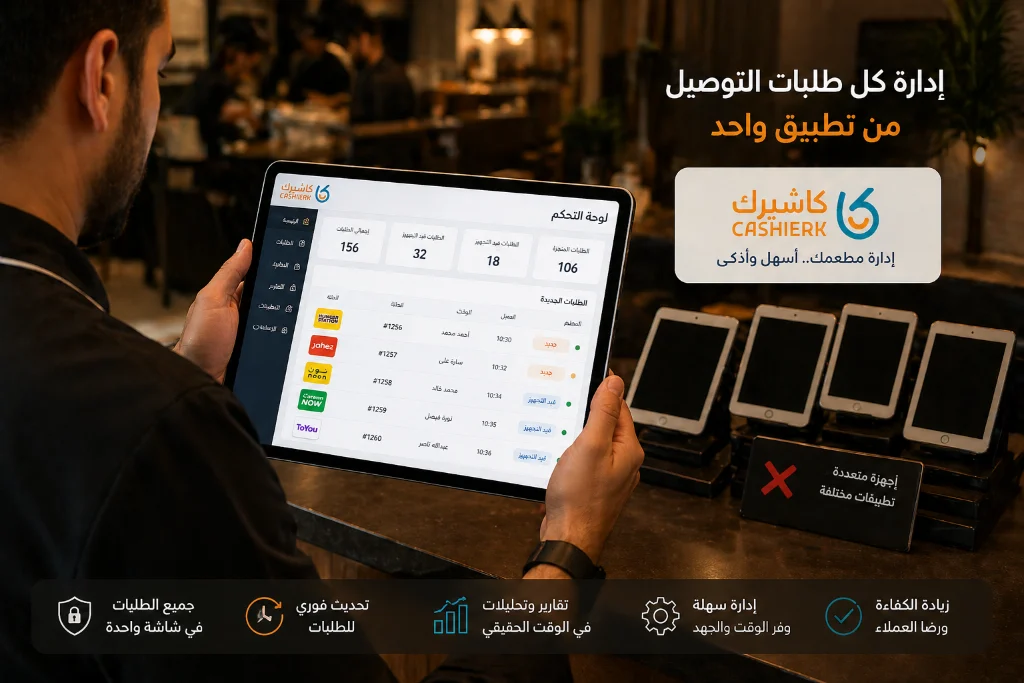
The technical solution: smart API integration
To grow your restaurant in a competitive market, you need to stop working in reactive mode and start automating your operations. This is where switching to a centralized system makes all the difference.
Smart integration means the apps' systems talk to your in-house system through software, with no human intervention. Instead of several devices, you have a single point of sale that receives everything. Here's how your workflow changes:
-
Orders go straight to the kitchen:
As soon as the customer taps “Confirm order” in the delivery app, the order appears instantly in the main cashier and prints automatically in the kitchen (or appears on KDS screens) with all the exact details and notes. - Central menu control: From a single screen, you can manage your restaurant's digital menu: update a meal's price, add an attractive photo, or mark an item as “unavailable.” The update is reflected instantly across all apps without opening them.
- Automatic real-time inventory: For every order that comes in from any app, the system deducts the ingredients from inventory immediately, so your stock records stay accurate and up to date around the clock.
Why is iPad cashier software the best choice for modern restaurants?
In fast-paced kitchens and cloud kitchens, where more than 80% of business comes from delivery, fixed desktop computers (desktop POS) are no longer a practical solution.
Using iPad cashier software gives your team exceptional mobility. The shift manager or dispatcher can move freely around the order preparation and packing area, carrying the iPad to review the combined orders from all platforms, check them against the invoices and hand them to drivers much faster than standing behind a fixed counter. This shift turns every corner of your restaurant into a fast, interactive point of sale.
What's more, these modern devices also work as direct payment terminal software. If you have dine-in customers who want to pay at the table or in the drive-thru lane, you can use the same iPad as wireless payment terminal software to accept bank cards, giving customers a smooth, modern experience.
Steps for a smooth move to a unified system with Kashierapp
Some restaurant owners worry that changing systems will disrupt their business, but with proper planning the switch becomes a comfortable investment. Kashierapp makes this transition possible through its advanced plans (Plus and Pro), which support direct integration with the apps; see cloud cashier system plans and pricing.
Here's how Kashierapp can rescue your operations:
- Get rid of old devices: Say goodbye to a cluttered counter full of POS devices: all sales (dine-in, takeaway and delivery) are managed and recorded in one system.
- Transparent financial reports: With one click, you'll know which delivery app brings you the most revenue and what your net profit is after all commissions for each point of sale
separately.
- Reliable payments: By connecting your cashier so it works as integrated payment terminal software with mada devices, you eliminate errors from entering amounts by hand.
Conclusion and recommendation
Your restaurant's success doesn't depend only on the quality of your food, but also on how efficiently you run your operations under pressure. Continuing to enter orders by hand and wasting staff time reconciling invoices drains your resources.
It's time to take a step toward the future. By adopting the best iPad cashier software from Kashierapp, you'll turn your restaurant into a harmonious digital system that eliminates order errors, speeds up delivery and gives you time to focus on what really matters: serving great food and an unforgettable experience to your customers. Contact us today to explore how we can connect your delivery apps to one smart platform.
FAQ about the features of iPad cashier software
Will I lose my customer data when I combine the apps into one point of sale?
Not at all; quite the opposite. Integration through iPad cashier software gathers customer data from different platforms into a single database in your system, making it easier to analyze customer behavior and launch targeted loyalty campaigns.
Do I need to buy new equipment for each branch?
If you already have iPads or modern tablets, you can usually use them to run the system. Kashierapp reduces your need to buy expensive POS devices because it relies on flexible cloud solutions.
How are taxes and commissions handled in the integrated system?
This is the real magic of integration. The system works as smart payment terminal software that automatically separates the meal value, VAT and the delivery app's commission, so they appear in your accounting reports at the end of the month with complete accuracy and no manual work.
What happens if the internet goes down? Will delivery orders stop?
An internet connection is required to keep receiving orders from external apps. For your dine-in orders, however, any device working as a point of sale
will keep entering and printing orders in offline mode, and as soon as the connection returns, all data is uploaded and synced to the cloud immediately.
The Best Cloud Cashier Software in Saudi Arabia
With technology evolving so rapidly, traditional ways of running stores and businesses no longer work. Relying on technology has become...
Read the article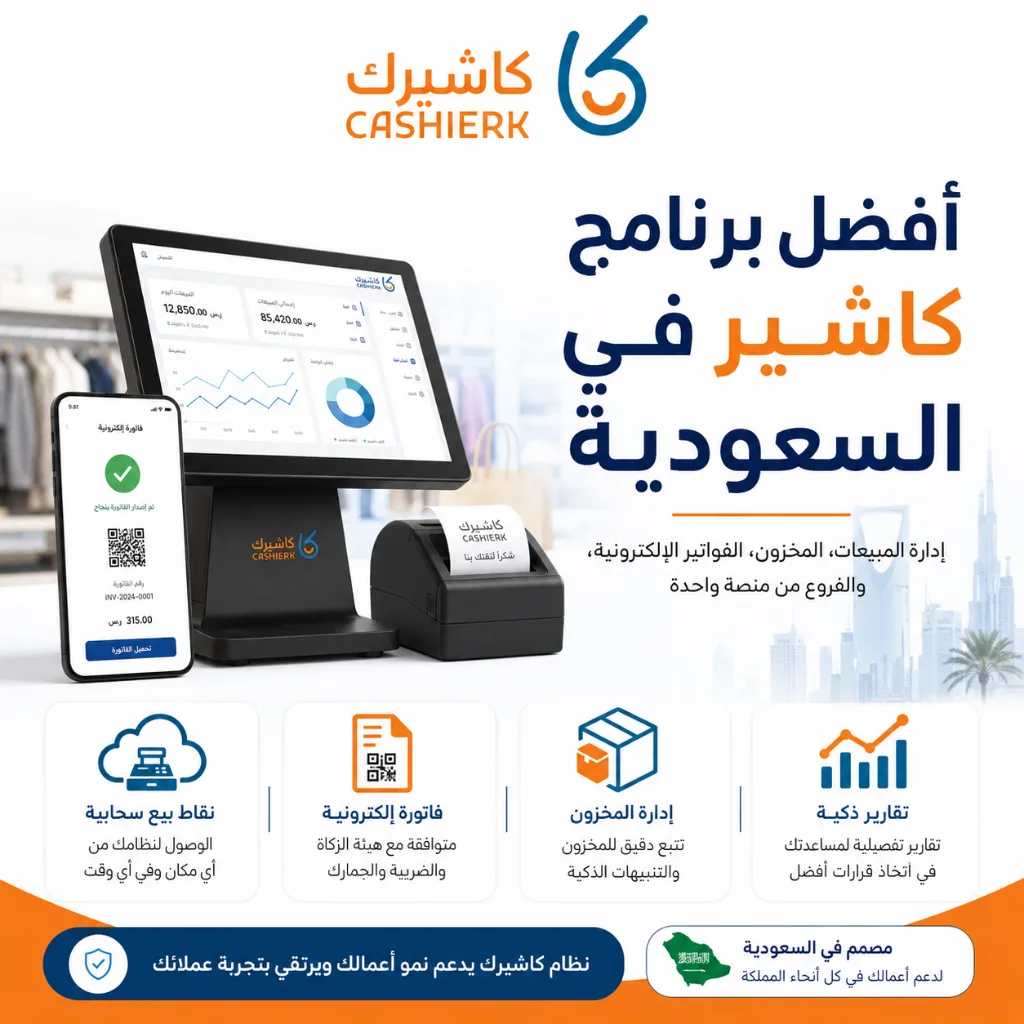
Best Cashier Software in Saudi Arabia: Sales, Stock, E-Invoices
Choosing the best cashier software in Saudi Arabia is no longer a simple decision about how fast you can issue...
Read the article.webp)
Cashier Software for Sales Management: Control Sales with Ease
Key takeawaysBetter control over sales and inventory.Higher efficiency and fewer human errors.Easy management of e-invoices and tax invoices.Detailed reports on...
Read the article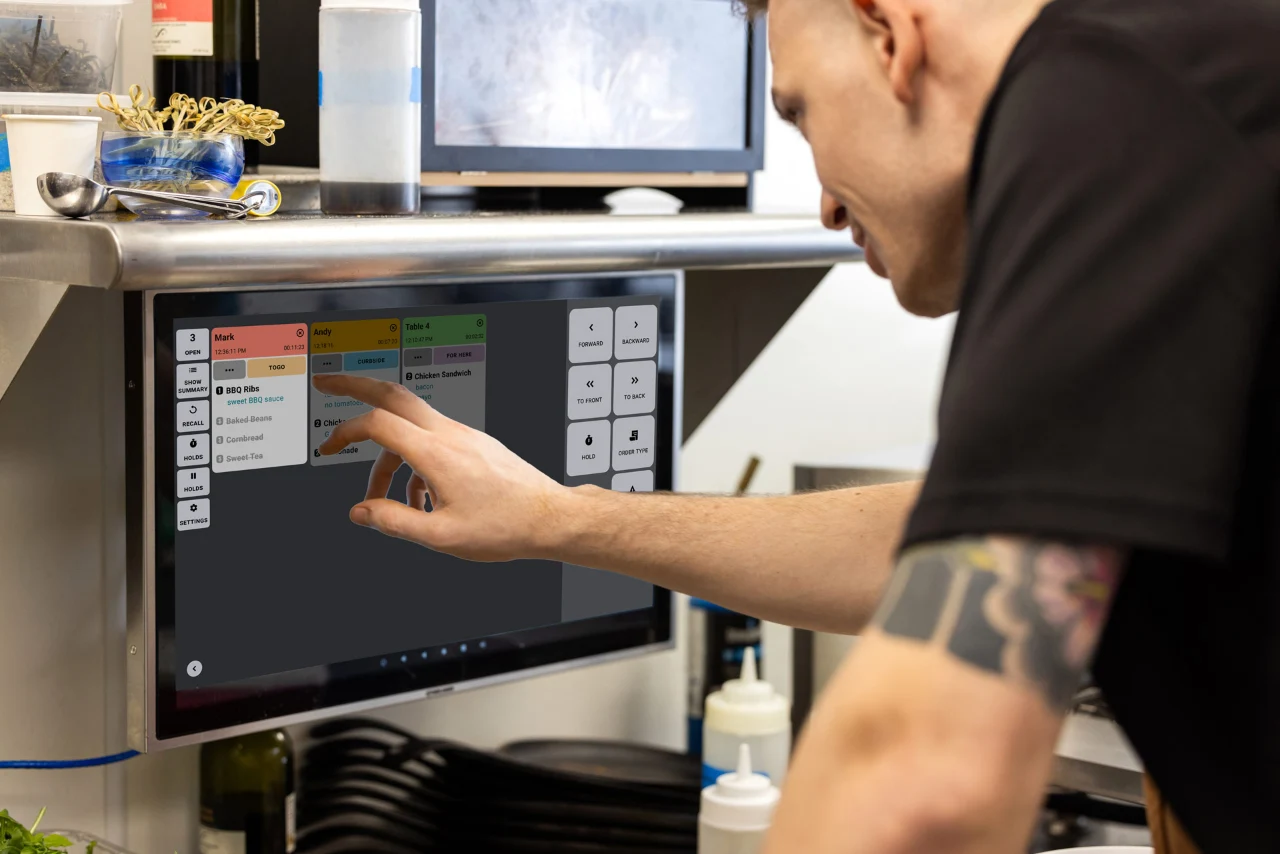
Restaurant POS Software: Managing Tables, Orders and the Kitchen
This article is a practical guide to managing tables, orders and the kitchen with a modern cashier system that supports...
Read the article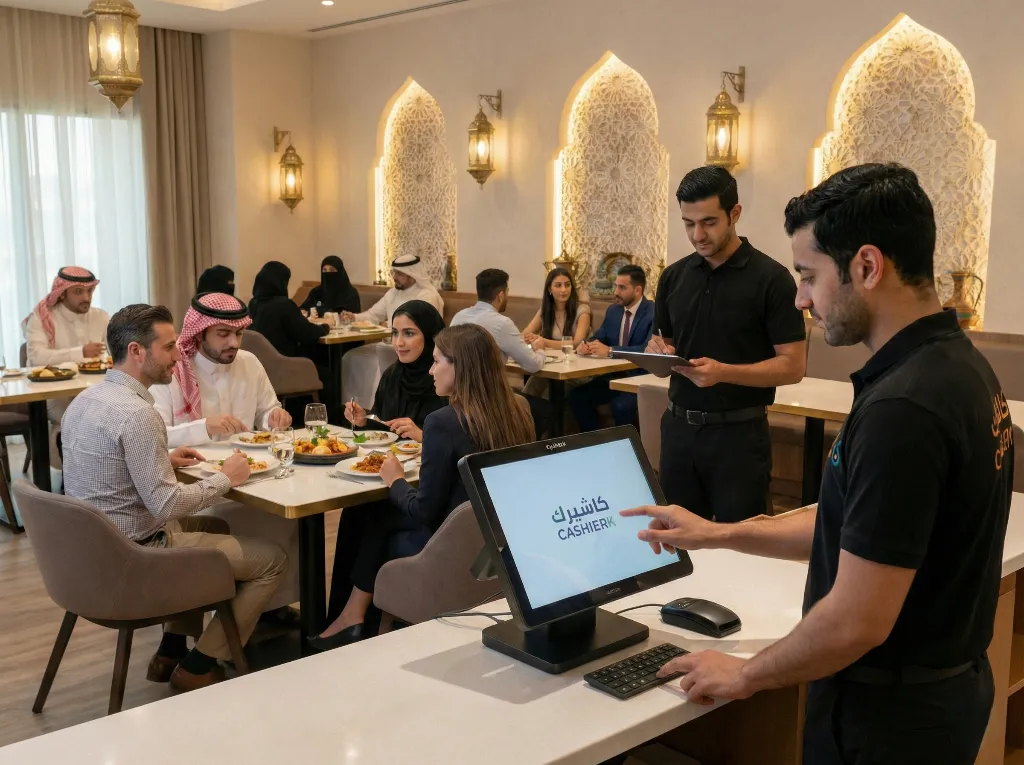
Restaurant Cashier Software: All-in-One Restaurant Management
Would you like to see the order rush and invoicing errors in your restaurant solved in just a few days?Every...
Read the article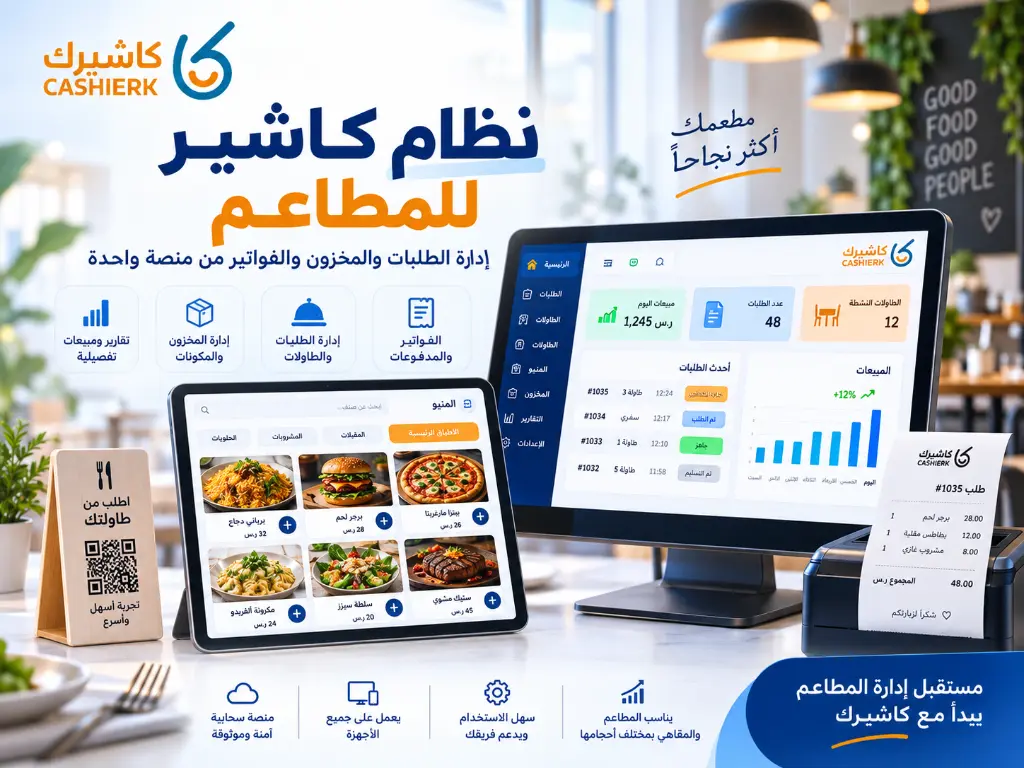
Restaurant POS System: Manage Orders, Inventory and Invoices
Running a restaurant is no longer just about great food or fast service. It now takes a clear operating system...
Read the article Riyadh - King Fahd Road - Al Yamamah Tower, 1st Floor - Office 102

