
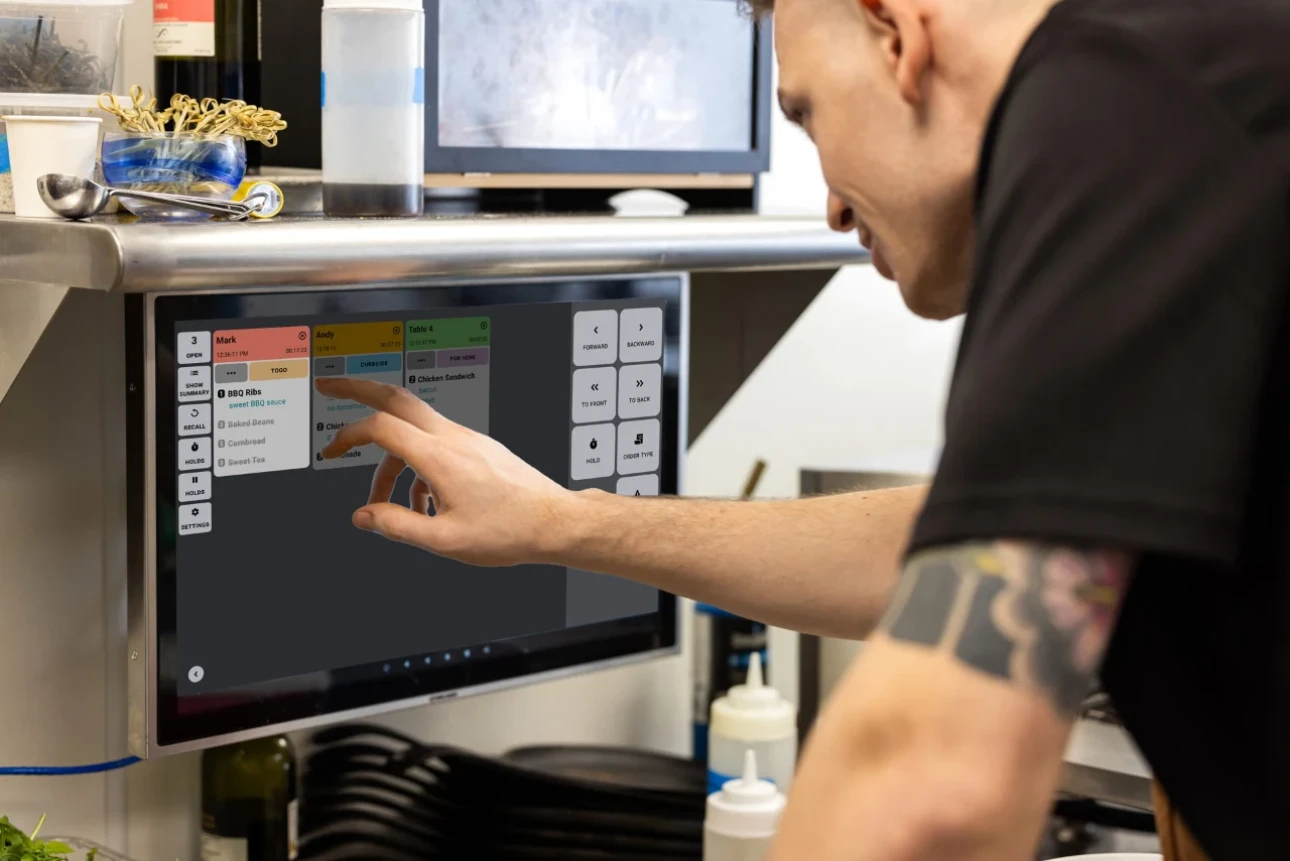
Restaurant POS Software: Managing Tables, Orders and the Kitchen
This article is a practical guide to managing tables, orders and the kitchen with a modern cashier system that supports KDS integration and e-invoicing in line with ZATCA requirements in Saudi Arabia, with implementation steps and best practices to improve speed, accuracy and the guest experience.
Why a smart cashier system?
Modern POS systems for restaurants and cafés are no longer just for taking payments; they are an integrated operating platform that covers table management, order syncing, kitchen display screen integration, real-time reports and support for e-invoicing with VAT in Saudi Arabia. This integration raises operational efficiency, reduces errors and gives you instant visibility to make accurate decisions during peak hours.
Saudi market requirements
The restaurant environment in the Kingdom requires strict compliance with e-invoicing through FATOORA, including QR codes, XML structure in Phase 2 and integration with systems approved by the Zakat, Tax and Customs Authority (ZATCA), as well as an Arabic interface to reduce operating errors. Choosing a ZATCA-compliant cashier system is no longer optional; it is a legal necessity to keep your business running and avoid fines.
The operating flow from dining room to kitchen
Welcoming the guest and assigning a table: the server assigns a table using a dynamic visual floor plan that shows each table's status in real time, such as available, being served or needs cleaning. This reduces guest crowding and improves table turnover.
Taking orders with modifiers: the system supports modifiers such as no sugar, extra sauce and size options, and routes each item automatically to the right kitchen station to avoid duplication.
Routing to the KDS: orders are sent instantly to the kitchen screens and prioritized by time received and the preparation map, which reduces errors and speeds up service.
Table management step by step
Create a table layout: use a visual design that mirrors the real layout of your dining room, with indoor and outdoor areas and tables labeled by capacity and time limit.
Reserve and split tables: support advance reservations, merge tables for large groups and split the bill by person or by item for a flexible payment experience for guests.
Smart table turnover: use timers on each table and readiness alerts to speed up handover and cleaning and increase the number of turns at peak times.
Taking and managing orders
Offline and online interface: let servers enter orders on a tablet even when the network is down, with syncing later, so service doesn't stop during peak hours.
Modifiers and ingredient substitutions: support detailed item customization linked to kitchen stations, which cuts down on repeated questions and prevents misunderstandings between FOH and BOH.
Delivery and takeaway management: bring dine-in, delivery and third-party ordering channels together on one dashboard, with synced inventory and estimated delivery times.
KDS integration for the kitchen
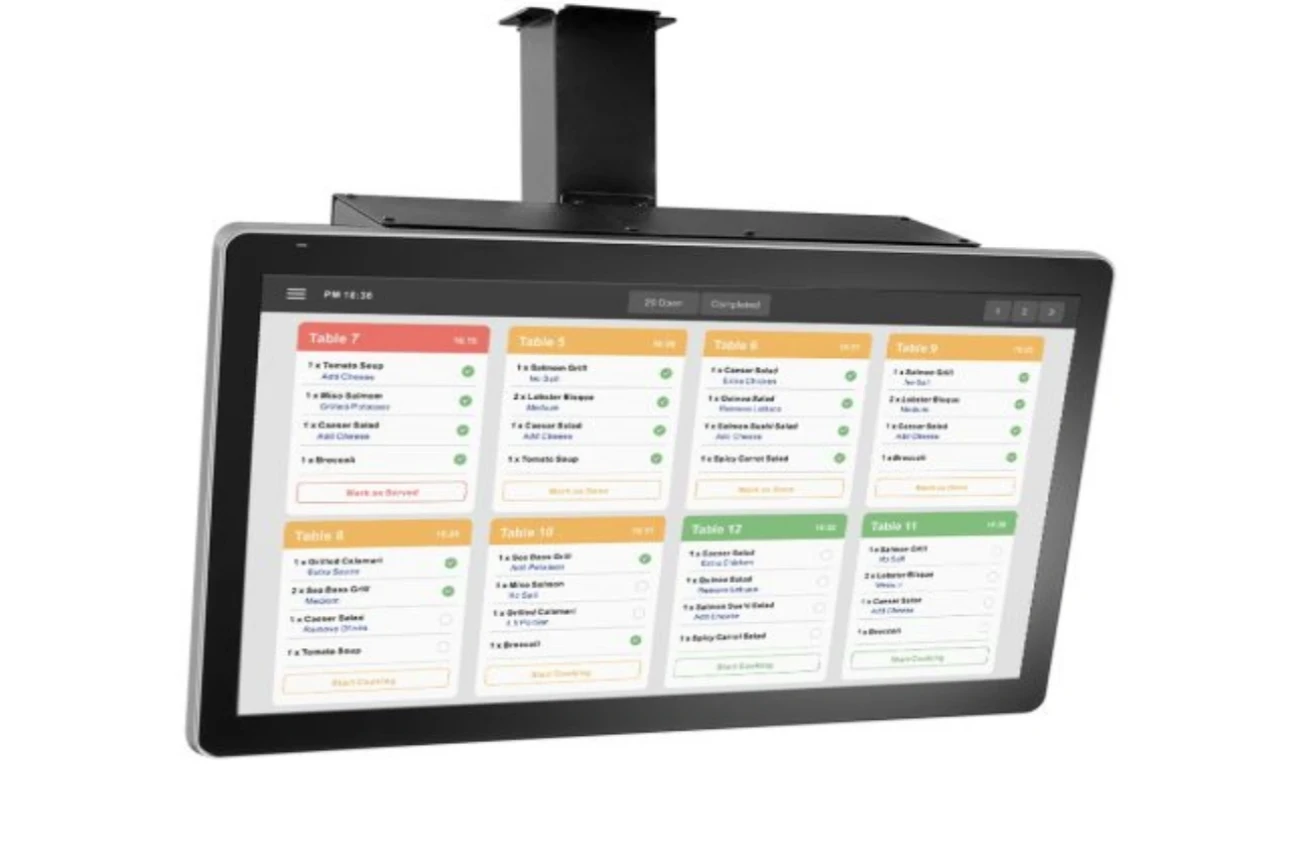
Go paperless: kitchen screens replace paper tickets with real-time displays showing items, modifiers and priorities, which reduces order errors and shortens waiting times.
Two-way sync: KDS screens show the status of every item, from in preparation to ready, so front-of-house staff can see it without running to the kitchen.
Performance data: the KDS provides metrics on ticket (order ticket) times, accuracy and ingredient waste, which makes scheduling decisions and station planning easier.
E-invoicing and compliance
VAT receipts and QR codes: the system must generate electronic tax invoices that comply with ZATCA and attach the XML structure in Phase 2, while keeping records as required.
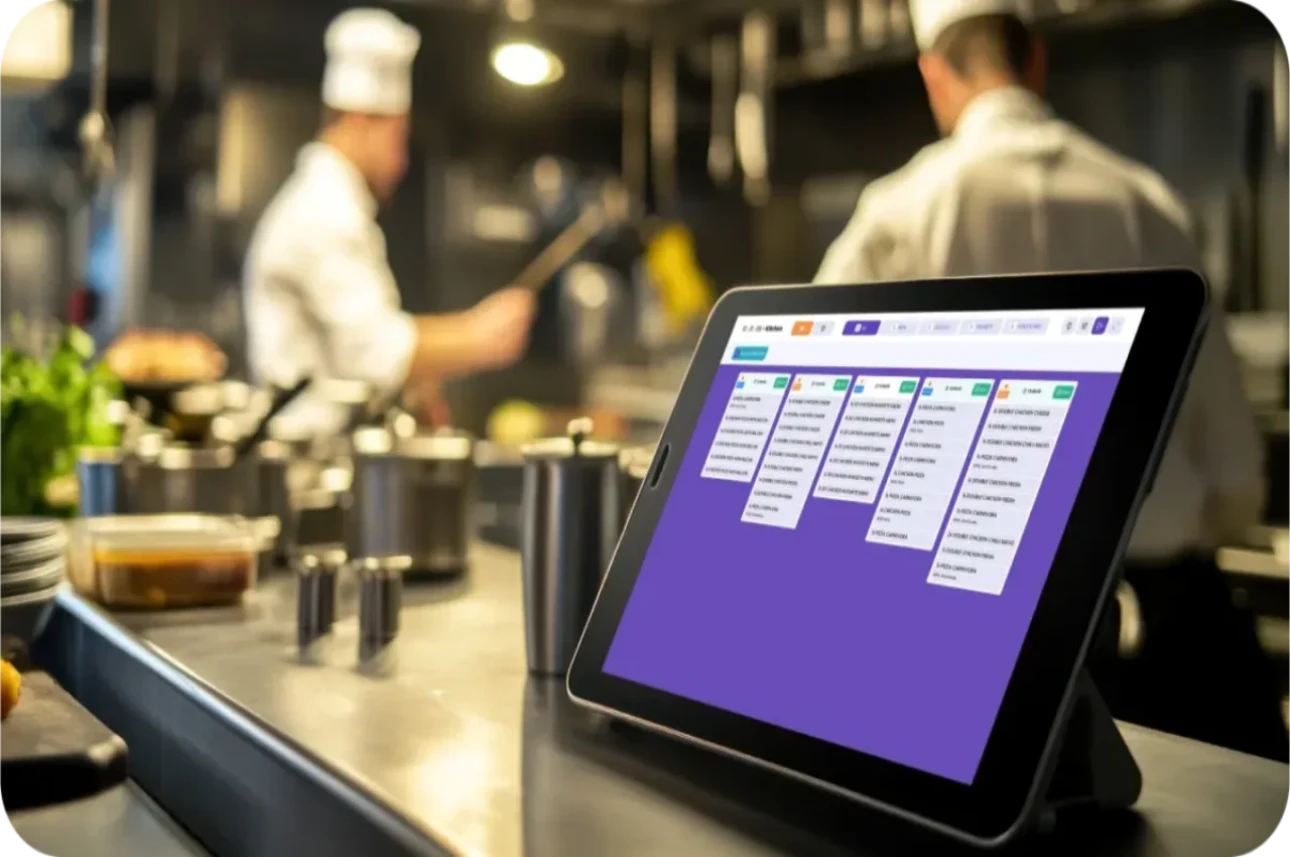
FATOORA phases: Phase 1 covers generating e-invoices and Phase 2 covers integration and near-real-time reporting, which calls for approved solutions that are continuously updated.
Multilingual Arabic interface: reduces operating errors, speeds up training and improves data-entry accuracy for local staff.
Inventory and recipes
Automatic inventory deduction: linking each item to an exact recipe deducts the ingredients at the point of sale, with low-stock alerts before critical ingredients run out.
Less waste: the KDS reflects canceled orders and changes to reduce over-preparation and improve dish cost and profitability.
KPIs and reports
Real-time dashboards: show average ticket time, turnover by area and top-selling items so you can make instant decisions at peak times.
Compliance and tax reports: generate VAT reports and e-invoice totals for approved periods to make submissions to ZATCA easier.
Implementation best practices
Assign roles and permissions: defining who can apply discounts, cancel orders and print to the kitchen reduces risk and improves discipline.
Hardware integration: choosing receipt printers, touchscreen kitchen displays and barcode scanners suited to your volume keeps the whole system fast and stable.
Pre-launch testing: simulate peak hours and test bill splitting and multiple kitchen printing routes to make sure you are ready to operate.
Common mistakes and how to avoid them
Neglecting KDS integration: this leads to lost tickets and late delivery, while integration reduces errors and makes preparation more efficient.
Ignoring ZATCA compliance: this exposes the business to violations and complicates reporting; the solution is to choose an approved system with automatic updates.
Poor modifier management: this leads to inaccurate orders and wasted ingredients, and is solved by setting up modifiers in detail and linking them to stations.
Quick comparison table
Quick comparison: working without a KDS vs. with a KDS
Step-by-step implementation plan
Set up the layout: build the table and area map, with capacity and a time limit for each area.
Define the menu: enter items, sizes and modifiers, and link each item to the right kitchen station.
Activate the KDS: connect the kitchen screens, set up printing and bump routes, and configure priorities and status colors.
E-invoicing: enable VAT, QR codes and XML for Phase 2, and test the invoice issuing flow at the end of each order.
Staff training: short, hands-on sessions on mobile devices, bill splitting and handling unexpected situations.
Final thoughts
Adopting a cashier system that supports visual table management, flexible modifiers and KDS integration with ZATCA-compliant e-invoicing delivers faster service, fewer errors and accurate tax reports for restaurants and cafés in Saudi Arabia. Starting with a clear table map, accurate menus and KDS and e-invoicing enabled from day one ensures a stable launch and a worthwhile return on your investment in operational efficiency and profitability.
Best Cashier Software in Saudi Arabia: Sales, Stock, E-Invoices
Choosing the best cashier software in Saudi Arabia is no longer a simple decision about how fast you can issue...
Read the article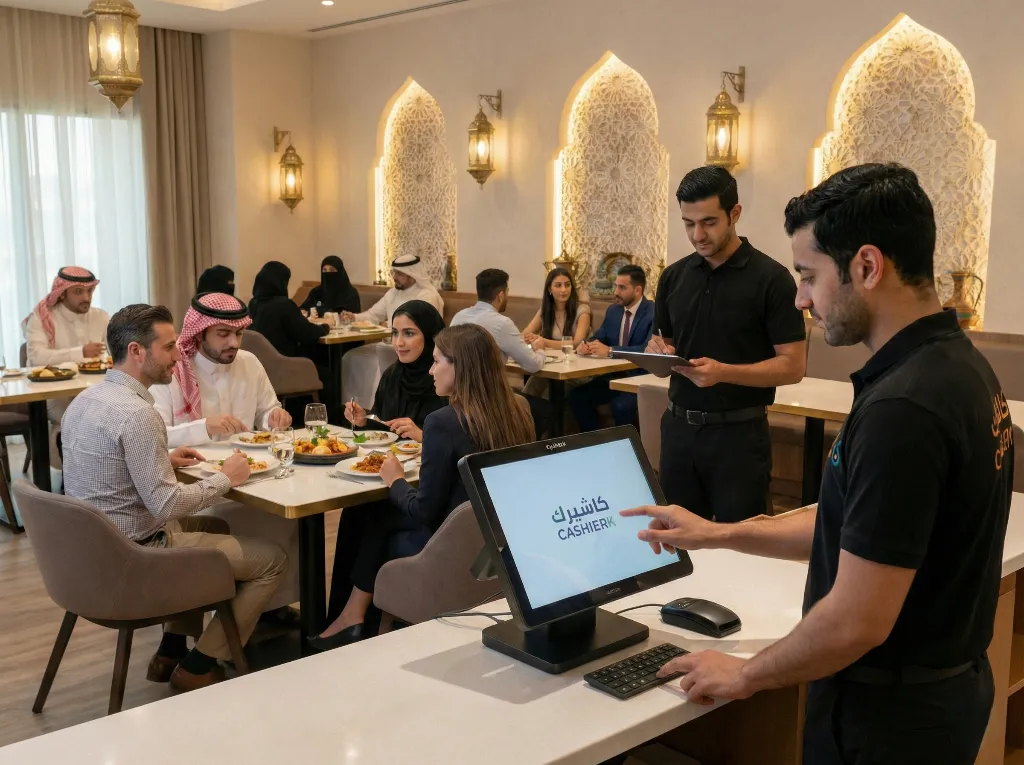
Restaurant Cashier Software: All-in-One Restaurant Management
Would you like to see the order rush and invoicing errors in your restaurant solved in just a few days?Every...
Read the article
The Best Cloud Cashier Software in Saudi Arabia
With technology evolving so rapidly, traditional ways of running stores and businesses no longer work. Relying on technology has become...
Read the article.webp)
Cashier Software for Sales Management: Control Sales with Ease
Key takeawaysBetter control over sales and inventory.Higher efficiency and fewer human errors.Easy management of e-invoices and tax invoices.Detailed reports on...
Read the article
Kashierapp Sales Rep Management: Your Smart Path to Productivity
The challenges of managing sales reps the traditional wayBefore technology solutions arrived, small and medium-sized companies, and even some large...
Read the article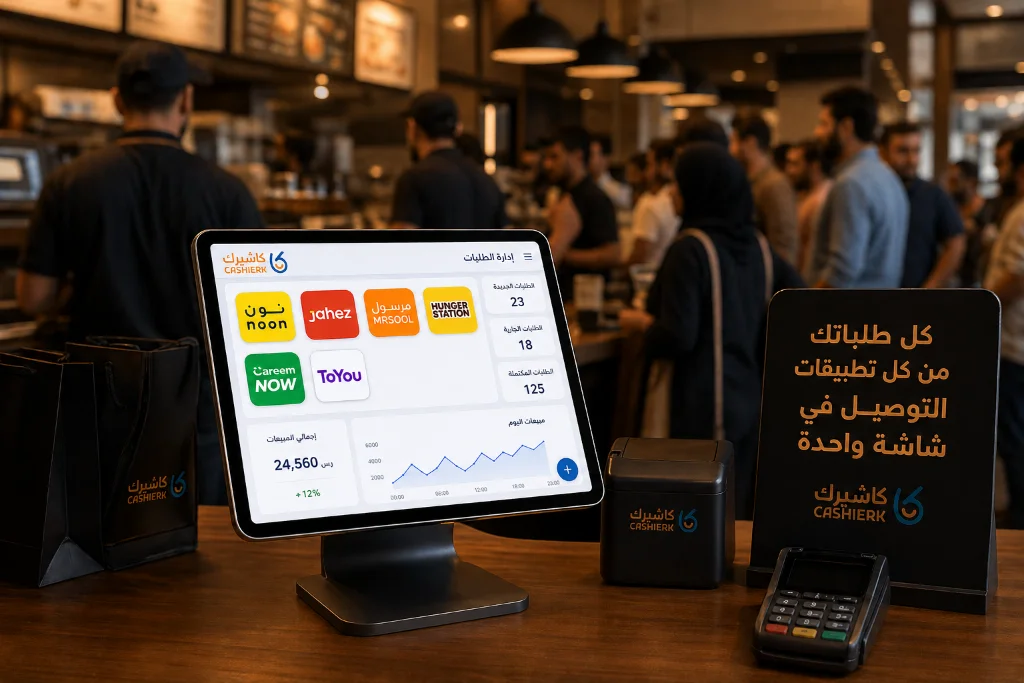
Best iPad Cashier Software to Manage Delivery Orders in One Place
Delivery apps such as Jahez, HungerStation and ToYou have become an indispensable partner for increasing sales and reaching new customer...
Read the article Riyadh - King Fahd Road - Al Yamamah Tower, 1st Floor - Office 102

