
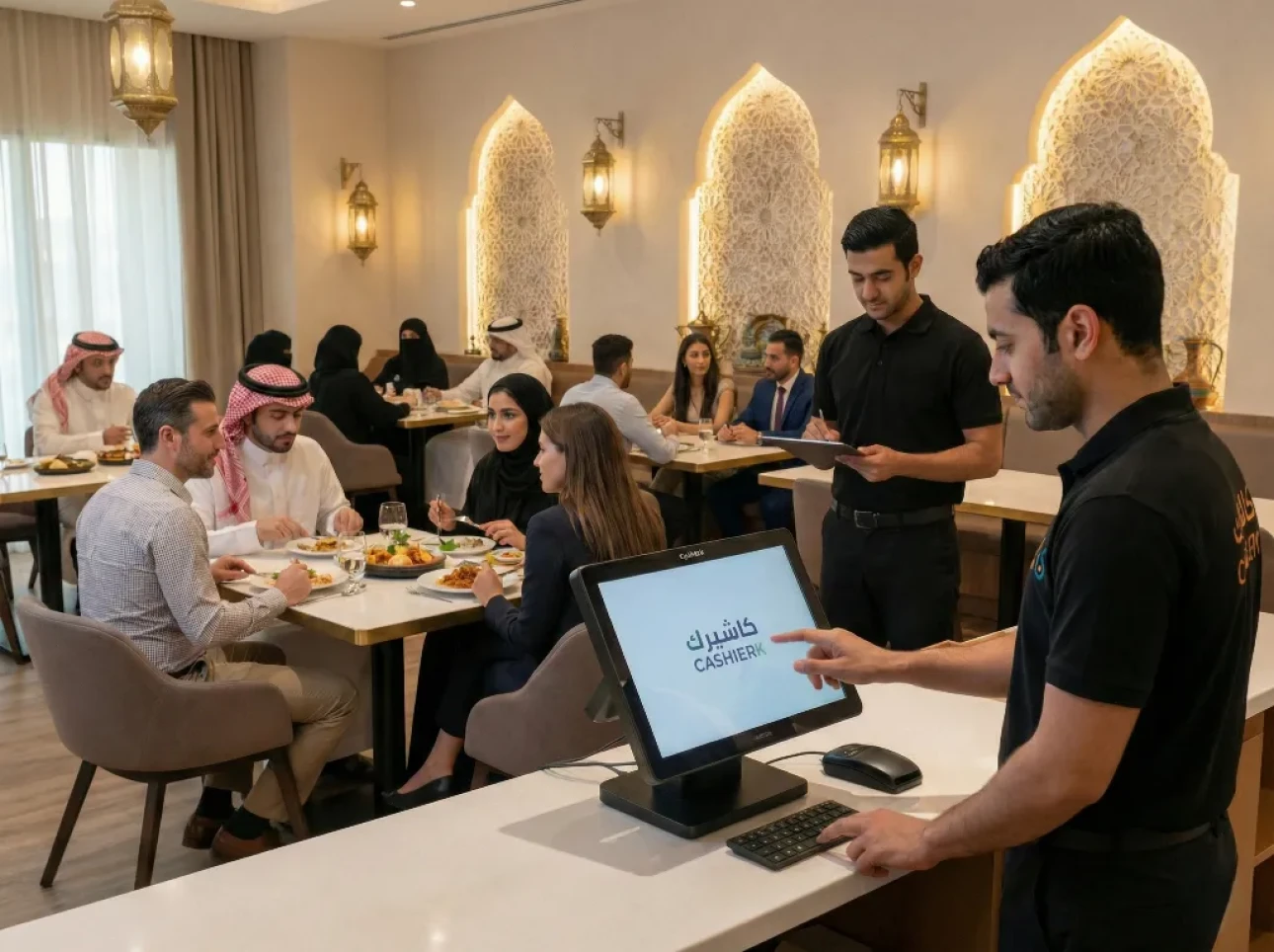
Restaurant Cashier Software: All-in-One Restaurant Management
Would you like to see the order rush and invoicing errors in your restaurant solved in just a few days?
Every day we see operational chaos caused by scattered devices and separate accounting, which wastes staff time and frustrates customers.
We offer an integrated cloud POS system that brings sales, orders, tables, the kitchen, delivery and inventory together in one interface.
The solution supports e-invoicing and provides instant sales reports, with a smart interface, 24/7 technical support and regular updates.
The result: higher operational efficiency, less waste and faster table turnover, without losing data accuracy.
This page is aimed at the Saudi market and helps you stay tax-compliant and monitor your business with ease.

Call us now on +966582072591 to get a free trial and run the system in a real restaurant environment.
Key points
- An integrated solution that reduces invoicing errors and handles the order rush.
- A cloud system that supports e-invoicing and instant reports.
- Greater efficiency and faster customer service.
- Compliance with Saudi market regulations and ongoing technical support.
- A real free trial in your own business environment before you buy.
Why do restaurants in Saudi Arabia need a modern POS system?
In the Saudi market, relying on manual entry costs you time and sales, and the solution starts at the point of sale itself. Here we explain how a modern system turns daily chaos into a clear, controlled workflow.

Greater efficiency and fewer errors in sales
The solution relies on clear item templates and a standardized workflow that applies prices and taxes automatically. This reduces entry errors and boosts the efficiency of your service team.
Fast selling and multi-user support give your staff the ability to handle peak times without losing accuracy.
A better customer experience, from order to payment
Orders go straight to the kitchen or bar, and payment is completed quickly without long waits. The result: more satisfied customers and higher return rates.
Offline operation with later syncing keeps service running during peak hours.
Sales, orders and reports managed in one system
Instead of scattered files, a single POS system gives you a real-time view of sales, orders and reports. This speeds up decision-making and reduces reliance on estimates.
- Instant reports that link sales to inventory.
- Daily monitoring of business performance from one dashboard.
- Automatic syncing when the internet connection returns.
We believe digital management gives owners a true picture of their business and accurate reports, without complexity.
Restaurant cashier software that handles sales and orders quickly and smoothly
We design a simplified interface that helps staff complete sales and orders without complications. The goal is clear: shorter training time and faster customer service.
A smart interface that's easy even for beginners
The interface shows neatly organized items, fast search and shortcuts for the most popular items. A new employee can start working without lengthy training, thanks to a clear design and simple navigation.
Ease of use means fewer errors and the ability to rely on the whole team rather than one expert employee.

Payments and invoicing completed in seconds
- Issue an invoice in seconds, choose the payment method and record every transaction in the system immediately.
- Barcode and shortcut support reduces the number of clicks needed to complete a sale.
- Every sale is recorded automatically, improving accuracy and reducing cash drawer discrepancies.
- Faster payment shortens the cashier queue and improves the customer experience.
The result: more efficient operations and happier customers, thanks to a fast, smooth point of sale for every transaction.
Features built for restaurants and cafés
From the table map to driver tracking: clear tools that speed up service and increase revenue. Kashierapp, our restaurant cashier software, offers a set of functions designed specifically for the needs of the dining room, the kitchen and delivery.
Table management with an interactive map
The table map gives you an instant view of each table's status (available, occupied or waiting for the bill). This makes seating easier and increases table turnover.
Kitchen display and printers by priority
Orders reach the kitchen display or printer automatically, sorted by priority. This reduces lost paper tickets and improves preparation discipline and the speed at which orders are served.
Bill splitting and payment method management
We make it easy to split bills for families and groups, with error-free support for multiple payment methods. A flexible payment experience improves customer satisfaction and speeds up the sale.
Item add-ons and modifications
The system handles every add-on or modification, such as “no onions” or “extra sauce,” in an organized way to avoid confusion between the dining room and the kitchen.
Delivery management and driver tracking
Assigning each order to a driver and tracking it reduces delivery delays and improves the experience for customers outside the restaurant.
Scheduled promotions and discounts
Scheduling offers by time and day drives sales during quiet periods while protecting your profit margins.

- Tailored features instead of generic, one-size-fits-all solutions.
- An instant view of tables, organized cooking and tracked deliveries.
- Flexible payment and bill-splitting options that suit local habits.
Accurate inventory management linking sales to warehouses
Linking inventory to sales stops waste and gives you an instant view of your warehouse. A common problem is that items running out at peak times, or overbuying, raises costs and weakens service.
Quantity tracking, low-stock alerts and automatic POS integration
Every sale is deducted from inventory automatically, and you receive alerts before items run out, so you can avoid service interruptions.
We connect your points of sale and warehouses so you can see real quantities and where each movement came from.
Less waste and better planning based on sales activity
Linking recipes and ingredients to menu items helps you control costs and reduce spoilage. Data connected to sales provides accurate reports for more precise purchase planning.
- A unified view of movements between the dining room and the warehouse reduces discrepancies in the numbers.
- Low-stock alerts and quantity updates with every sale keep your stock available.
- Sales analysis guides purchasing, reduces waste and increases efficiency.
The result: simpler inventory management, clearer purchasing decisions and better profitability, without the accounting burden. We help you adapt the system to the size of your business and get reports that support decision-making.
Instant reports that help you improve performance and profitability
Accurate reports let you make daily decisions that quickly boost your profitability. We provide simple dashboards that give you a real-time view of your numbers and turn them into practical steps.
Daily, weekly and monthly sales reports with performance analysis
You get detailed sales reports that compare periods and show your average invoice value and peak hours. We show the impact of promotions on sales so you can decide what to promote today and when to stop an ineffective offer.
Inventory and best-selling item reports to guide decisions
Inventory reports show you which items consume resources without generating returns. You can push your profitable items, review weak ones and adjust purchasing precisely.
A clearer financial picture for faster management decisions
We link financial figures to operational records so management can make decisions immediately, without waiting for the end of the month. Smart analytics provide seasonal forecasts and help you plan inventory and staffing in advance.
- Daily decisions: what to promote and what to stop right now.
- Practical models: period comparisons, average invoice value and the impact of promotions.
- Performance analysis: suggestions for reducing waiting times and making the kitchen more efficient.
Compliance with ZATCA and e-invoicing
Complying with e-invoicing has become both an operational and a legal requirement. Any invoicing error can cause downtime or regulatory risk that affects your operations and reputation.
Tax and simplified invoices that meet ZATCA requirements
We provide tax and simplified invoices that are generated automatically in the format required by the Zakat, Tax and Customs Authority (ZATCA). This reduces the need for manual intervention and cuts down on staff errors.
A correct invoice means organized data and more accurate reports, which makes tax audits easier and reduces disputes with customers.
Support for e-invoicing Phase 2: Integration
The system is 100% compliant with the requirements of e-invoicing Phase 2, including integration with ZATCA's portals. This ensures you're ready to grow without having to rebuild your invoicing systems later.
Automatic integration stores records in an approved way and makes it easier to exchange data with regulators.
- Regulatory protection: a lower risk of fines and downtime.
- Financial accuracy: reliable sales reports that link tax and sales.
- Long-term readiness: support for Phase 2 integration.
If you want to make sure your business is ready for e-invoicing, contact us on +966582072591 for a free trial and a review of your restaurant's needs.
Supported devices and flexible operation inside and outside the restaurant
From the computer to the phone: a solution that fits your work environment and your off-site services. We support operation on computers, tablets, phones and POS devices to cover every practical scenario.
Flexible operating scenarios:
- A fixed counter computer as the main point of sale.
- A tablet for waiters to take orders right at the table.
- A phone for the manager to follow reports and make quick sales from anywhere.
Accessory support for faster operations
We connect receipt printers and barcode scanners easily. This reduces entry errors and speeds up invoices and tickets in fast-paced environments.
Offline operation and secure syncing
The system supports offline mode, so sales continue uninterrupted when the network is down. When the connection returns, data syncs automatically to keep your records intact.
The result: device flexibility lowers costs and improves the customer experience with faster service and accurate tickets, and keeps operations stable inside and outside the dining room.
Apps and expansion options to suit every location
Expanding your business requires flexible tools that keep pace with every location and event. We offer a range of operational apps that you can activate according to your size and needs.
A mobile cashier for on-the-go sales from a phone or tablet
Your team can use a mobile cashier to take orders and complete sales and payments directly from a phone or tablet.
This eases crowding at the counter and speeds up service during peak seasons, at events or at an outdoor stand.
Operational integrations that support dine-in and off-site orders
We connect the waiter app, the digital menu and the delivery app in a single workflow to prevent duplicate orders.
A practical example: the digital menu shortens order-taking time, and the delivery app organizes drivers and reduces delays.
- Smooth growth: activate apps as needed, without complexity.
- Consistent service: the same quality experience everywhere.
- Greater speed: shorter waits for customers and faster table turnover.
Staff and permission management, plus round-the-clock technical support
As your staff and branches grow, you need flexible management that prevents misuse and keeps work flowing. We provide clear tools for setting each user's permissions and monitoring every transaction with ease.
Multiple users and shift tracking
You can assign permissions to each role: branch manager, supervisor, cashier or waiter. This reduces errors and creates accountability without complexity.
Shift management makes it easier to close shifts, reduce cash drawer discrepancies and track daily operations securely.
Fast technical support by phone and chat
Round-the-clock 24/7 support, with a response time of under two minutes by phone or live chat. This protects your business from service interruptions at peak times.
Regular smart updates without disrupting your work
We provide weekly updates based on customer feedback. Updates add features and improve the system without the need to retrain your team from scratch.
- Central control of staff permissions for each branch.
- Full tracking of transactions and shifts for each user.
- Fast support and an immediate response at peak times.
The solution connects with human resources and accounting systems as needed, giving you operational control and accurate reports for every branch.
Summary
In short: a unified solution that reduces wasted time and makes every operation visible moment by moment. This isn't just a sales screen; it's an integrated system that brings sales, orders, inventory and reports together under one management.
The direct result: easier operations, higher efficiency and fewer of the errors that cost you time and money. The system improves the customer experience and gives you tighter control over costs and inventory.
E-invoicing compliance in Saudi Arabia is a key part of the choice. With regular reports, user permissions and continuous updates, the solution becomes a tool for sustained performance improvement.
Contact us on +966582072591 to get a free trial now. We'll help you choose the right setup and give you a real operating trial before you commit.
Frequently asked questions about restaurant cashier software
What is the main benefit of a modern POS system for restaurants in Saudi Arabia?
A POS system makes daily operations more efficient by reducing errors and speeding up ordering and payment. It also helps you comply with the requirements of the Zakat, Tax and Customs Authority and improves the customer experience both on-site and off-site.
How does the system improve the customer experience from order to payment?
It provides an easy ordering interface, fast bill splitting and multiple payment options. It also routes orders quickly to the kitchen display or the right printer and reduces waiting times.
Can I manage tables and track their status interactively?
Yes. The system provides an interactive table map that shows the status of each table (occupied, reserved or ready) and makes it easy to transfer orders and split bills as needed.
Does the system support preparing, printing or routing kitchen orders by priority?
Absolutely. It sends orders to the kitchen display or to dedicated printers with priority and timing, which reduces errors and speeds up order preparation.
How does the system handle invoicing and compliance with the Zakat, Tax and Customs Authority (ZATCA)?
It issues tax and simplified invoices that meet ZATCA requirements and supports Phase 2 e-invoicing integration to ensure alignment with official systems.
Can sales be linked to inventory management automatically?
Yes. Quantities are deducted automatically with every sale, with low-stock alerts and reports showing the best-selling items, to reduce waste and improve your orders from suppliers.
What about sales and inventory reports?
The system provides daily, weekly and monthly reports and performance analytics. It also shows inventory movements and profitable items to guide your operational and financial decisions.
Does the system work on different devices inside and outside the restaurant?
It works on computers, tablets, phones and POS devices, and supports accessories such as receipt printers and barcode scanners. It can also work offline, with automatic syncing later.
Is there a solution for delivery, driver management and order tracking?
Yes. The system includes modules for managing delivery, assigning drivers and tracking status in real time, to make sure orders are delivered quickly and with fewer errors.
How does the system help with offers and discounts?
You can schedule offers and discounts automatically on specific items or categories, with settings for conditions and timing, and measure each campaign's impact on sales.
Does the system support multiple branches connected to a single data center?
It supports connecting branches and managing sales and inventory centrally, which makes it easier to control branches and gives you unified reports and better operational visibility across your restaurant chain.
What staff and permission management tools are available?
It supports multiple users with flexible permissions, an audit log of transactions and shift scheduling to track performance and prevent errors or manipulation.
How do technical support and updates work?
We provide fast technical support by phone and live chat, along with regular updates that add features and improve performance to keep your business running and in line with regulations.
Can the system be used as a mobile cashier for on-the-go sales?
Yes. There is a mobile cashier option that works on phones and tablets for on-the-go sales at events or outside the branch, with all payment and invoicing functions.
How does the system help reduce waste and improve planning?
By tracking inventory movements precisely and linking them to sales, the system provides low-stock alerts and analysis of ingredient consumption, helping you order the right quantities and reduce waste.
Which accessories are supported to keep work running smoothly?
It supports receipt printers, kitchen printers, barcode scanners and electronic payment devices, ensuring integrated operations and easy performance inside and outside the restaurant.
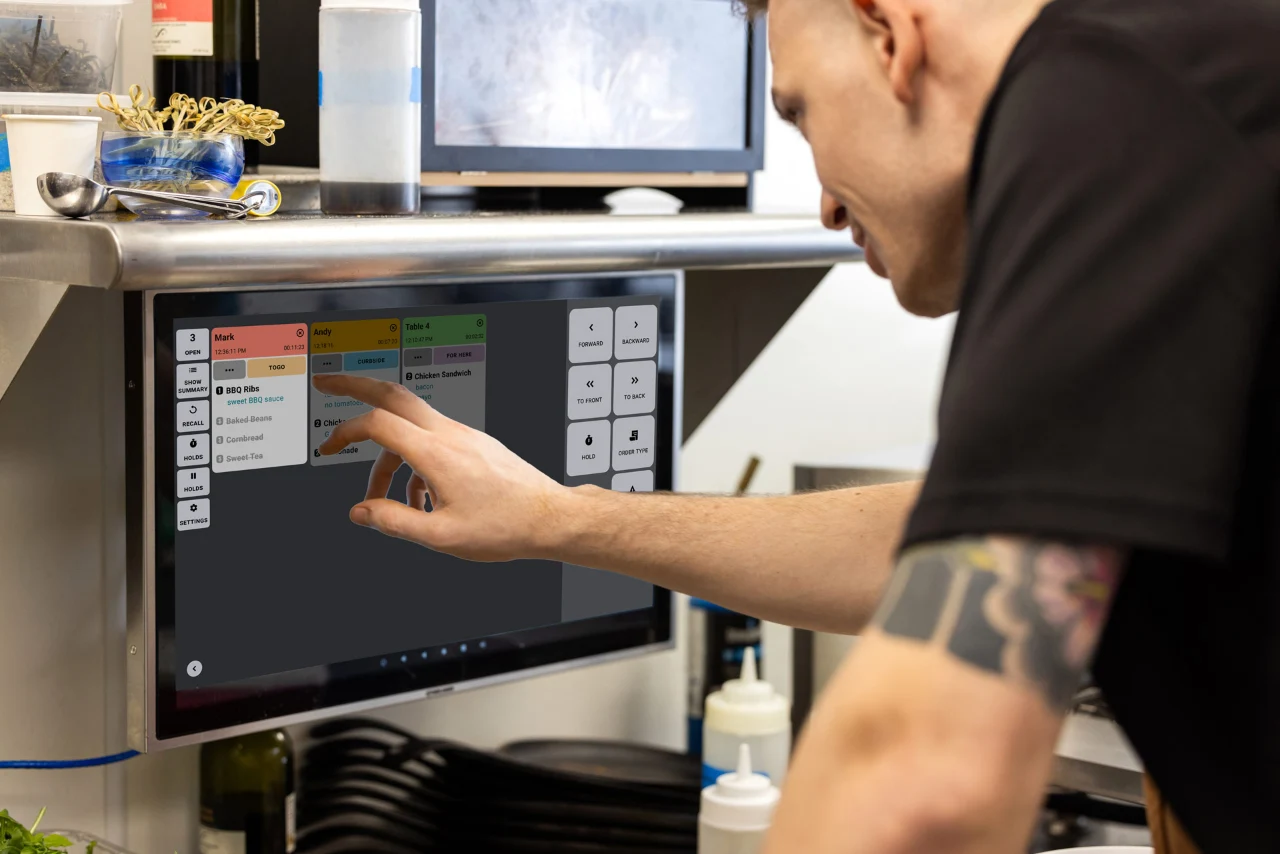
Restaurant POS Software: Managing Tables, Orders and the Kitchen
This article is a practical guide to managing tables, orders and the kitchen with a modern cashier system that supports...
Read the article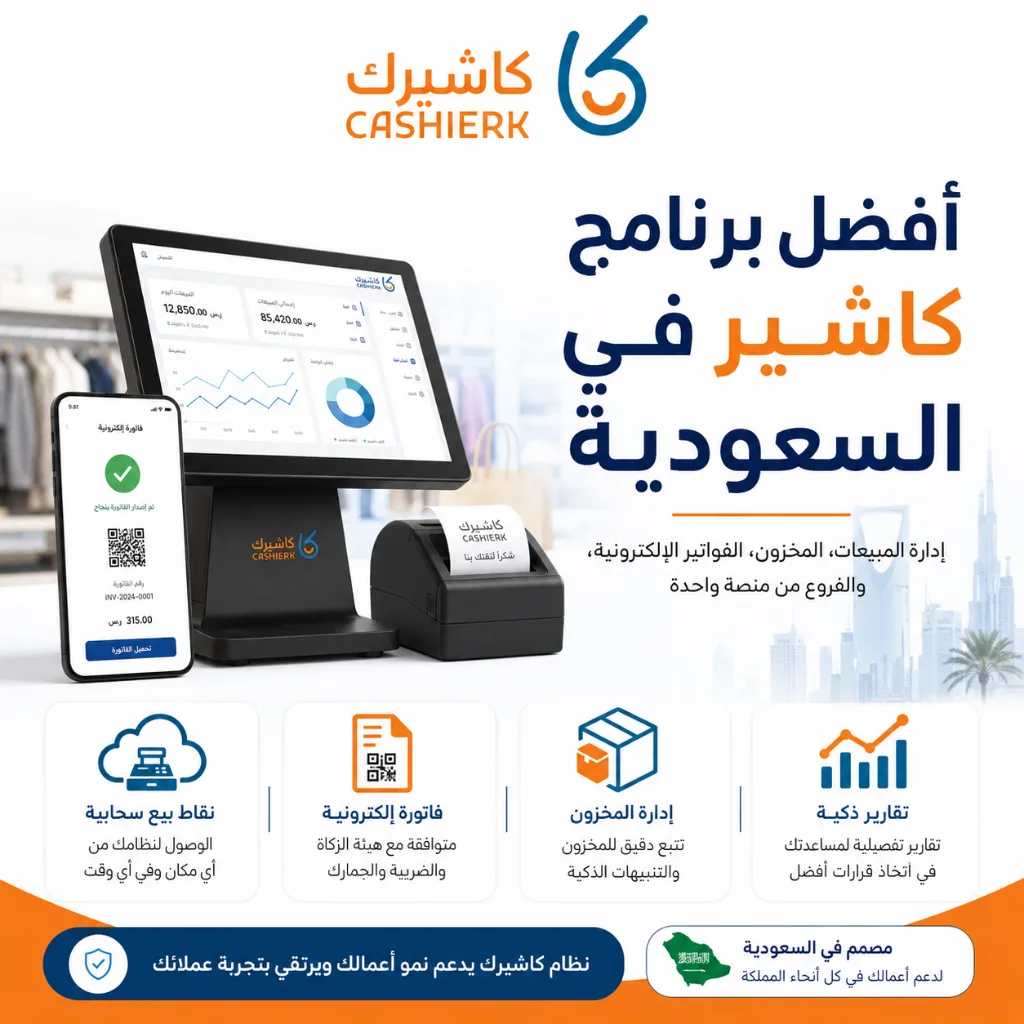
Best Cashier Software in Saudi Arabia: Sales, Stock, E-Invoices
Choosing the best cashier software in Saudi Arabia is no longer a simple decision about how fast you can issue...
Read the article
The Best Cloud Cashier Software in Saudi Arabia
With technology evolving so rapidly, traditional ways of running stores and businesses no longer work. Relying on technology has become...
Read the article.webp)
Cashier Software for Sales Management: Control Sales with Ease
Key takeawaysBetter control over sales and inventory.Higher efficiency and fewer human errors.Easy management of e-invoices and tax invoices.Detailed reports on...
Read the article
Kashierapp Sales Rep Management: Your Smart Path to Productivity
The challenges of managing sales reps the traditional wayBefore technology solutions arrived, small and medium-sized companies, and even some large...
Read the article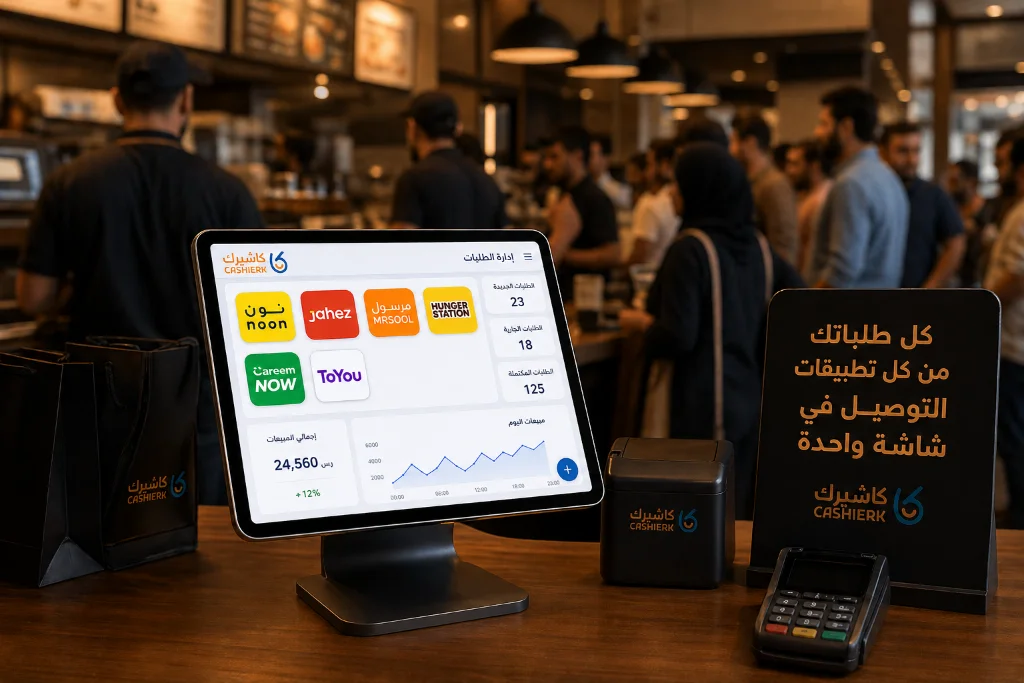
Best iPad Cashier Software to Manage Delivery Orders in One Place
Delivery apps such as Jahez, HungerStation and ToYou have become an indispensable partner for increasing sales and reaching new customer...
Read the article Riyadh - King Fahd Road - Al Yamamah Tower, 1st Floor - Office 102

