
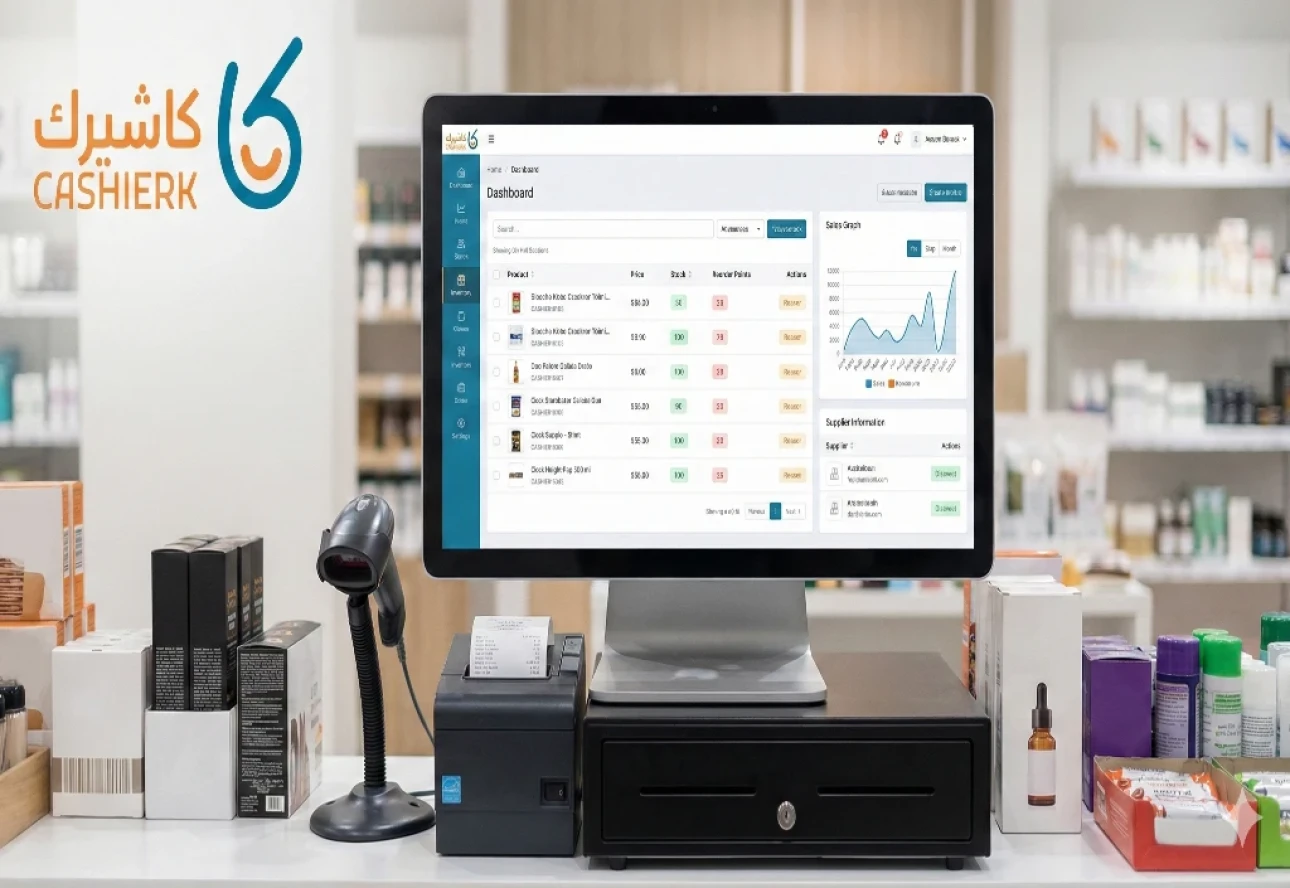
Goodbye Manual Stocktaking: How Kashierapp Simplifies Inventory
Goodbye to manual stocktaking: how does Kashierapp make inventory management smart and simple?
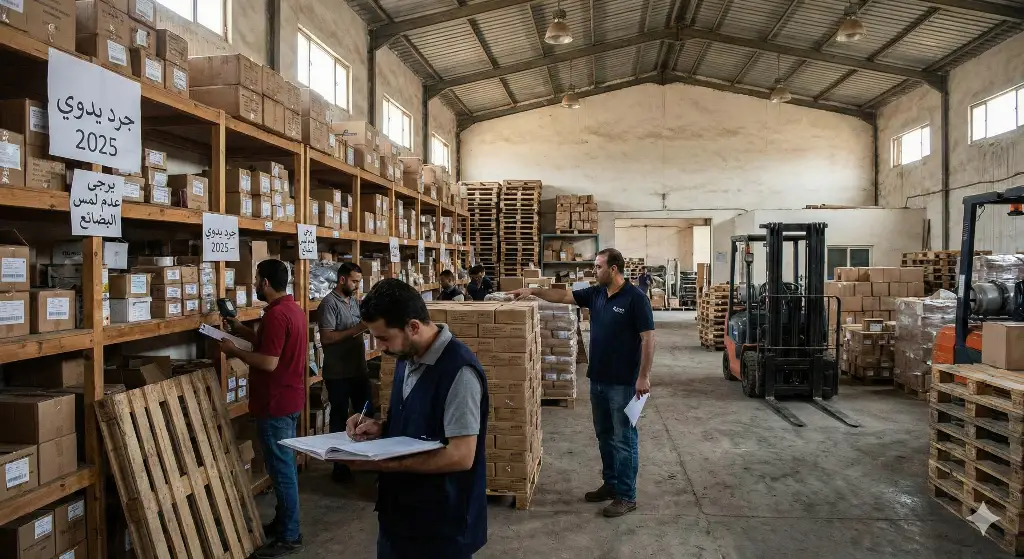
In today's fast-moving world of commerce, inventory is the lifeblood of any store or business. But have you ever considered how much time, effort and error a manual stocktaking system causes? The days of long Excel sheets and costly human errors are over. It's time to welcome the smart solution: integrated cashier software (POS) that turns inventory management from a burden into a competitive advantage.
In this article, we'll explore how Kashierapp can take your business to a new level of accuracy and efficiency in inventory control, keeping products available at all times and increasing your profits.
Why is inventory management with cashier software a necessity, not a luxury?
The main goal of inventory management with cashier software is to strike the perfect balance between product availability and avoiding excess costs. When you rely on outdated systems, you risk the following:
Running out of stock (stockouts): direct lost sales when a customer asks for a product you don't have.
Overstocking (excess inventory): capital tied up in products that don't move, which increases storage costs and risk.
Human error: large discrepancies between actual and recorded figures, leading to poor purchasing decisions.
This is where cashier software steps in, providing a centralized, precise system that keeps your data accurate in real time.
Kashierapp's core features for inventory tracking
Modern cashier software is more than just a sales register; it's a powerful system for product tracking from the moment items arrive at the warehouse until they're sold to the customer. Here's how it works:
A. Automatic inventory updates with every sale
The moment a product is scanned with the barcode scanner and the sale is completed, the software automatically deducts the quantity from the total recorded stock. This is the core of automated stocktaking: the figure stays accurate around the clock, no matter how many branches you have or how many sales take place.
💡 Real value: you don't have to wait until the end of the day or week to know what you have. Your product tracking data is live and reliable, so you can make purchasing decisions right away.
B. Setting minimum stock levels (reorder points)
One of the most important inventory control tools that cashier software provides is the ability to set a “minimum level” for each product. When a product's stock drops to this level, the software automatically sends you alert notifications.
Feature
| Benefit |
|---|---|
Automatic alerts | You get an instant notification that product (X) is about to run out. |
Avoiding shortages | You reorder the product before it actually runs out, keeping sales going. |
Less guesswork | You rely on accurate data instead of personal estimates. |
C. Managing multiple warehouses and locations
If you have more than one branch or warehouse, Kashierapp gives you a unified, complete view of inventory across all locations. An employee at branch “A” can see how much of a product is available at warehouse “B”, which makes it easier to transfer goods or tell customers when and where they can get their order. This is vital for managing your supply chain efficiently.
Turning inventory data into smart purchasing decisions
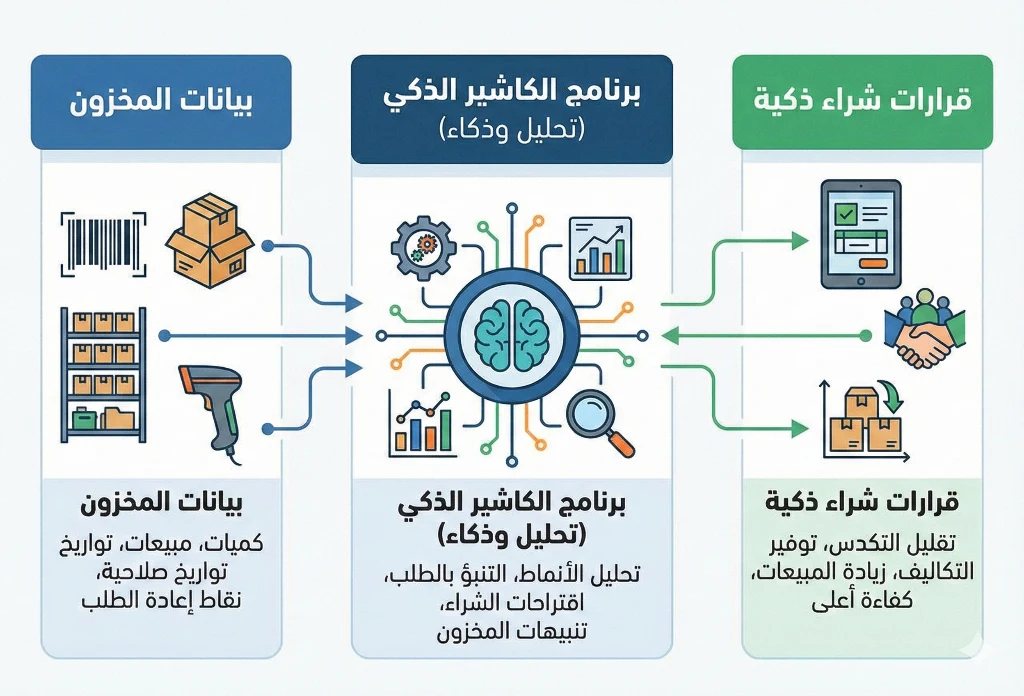
The software doesn't just count and record stock; it also provides strategic insights:
Product movement analysis (fast vs. slow movers)
Cashier software provides detailed reports that identify:
Best-selling products (sales stars): show you which products you should order more of and negotiate better prices for by buying in larger quantities.
Slowest-moving products: help you identify products to clear out or put on offer to free up capital.
Peak seasons: by tracking inventory throughout the year, you can predict when sales of a particular product will rise (such as ice cream in summer or coats in winter) and prepare for it.
Matching purchase and sales invoices
When a new shipment arrives, you can enter the supplier's invoice directly into the software. The system matches the quantities received against the quantities recorded in the system. This feature is essential for inventory control, as it immediately reveals any shortage or difference between what you ordered and what you received, protecting your profit margin.
Your step toward freedom from manual stocktaking
inventory management with cashier software is an investment in your business's efficiency and profitability. The software lets you say goodbye to costly mistakes and unplanned reactions to market swings, and rely instead on accurate data that gives you:
Time: save long hours of manual stocktaking and spend them serving customers instead.
Money: reduce losses from stockouts and the capital tied up in excess inventory.
Integrity: keep your data sound and transparent at all times, across every department and branch.
Ready to experience how easy and accurate automated stocktaking can be? Contact us today to learn more about Kashierapp's advanced warehouse management features and how they can make the difference in your business's growth.
Bottom line: cashier software is the future of inventory management
It's clear that modern cashier software is the ideal way to end the era of manual stocktaking and costly errors. It isn't just a tool for recording sales; it's an integrated system that ensures accuracy and efficiency in inventory management with cashier software. With real-time updates, reorder point alerts and smart analysis of product movement, Kashierapp gives you full inventory control and the ability to make well-informed purchasing decisions. Invest in this technology to save time and money and make sure your customers' favorite products are always available.
Frequently asked questions about product tracking and inventory management (FAQ)
Q1: What is the difference between manual stocktaking and automated stocktaking?
A: Manual stocktaking relies on periodic counting by staff and recording data by hand, which increases the likelihood of errors and delays. With automated stocktaking using cashier software, products are deducted automatically the moment they are sold, so your figures are accurate and available in real time.
Q2: Can I track inventory across several branches with a single cashier software?
A: Yes. Modern software supports warehouse management across multiple locations. You can monitor stock levels and issue transfer requests between branches from one central dashboard, which improves distribution and sales efficiency.
Q3: How does the software help me avoid running out of stock (stockouts)?
A: It helps through its reorder point system. You can set a minimum level for each product, and when stock reaches that level, the system sends you an instant alert to order new quantities before the product runs out completely.
Q4: Do our employees need intensive training on inventory management with cashier software?
A: No. Modern software like Kashierapp is designed with easy, intuitive interfaces. Usually only basic training is needed to learn how to scan products and receive alerts, which speeds up adoption of the new system.
.webp)
Effective Inventory Management to Grow Your Business
What you'll learn in this article:What inventory management is and why it matters to businessesHow to use an enterprise resource...
Read the article.webp)
Cashier Software for Efficient Sales and Inventory Management
Cashier software that supports every payment method and complies with tax and zakat requirementsDetailed reports on sales and buying patternsAccurate...
Read the article
How to Prevent Theft and Inventory Shrinkage: 5 POS Steps
Do you know where 5% of your profits go every year? In retail and restaurants, there is a silent enemy...
Read the article
Supplier and Procurement Management: Lower Costs, Higher Profits
In the challenging world of trade, there is a golden rule that leading merchants pass down from generation to generation:...
Read the article Riyadh - King Fahd Road - Al Yamamah Tower, 1st Floor - Office 102

