
ZATCA-Approved Cloud Tax Invoice Software
Kashierapp invoicing software | The ZATCA-approved cloud solution
Introducing our cloud invoicing software, the ZATCA-approved cloud solution for managing invoices electronically. Cloud invoicing is the easiest integrated ERP system, with innovative solutions that comply with the requirements of the Zakat, Tax and Customs Authority.
Features of the cloud invoicing software:
- The cloud invoicing software is an integrated ERP system that offers innovative solutions fully compliant with ZATCA requirements.
- The cloud invoicing software has been officially approved as a certified service provider for Phase 2 of e-invoicing in the Kingdom.
- The software has an easy-to-use interface that suits every type of business, from stores and restaurants to companies.
- The system provides an integrated solution for e-invoicing, accounting and inventory management on one platform.
- You can enjoy a 7-day free trial of the software before subscribing to a paid plan.
Features of the cloud tax invoice software
Our cloud tax invoice software is designed to deliver a smooth, secure user experience. It offers many features that make invoice management easier.
Key features:
- Issue e-invoices that fully comply with ZATCA requirements at the click of a button.
- An easy-to-use interface that suits users of every technical level.
- Work from anywhere, at any time, online, with no need to install complicated software.
- Secure cloud data storage with automatic backups.
- Integrated management of sales, purchases, inventory and staff in one system.
- Continuous system updates to keep up with the latest e-invoicing requirements.
The integrated programs inside the cloud invoicing system
Our cloud invoicing software brings together different programs for managing your sales, warehouses and staff. This integration makes it easy to manage every aspect of your business effectively.
Sales and invoice management
Our sales software provides comprehensive tools for managing invoices and sales with ease. You can track daily sales, manage customers and issue invoices quickly.
Warehouse and inventory management
The warehouse software helps you track inventory, manage products and purchases, and run stocktaking effectively. You can monitor stock levels and have them updated automatically.
HR management system
The HR management system helps you organize employee data and calculate salaries and entitlements accurately. You can track staff attendance and departures and manage leave and early departures with ease.
The system provides comprehensive reports on staff performance and productivity, and makes it easy to pay salaries and calculate bonuses and deductions accurately.
Phase 2 of e-invoicing: how does our software help?
Phase 2 of Saudi e-invoicing
Our software makes it easy to comply with Phase 2 of e-invoicing. We were among the first companies approved to provide Phase 2 services.
Our software provides a direct connection between your invoicing system and ZATCA to ensure full compliance.
In Phase 2, an invoice goes through three main stages: generation, validation, and then sharing with the buyer.
Our system works to increase the credibility of e-invoices and improves the user interface to make invoicing easier.
The software helps you avoid the financial penalties for not meeting e-invoicing requirements.
Required elements of a tax invoice
When issuing tax invoices, certain essential elements must be included to meet the legal requirements. They include important information about the seller and the buyer, as well as the invoice details themselves.
What the QR code on an e-invoice contains
The QR code on an e-invoice contains important information such as the seller's name, the VAT registration number and the invoice date.
What to avoid when issuing e-invoices
There are several things to avoid when issuing e-invoices, including:
-
Issuing invoices in English only, without Arabic.
- Issuing invoices with incomplete data or without a QR code.
- Issuing invoices without a VAT registration number or complete seller details.
- Using invoicing systems that are not approved by the Zakat, Tax and Customs Authority.
- Including incorrect or misleading information on the invoice.
Invoices must be issued in Arabic as a mandatory requirement, and they may include English as an addition.
Plans and pricing for the cloud invoicing software
Kashierapp's cloud invoicing software offers multiple plans at competitive prices. We offer a variety of plans for the cloud invoicing software to suit different business needs and budgets.
Our plans range from the free trial to advanced plans for large companies. They differ in the number of users allowed, the number of invoices per month and the storage size.
All plans are competitively priced compared with similar software on the market. You can switch between plans at any time as your business and your needs grow.
Kashierapp's free trial: get started at no cost
The free plan is your gateway to exploring the features of our unique software before you buy. We offer the free trial to support your business so you can move to a paid plan without any hesitation.
The free trial lets you try the software in full and get to know all its features and capabilities before you buy.
Free trial benefits
The free trial gives you many benefits that help you test the software before launching your business.
- Whether you run a full-scale online store,
- or a restaurant, a shop or a contracting company, you can try our software easily right now
- Full technical support
How to upgrade to a paid plan
You can upgrade from the free trial to a paid plan easily from the dashboard. Upgrading takes just a few simple steps:
- Choose the right plan
- Complete the payment
- Enjoy the additional features
There is no need to re-enter your data when you upgrade, as all your data is transferred automatically.
Multiple payment methods and continuous technical support
Our tax invoice software comes with continuous technical support and multiple payment methods.
We offer many payment options to choose from, including credit cards, bank transfers and e-wallets.
Continuous 24/7 technical support is available to help you with any questions or technical issues.
- We offer many flexible payment methods.
- You can pay by credit card or bank transfer.
- We provide round-the-clock technical support.
- You can contact our technical support team by phone or email.
- We guarantee a fast response to all your inquiries.
Cloud invoicing apps for computers and smartphones
You can now manage your invoices from any device thanks to our cloud apps for computers and smartphones. Download the cloud invoicing software for your computer and smartphone now.
Windows app
The cloud invoicing software is compatible with Windows devices. Download it, unzip the file and install the software on your device.
Mac app
A version of the cloud invoicing software is available for Mac. You can install it easily and start managing your business.
Smartphone apps
Our apps are available for Android and iOS. You can use them as a mobile point of sale system to manage your business from anywhere.
- Smartphone apps to manage your business from anywhere.
- The app can be used as a mobile POS system.
- The app supports barcode scanning and adding products quickly.
- A simplified user interface designed for small screens.
Integration with e-commerce and POS systems
Connecting the invoicing software to your POS
Our system integrates seamlessly with e-commerce platforms and various point of sale systems, making it easy to manage your sales across multiple channels.
WooCommerce integration
Our cloud invoicing software offers powerful integration with WooCommerce, so you can manage your online sales with ease.
With this integration, you can:
- Sync new orders automatically with the invoicing software.
- Update stock levels in real time.
- Manage customers and their invoices easily.
POS system
Our POS system provides an easy-to-use interface for recording sales and issuing tax invoices.
POS system features:
- The POS system provides an easy-to-use interface for recording sales and issuing tax invoices.
- It can work offline and sync data later when a connection is available.
- The system supports issuing invoices to individuals and businesses, taking the tax differences into account.
- The POS system works with barcode scanners, printers and cash drawers for a complete sales experience.
- The system can be used on different devices, such as desktop computers, tablets or smartphones.

By using the cloud invoicing software together with the POS system, you can make your sales operations more efficient and simplify sales management across different channels.
Integrated ERP accounting software for small businesses
Our integrated accounting software provides comprehensive financial solutions for small businesses. It helps you manage your financial transactions effectively and produces accurate reports that support decision-making.
Tracking financial transactions and managing assets
Our software lets you track all your financial transactions accurately and manage fixed and current assets easily. The system provides powerful tools for analyzing cash flows and improving liquidity management.
Detailed profit and loss reports
The system provides detailed profit and loss reports that help you assess the company's financial performance. You can get periodic reports on sales, purchases, expenses and revenue.
- Detailed profit and loss reports
- Periodic reports on sales and purchases
- Analysis of the right pricing structure
- Reports customized by time period or branch
- Export reports in different formats such as PDF and Excel
Dedicated solutions for different sectors
Invoicing software for contracting companies
We offer specialized solutions for sectors such as contracting and hotels, with dedicated programs to meet the needs of each sector.
Contracting and project management
Our contracting and project management software provides integrated tools for managing projects efficiently.
Security and quality features of the cloud invoicing software
Security in Kashierapp's tax invoice software
Our cloud invoicing software is designed to be secure and reliable, thanks to international quality standards.
Our software offers high levels of security: we use advanced encryption technologies to protect financial information and sensitive data.
Automatic backups are also performed to make sure no data is lost under any circumstances.
We follow international quality standards in developing and continuously updating the software, and we undergo periodic reviews by the Zakat, Tax and Customs Authority.
How to subscribe and start using the cloud invoicing software
How to subscribe to the tax invoice software
You can start using the cloud invoicing software easily by following a few simple steps.
- You can subscribe to the cloud invoicing software in a few quick, simple steps.
- Visit our website and register a new account using your email address.
- Choose the plan that suits your needs, from the free plan to the advanced plans.
- Download the app to your devices or use the cloud version directly in your browser.
- You can start using the system right away with ease, with the help of user guides and video tutorials.
Contact us now and get approved invoicing software
We are here to help you get invoicing software approved by ZATCA. You can call us on 0582072591 for technical support and to choose the right plan for your needs.
Our team is ready to answer your questions and help you choose the right plan for your needs. You can also reach us by email or on social media.
- Get a complete cashier and invoicing system that works with high efficiency.
- We offer special deals for companies and organizations that want to subscribe as a group.
- Contact us now to get approved invoicing software and start improving how you run your business.
Call us now on 0582072591 and get invoicing software approved by ZATCA. We are here to serve you and provide the support you need to keep your invoicing system effective.
FAQ about approved invoicing software
What are ZATCA's requirements for issuing e-invoices?
How can I connect the cloud invoicing software to e-commerce systems?
What features does the free plan of the cloud invoicing software include?
How can I upgrade to a paid plan?
What payment methods are available for the cloud invoicing software?
Can I use the cloud invoicing software on smartphones?
How does the cloud invoicing software help manage a business?
What security features does the cloud invoicing software have?
We provide strong data protection and automatic backups.
.webp)
E-Invoicing in Saudi Arabia: A Complete Guide for Your Business
Table of contents What is an e-invoice?Why e-invoicing matters for Saudi Arabia and for businesses Types of e-invoices What are the elements of...
Read the article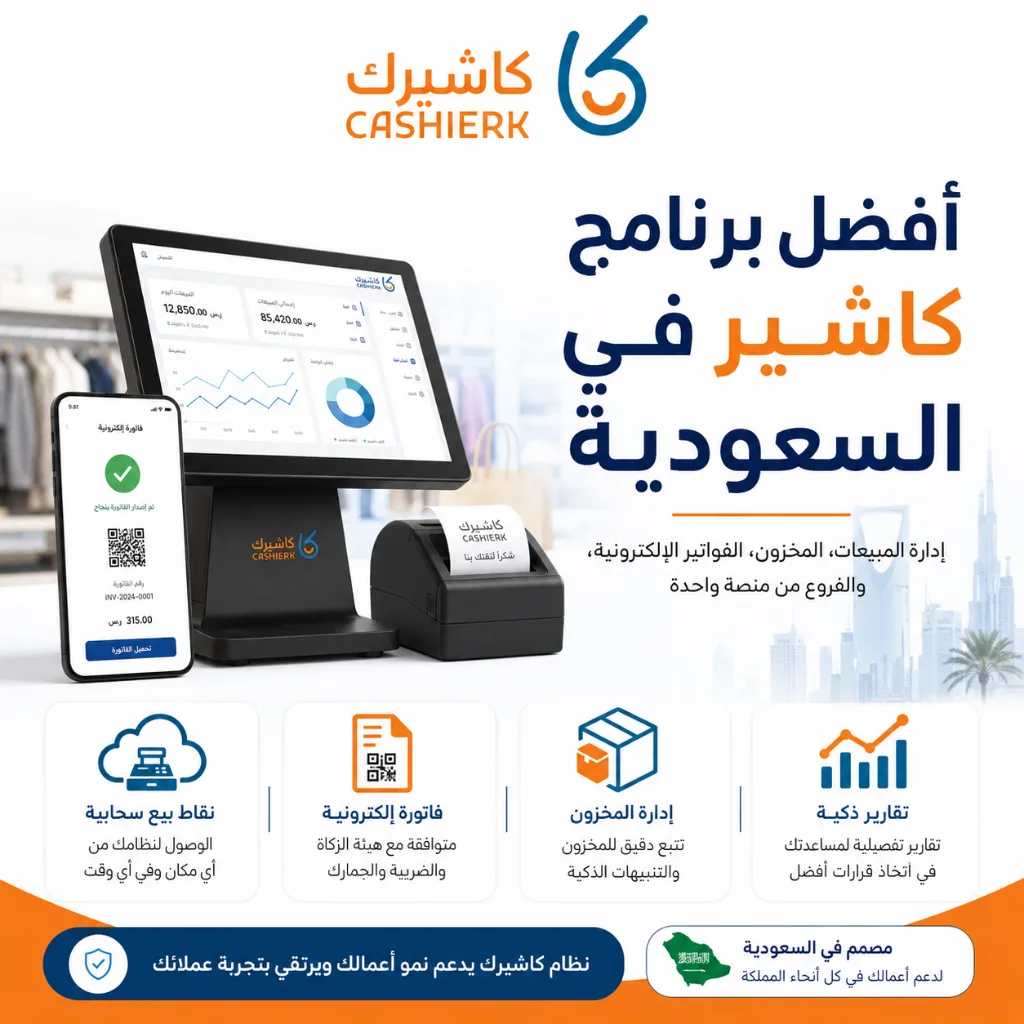
Best Cashier Software in Saudi Arabia: Sales, Stock, E-Invoices
Choosing the best cashier software in Saudi Arabia is no longer a simple decision about how fast you can issue...
Read the article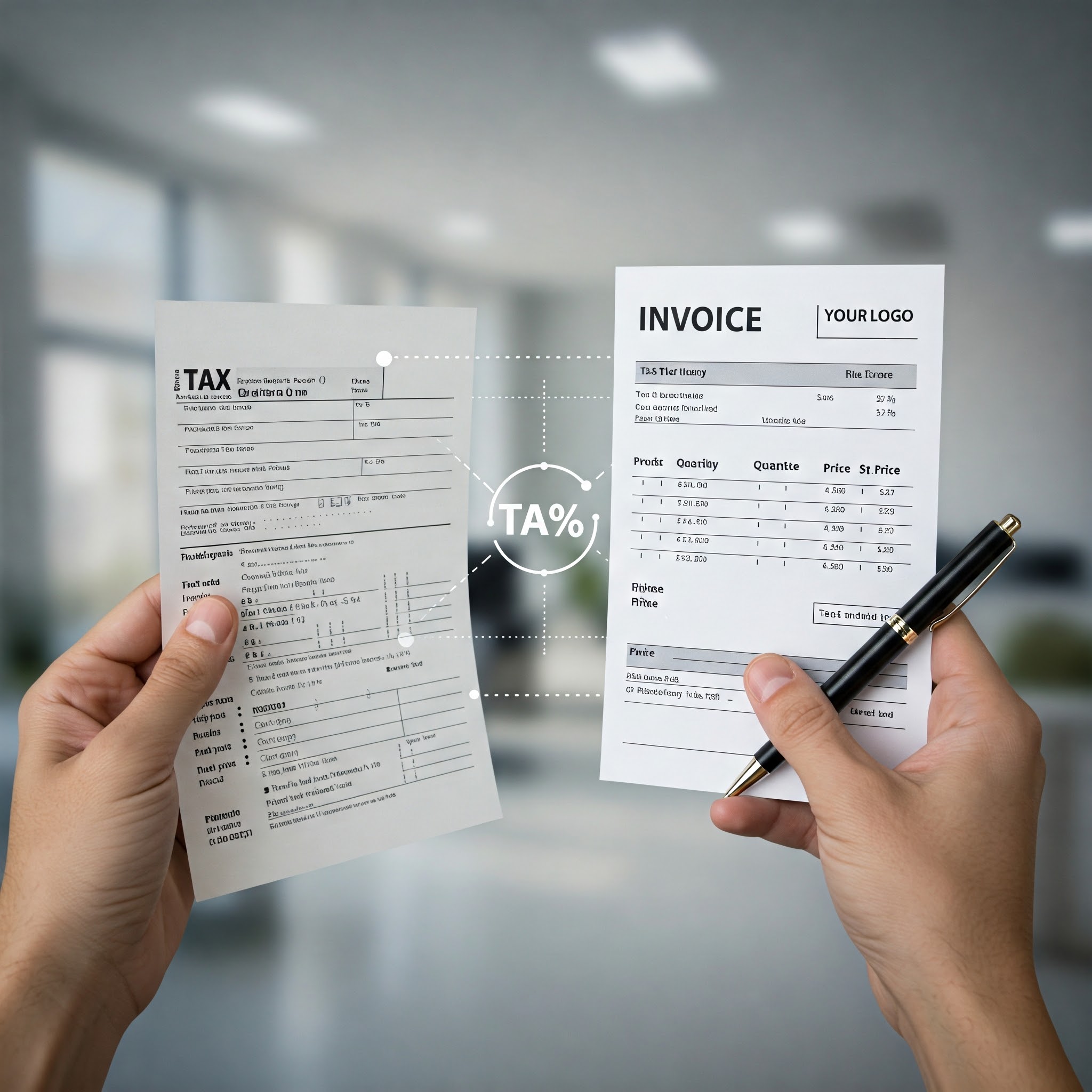
E-Invoicing Phase 2 in Saudi Arabia: How to Get Ready
As Saudi Arabia keeps pace with digital transformation and the modern electronic systems adopted by most countries around the world,...
Read the article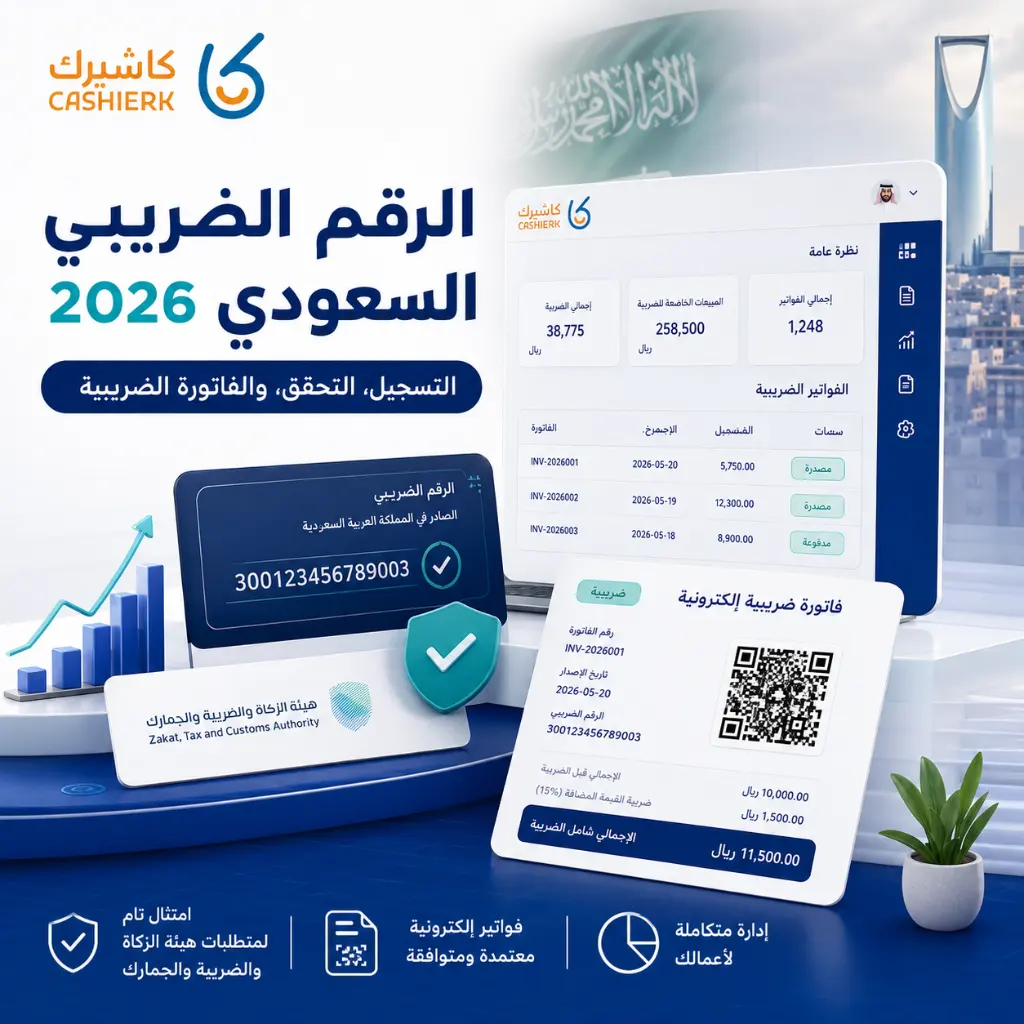
Saudi VAT Number 2026: Registration, Verification and VAT vs TIN
As tax legislation in Saudi Arabia keeps evolving, and as e-invoicing and the Integration phase with the Zakat, Tax and...
Read the article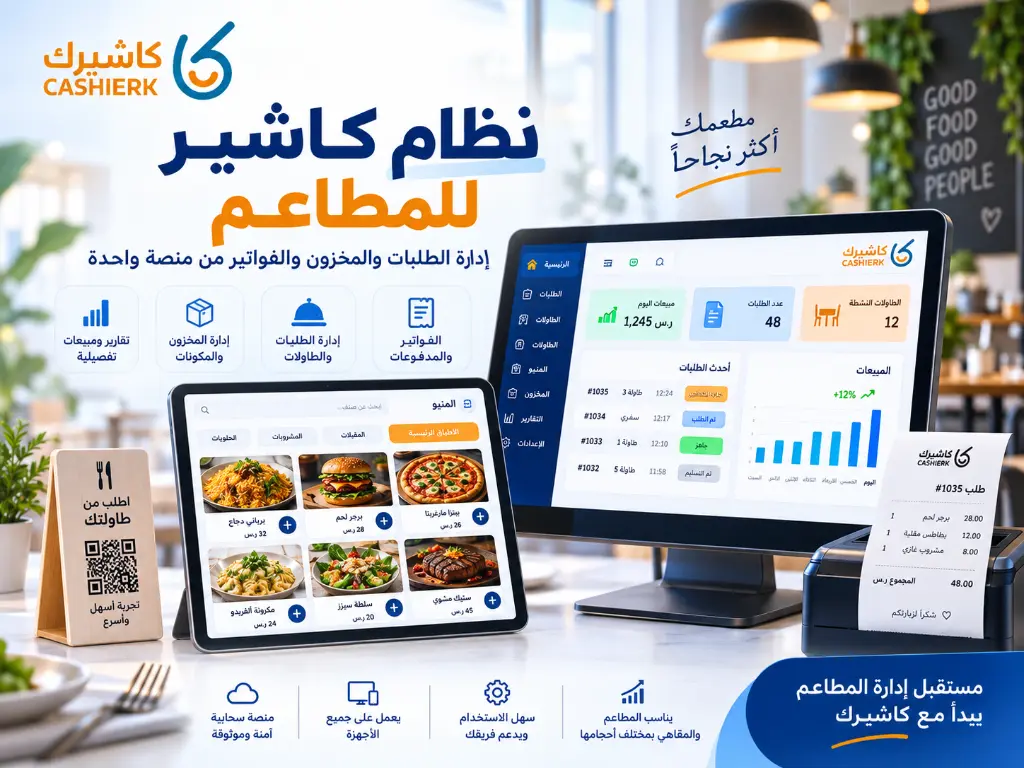
Restaurant POS System: Manage Orders, Inventory and Invoices
Running a restaurant is no longer just about great food or fast service. It now takes a clear operating system...
Read the article.webp)
Best E-Invoicing Software in Saudi Arabia
Key takeawaysKashierapp makes e-invoicing more efficient.Converting paper invoices simplifies financial operations.The software is ideal for business and store owners.It greatly...
Read the article Riyadh - King Fahd Road - Al Yamamah Tower, 1st Floor - Office 102

