
Best ERP Software in Saudi Arabia: Business, Sales and Branches
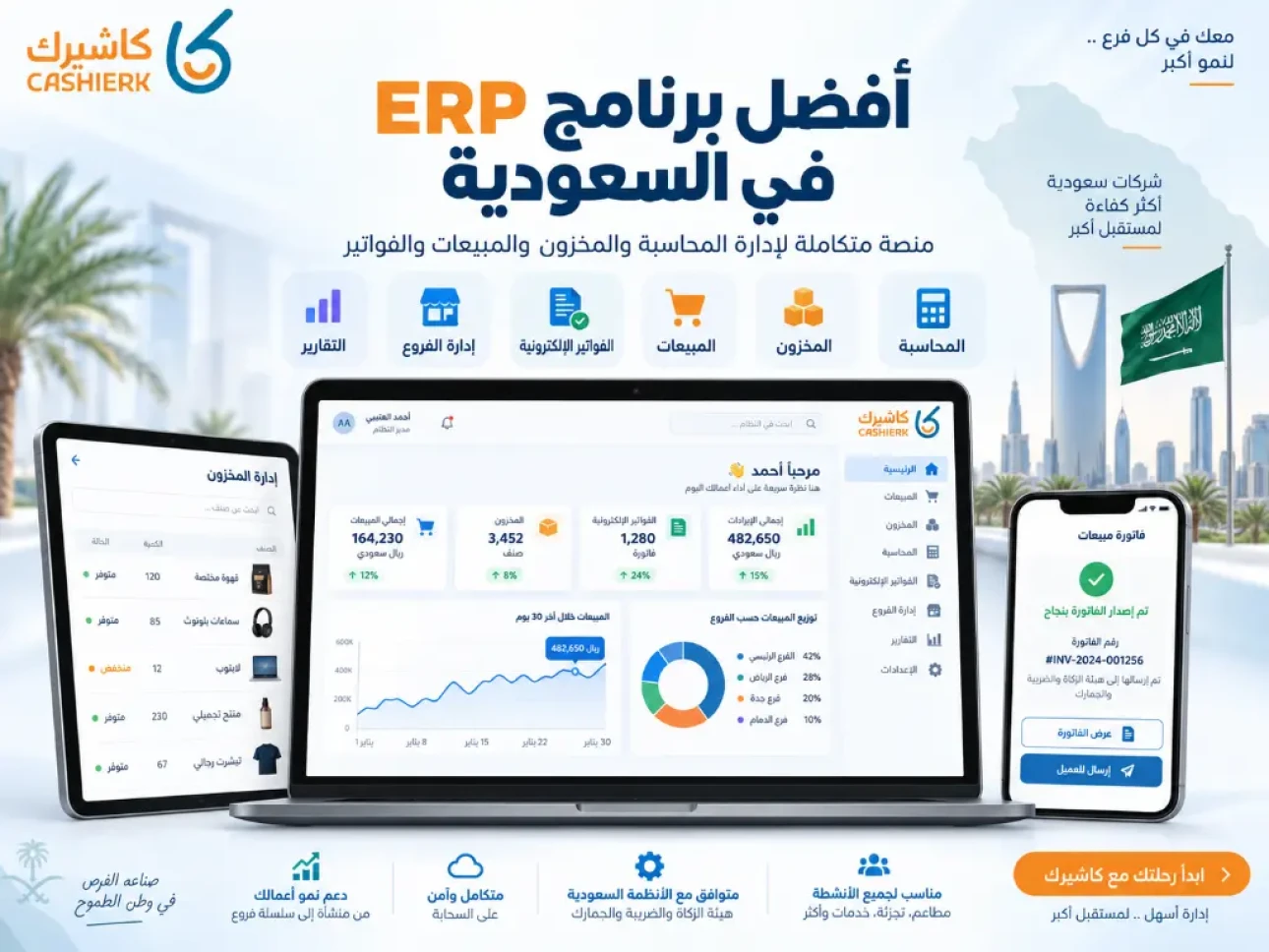
Searching for the best ERP software in Saudi Arabia has become an essential step for any company or organization that wants to organize its operations and move from scattered management to clear, centralized control. Instead of relying on separate programs for sales, inventory, invoices, customers and branches, an ERP system connects all of these operations in one platform.
As digital transformation spreads across the Saudi market, companies need flexible systems that support Arabic, e-invoicing, branch management, performance reports and user permissions, and that can scale as the business grows.
In this guide, we explain what an ERP system is, its main benefits, how to choose the right ERP software for your company, and what makes Kashierapp a practical choice for businesses that need a cloud ERP system connecting sales, invoices, inventory, branches and reports in one place.
Table of contents
- What is ERP software?
- What does enterprise resource planning mean?
- Why do companies in Saudi Arabia need an ERP system?
- ERP software vs. separate programs
- Key features of integrated ERP software
- Which departments does an ERP system manage?
- How does ERP help manage sales and invoices?
- The role of ERP in inventory and supply chain management
- How does ERP support branch and staff management?
- Why reports and analytics matter in an ERP system
- What is the difference between cloud ERP and traditional ERP?
- How to choose the best ERP software in Saudi Arabia
- Why Kashierapp works as an ERP solution for different sectors
- Full ERP vs. separate apps
- Common mistakes when choosing ERP software
- FAQ about the best ERP software
What is ERP software?
ERP software is a system that helps companies and organizations manage their resources and operations from one platform. ERP stands for Enterprise Resource Planning.
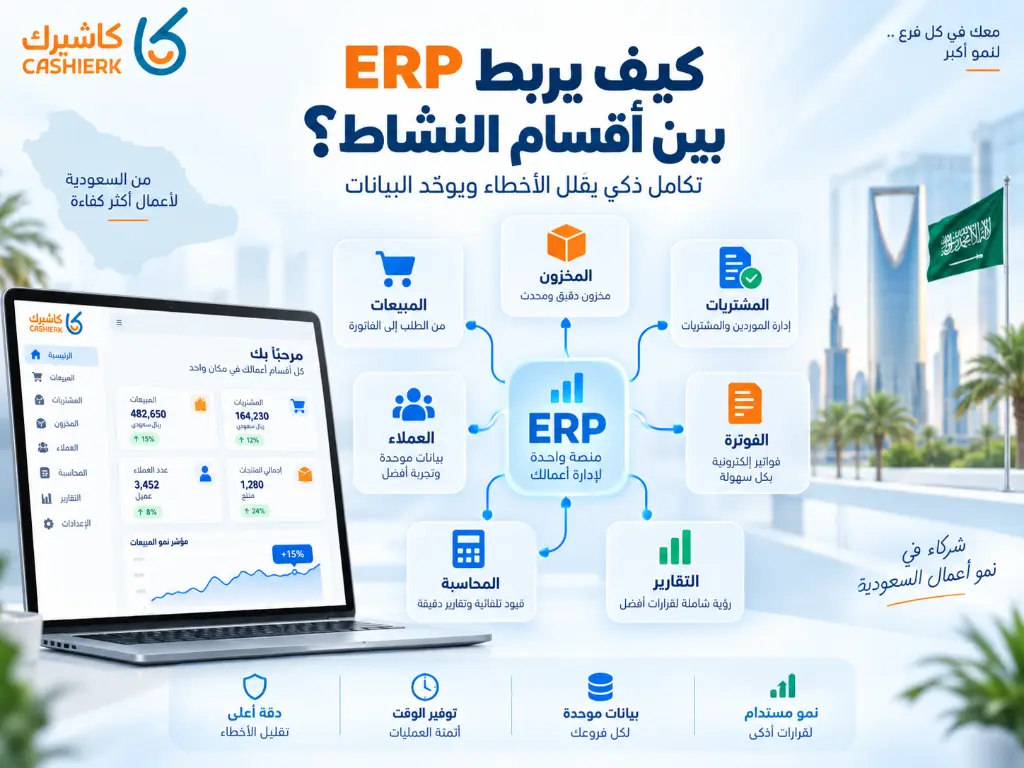
The core idea of an ERP system is that it connects different parts of the business, such as sales, inventory, invoices, accounts, customers, suppliers, branches, reports and staff, so that data is unified instead of scattered across several programs or files.
A simple example: when a sale is made in a branch, it can affect the invoice, inventory, the sales report, the customer's account, the branch's performance and the accountant's records. Having all of these processes in one system reduces duplication and errors and makes management much clearer.
What does enterprise resource planning mean?
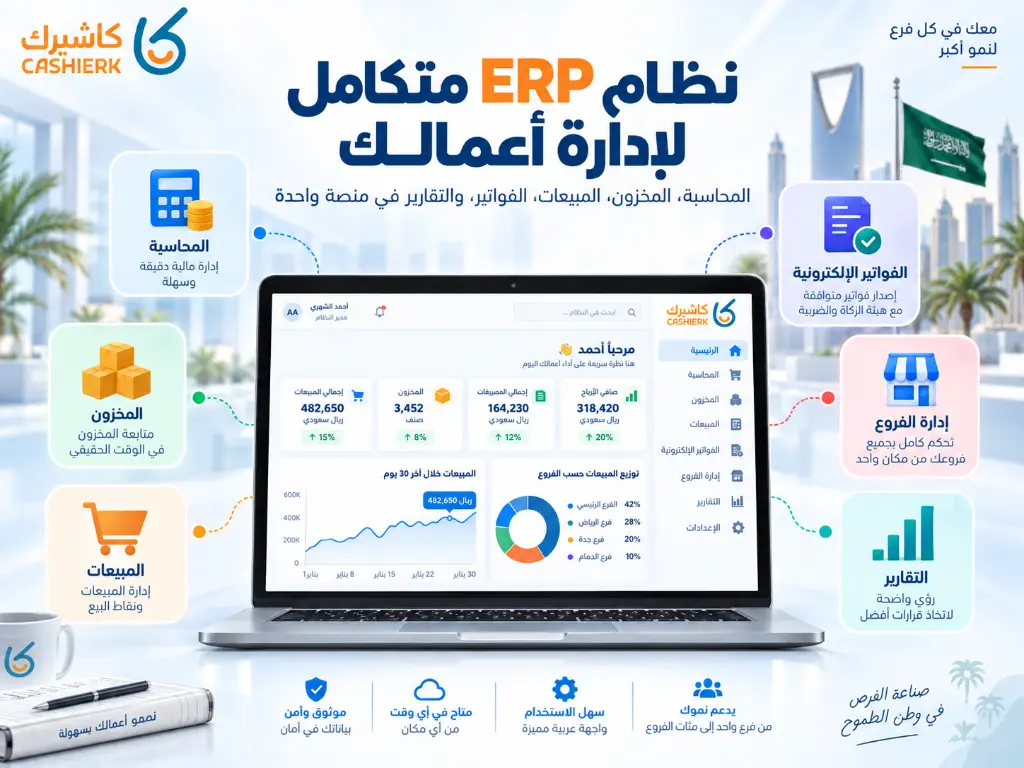
An enterprise resource planning system is a management and operations system that organizes a company's resources and connects data across departments. It doesn't focus on just one area, such as invoices or inventory; it brings several functions together in a single platform.
An ERP system typically helps with:
- Organizing sales.
- Managing invoices.
- Tracking inventory.
- Managing customers.
- Managing suppliers.
- Managing branches.
- Tracking payments.
- Preparing reports.
- Organizing user permissions.
- Supporting management decisions.
The more operations, branches, products and customers a company has, the more it needs an ERP system that lets management follow everything from one place.
Why do companies in Saudi Arabia need an ERP system?
Companies in Saudi Arabia need an ERP system because business increasingly depends on digital organization, especially with the evolution of e-invoicing, multiple sales channels, branch expansion and management's need for fast, accurate data.
An ERP system helps a company:
- Rely less on manual files.
- Unify data across departments.
- Track sales more effectively.
- Link invoices to inventory and reports.
- Improve oversight of branches.
- Make management and accounting work easier.
- Reduce errors caused by entering the same data more than once.
- Monitor performance in real time.
- Support expansion and growth.
Choosing business resource management software is therefore no longer just a technical decision; it is a management decision that affects operational efficiency, profitability and the quality of your decisions.
ERP software vs. separate programs
Some businesses start with one program for invoices, an Excel file for inventory, another program for customers and separate reports for each branch. That may work at first, but it becomes exhausting as the business grows.
| Criterion | Separate programs | Integrated ERP system |
|---|---|---|
| Data | Spread across several programs | Unified in one platform |
| Sales | Need to be reviewed separately | Linked to invoices and reports |
| Inventory | May be updated manually | Linked to sales and purchases |
| Branches | Separate reports for each branch | Centralized branch monitoring |
| Errors | Higher because of repeated data entry | Lower because data is connected |
| Reports | Need to be compiled manually | Generated directly by the system |
| Expansion | Gets harder over time | Easier when adding branches and users |
The real difference is that ERP doesn't manage each department in isolation; it connects operations so you can see the full picture of your business.
Key features of integrated ERP software
Integrated ERP software should help a company run its daily operations more clearly, not just store data.
1. Unified data
Instead of sales data in one place, inventory in another and invoices in a separate system, ERP brings all your data together in one platform.
2. Fewer errors
When data is entered once and reflected across several departments, manual copying errors and duplication drop.
3. Faster decisions
Real-time reports show management the status of sales, inventory and branches without waiting for manual reports.
4. Permission management
You can set permissions for each user according to their role, such as sales staff, branch manager, accountant or senior management.
5. Support for growth
A good system lets you add branches, users or new products without rebuilding the way you work from scratch.
6. Better oversight
When operations are documented and connected to reports, overseeing sales, inventory and branches becomes easier.
Which departments does an ERP system manage?
ERP systems vary from one company to another depending on the type of business, but they usually cover a key set of departments and processes.
Sales management
ERP helps you track sales, invoices, customers, discounts, payment methods and returns.
Inventory management
One of ERP's most important functions is tracking products, quantities and stock movements. Learn more on the inventory management page.
Invoice management
The system helps you issue invoices and link them to sales, customers and reports. See the invoicing software page to learn about Kashierapp's invoicing solutions.
Customer management
ERP helps you organize customer data, track the history of each relationship and improve the service and sales experience.
Branch management
For multi-branch companies, ERP helps track each branch's performance, sales, inventory, cash registers and permissions.
Reports and analytics
Reports help management understand performance instead of relying on guesswork or paper reports.
How does ERP help manage sales and invoices?
Managing sales and invoices is one of the main reasons companies use ERP, because a sale is the starting point for many other processes in the business.
When a sale is recorded, the system needs to link it to several elements:
- The customer.
- The product or service.
- The price.
- The discount.
- The tax.
- The payment method.
- The invoice.
- Inventory.
- The branch.
- The financial report.
If these steps happen in separate systems, the chance of error rises. In an ERP system, the process is far more organized because the data is connected.
With a smart POS system, daily sales can be linked to invoices, reports and inventory, which makes ERP even more useful for stores, restaurants and other businesses that rely on direct sales.
The role of ERP in inventory and supply chain management
Inventory is one of the areas that most needs a clear system, because any problem there can lead to shortages of popular products or a buildup of slow-moving ones.
An ERP system helps you:
- Track available quantities.
- Identify fast-moving products.
- Track slow-moving products.
- Reduce stocktaking errors.
- Support purchasing decisions.
- Track inventory by branch.
- Link sales to inventory.
- Improve supply planning.
When inventory is linked to sales and invoices, it becomes easier to see what you actually need instead of relying on inaccurate estimates.
How does ERP support branch and staff management?
Managing one branch is different from managing several. As the number of branches grows, management needs a system that shows each branch's performance, allows sales comparisons, tracks inventory and organizes user permissions.
An ERP system helps you:
- Track each branch's sales.
- Compare branch performance.
- Manage cash registers.
- Set staff permissions.
- Follow branch reports.
- Standardize products and prices.
- Rely less on separate reports from each branch.
Learn about Kashierapp's branch solutions on the Advanced Branch Management page.
Why reports and analytics matter in an ERP system
Reports are the real value of any ERP system. Without clear reports, your data is just scattered numbers that don't help you make decisions.
ERP reports help you understand:
- Total sales.
- Profit and loss.
- Branch performance.
- Best-selling products.
- Most frequent customers.
- Payment methods.
- Inventory movement.
- Invoices and returns.
- Staff or sales rep performance.
- Growth or decline trends.
See the Smart Reports page to learn how reports help improve business decisions.
What is the difference between cloud ERP and traditional ERP?
Choosing between cloud ERP and traditional ERP depends on the size of your company, how you operate, your budget and the number of branches you have.
| Criterion | Traditional ERP | Cloud ERP |
|---|---|---|
| Operation | Usually needs in-house servers | Runs in the cloud |
| Access | From inside the network or with special setup | From anywhere, based on permissions |
| Updates | May need technical intervention | Easier and more flexible |
| Upfront cost | Usually higher | Relatively lower at the start |
| Scaling | Needs additional equipment | More flexible as you grow |
| Branches | Needs complex setup and connections | Well suited to centralized management |
| Maintenance | More responsibility on the company | Handled by the service provider |
For many SMEs, stores and restaurants, cloud ERP is the more flexible option because it reduces technical complexity and makes data easier to access.
How to choose the best ERP software in Saudi Arabia
Choosing the best ERP software doesn't mean picking the most famous system; it means choosing the one that best fits your type of business.
Before you decide, review these criteria:
1. Type of business
Is your business a service company, a store, a restaurant, an organization, a distributor or a multi-branch operation? Each type of business needs a different setup.
2. Arabic language support
An Arabic interface and a user experience that suits your team are very important in the Saudi market.
3. E-invoicing support
If your business operates in Saudi Arabia, a system that helps you manage e-invoices and meet ZATCA requirements is an important factor.
4. Inventory management
If your business depends on products, materials or branches, don't choose an ERP system without clear inventory management.
5. Branch management
If you have more than one branch, make sure the system supports centralized monitoring as well as separate and consolidated reports.
6. Ease of use
A complicated system can fail simply because it is hard to use, even if it is powerful.
7. Reports
Ask what kinds of reports are available and whether they help you make real decisions or just show general numbers.
8. Technical support
Technical support is very important during setup, training, data migration and troubleshooting.
9. Scalability
Choose a system that can grow with you, rather than one you have to replace entirely when you open a new branch or add a new department.
Why Kashierapp works as an ERP solution for different sectors
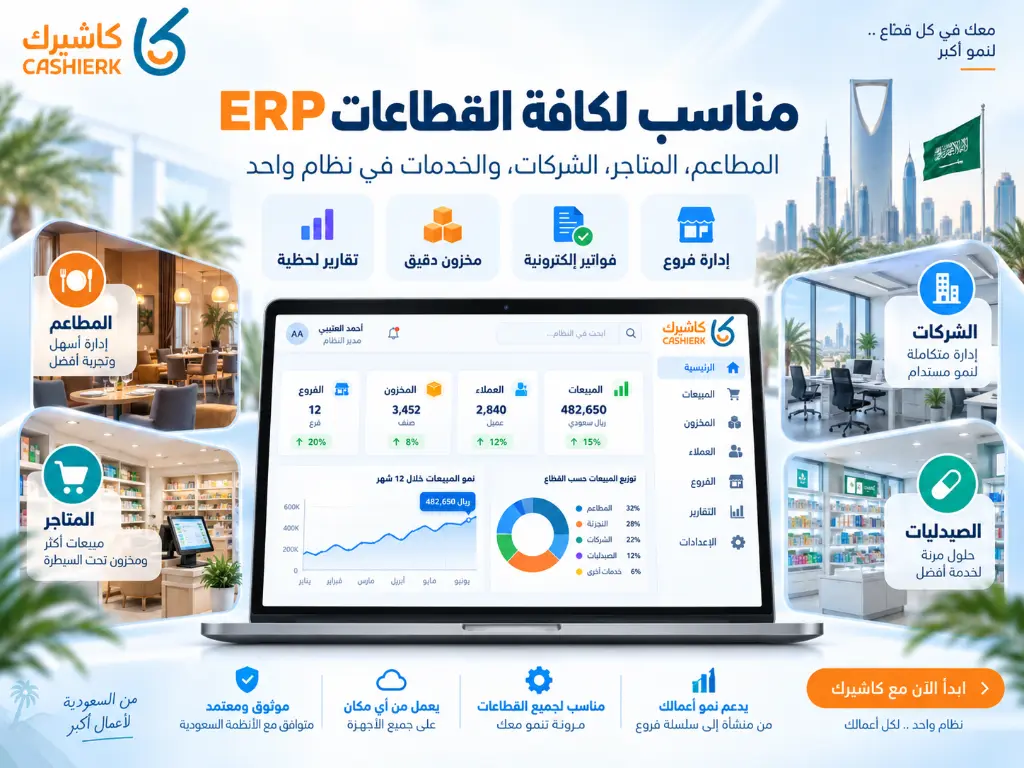
Kashierapp suits businesses that need a system combining daily operations with management, especially if the business depends on sales, invoices, inventory, branches, reports and customers.
Kashierapp is more than cashier software or a POS system: it can be used as a cloud ERP platform that helps you manage many operations across your business.
Kashierapp is a good fit for:
- Companies and organizations.
- Shops and stores.
- Restaurants and cafés.
- Supermarkets and grocery stores.
- Multi-branch businesses.
- Sales and distribution companies.
- Businesses that rely on sales reps.
- Businesses that need to link sales with invoices, inventory and reports.
What sets Kashierapp apart as an ERP solution:
- Sales linked to invoices.
- Inventory management on the same platform.
- Monitoring of branches and cash registers.
- Organized customer data.
- Smart Reports.
- E-invoicing support.
- Point of sale management.
- Suitable for both retail and service businesses.
- Less reliance on multiple separate programs.
So if you are looking for a practical ERP system to manage your daily operations, Kashierapp gives you a suitable platform that brings your data and processes together in one place.
Full ERP vs. standalone apps
Not every business needs a huge, complex ERP system from day one. Some businesses start with standalone apps, but as they grow, the need for a full ERP becomes clear.
| Aspect | Standalone apps | Full ERP |
|---|---|---|
| Getting started | Quick and easy | Needs more planning |
| Cost | Lower at the start | Relatively higher, depending on scope |
| Links between departments | Limited | Strong and direct |
| Reports | Scattered | Centralized |
| Growth | Gets harder over time | Better for growth |
| Errors | Increase with repeated data entry | Fewer thanks to integrated data |
| Best for | Very simple businesses | A growing company or business that needs structure |
A practical rule of thumb: if you notice your team entering the same data in more than one place, your reports need to be compiled by hand, or your branches operate in isolation from each other, it's a sign you need ERP.
Kashierapp compared with some well-known ERP solutions
There are many ERP solutions on the market, such as SAP, Oracle, Microsoft Dynamics 365, Odoo, Zoho and others. But the choice shouldn't be based on the name alone; it should depend on how well the system fits your company's size, operations, budget and team.
| Criterion | Kashierapp | Large global ERP systems | Lightweight ERP apps |
|---|---|---|---|
| Type of use | Practical cloud ERP for operations, sales, invoicing and branches | Usually suited to large, complex enterprises | Suited to specific tasks or small companies |
| Ease of use | Suited to day-to-day operations teams | May require training and a long implementation | Relatively easy |
| Point of sale | A core part of the platform | May need additional setup or integrations | May be limited |
| E-invoicing | Suited to the Saudi market | Needs configuration for local requirements | Varies by system |
| Inventory and branches | Built into daily operations | Advanced, but implementation can be bigger | Available depending on the app |
| Cost and implementation | Practical for businesses that want to get up and running quickly | Usually higher cost and longer implementation | Lower, but may be limited |
| Best for | Companies, organizations, stores, restaurants, branches, daily sales | Very large enterprises with complex operations | Small businesses with limited needs |
This comparison doesn't mean one system is best for everyone. It shows that Kashierapp suits businesses that want a practical ERP connecting daily operations with sales, invoices, inventory and reports without unnecessary complexity.
Common mistakes when choosing ERP software
1. Choosing the most famous system
A big name doesn't necessarily mean the system is right for your company. It may be powerful but bigger than you need or more complex than your team can handle.
2. Ignoring branch needs
If you have more than one branch, choose a system that supports branch management and centralized reporting.
3. Not linking sales to inventory
Keeping sales and inventory separate leads to discrepancies and errors in stocktaking and reports.
4. Relying on Excel for too long
Excel is useful at the start, but it isn't suited to managing a company with growing sales, branches, inventory and invoices.
5. Not training the team
Even the best ERP system can fail if users aren't trained properly.
6. Not testing the system before committing
Before moving all your work over, test the system on real transactions and make sure it suits your business.
7. Overlooking technical support
An ERP system touches critical operations in your company, so proper technical support is essential.
Steps to implement an ERP system successfully
Implementing an ERP system doesn't end with subscribing to the software. It's best treated as an internal improvement project.
Step 1: Define your needs
Decide which areas you want to manage: sales, invoices, inventory, branches, customers, staff or reports.
Step 2: Set priorities
Start with the processes that have the biggest impact on your business. For example, a store starts with sales and inventory, a restaurant with orders, invoices and inventory, and a company with invoices, customers and reports.
Step 3: Prepare your data
Prepare your products, customers, branches, users, prices, taxes and opening inventory.
Step 4: Train your team
Train users on daily operations, not just on how to open the system.
Step 5: Test operations
Test sales, invoicing, inventory updates, reports and permissions before full adoption.
Step 6: Review and improve
Once you are up and running, review reports and recurring errors and refine your settings gradually.
Checklist before choosing ERP software
Before choosing any ERP software, ask yourself:
- Does the system suit my type of business?
- Does it support Arabic?
- Does it support e-invoicing?
- Does it support inventory management?
- Does it support branch management?
- Can sales be linked to invoices?
- Does it provide clear reports?
- Can user permissions be managed?
- Is it easy enough for my team to use?
- Can it scale later on?
- Does it offer adequate technical support?
- Will it reduce the number of separate programs I use today?
- Does it help management make faster decisions?
This checklist helps you choose a system that truly serves your business, not just a program that carries the ERP label.
Conclusion: what is the best ERP software in Saudi Arabia?
The best ERP software in Saudi Arabia is the system that fits your company, unifies your data and connects your daily operations from sales through to reports. No single system suits every company in the same way, but the right one reduces fragmentation, makes your data clearer and supports your growth.
If you are looking for ERP software or an ERP system for companies, organizations, shops, stores, restaurants or multi-branch businesses, Kashierapp offers a cloud ERP platform that helps you manage sales, invoices, inventory, branches and reports from one place.
Get started now with Kashierapp, or reach our team through the Contact us page to choose the solution that best fits your business.
FAQ about the best ERP software
What is the best ERP software in Saudi Arabia?
The best ERP software is the system that fits your business and supports sales, inventory, invoice, branch and report management from one platform. Kashierapp is a good choice for businesses that need a practical cloud ERP built for daily operations.
What is ERP software?
ERP software is an enterprise resource planning system that connects a company's departments, such as sales, inventory, invoices, customers, branches and reports, in one platform.
What is the difference between ERP and accounting software?
Accounting software usually focuses on accounts and financial statements, while ERP is broader because it connects accounting or invoicing with other operations such as sales, inventory, branches and customers.
Is Kashierapp an ERP system?
Yes. Kashierapp can be used as a cloud ERP platform because it connects sales, invoices, inventory, branches, customers and reports in one system.
Is ERP suitable for small companies?
Yes. If a small company has daily sales, inventory, branches or a high volume of invoices, ERP helps it stay organized and grow more effectively.
What does ERP stand for?
ERP is short for Enterprise Resource Planning: a system that helps a company manage its resources and operations from one platform.
What is the difference between cloud ERP and traditional ERP?
Cloud ERP runs over the internet and is easy to access according to user permissions, while traditional ERP usually needs in-house servers or equipment and more maintenance.
Does ERP software help with inventory management?
Yes. An ERP system helps you track inventory and link it to sales, invoices and reports, which reduces stocktaking errors and improves purchasing decisions.
Does an ERP system help with branch management?
Yes. An ERP system suits multi-branch businesses because it lets you track sales, inventory, permissions and reports from a central dashboard.
How do I choose the right ERP software for my company?
Start by defining your needs: sales, inventory, invoices, branches, customers, reports and technical support. Then choose a system that fits your type of business, the size of your team and your expansion plans.

Best Cashier Software in Saudi Arabia: Sales, Stock, E-Invoices
Choosing the best cashier software in Saudi Arabia is no longer a simple decision about how fast you can issue...
Read the article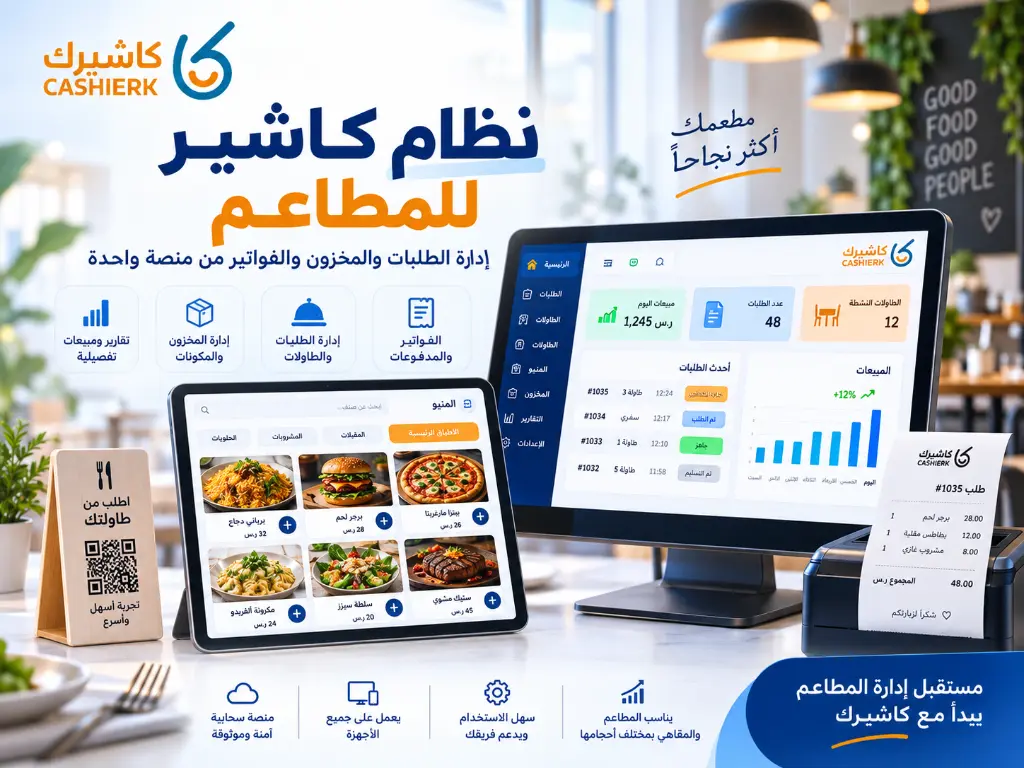
Restaurant POS System: Manage Orders, Inventory and Invoices
Running a restaurant is no longer just about great food or fast service. It now takes a clear operating system...
Read the article
What Is Kashierapp? Cloud Cashier Software and Its Key Features
Kashierapp cashier softwareCashier software (a point of sale (POS) system ) is one of the essential tools for managing sales...
Read the article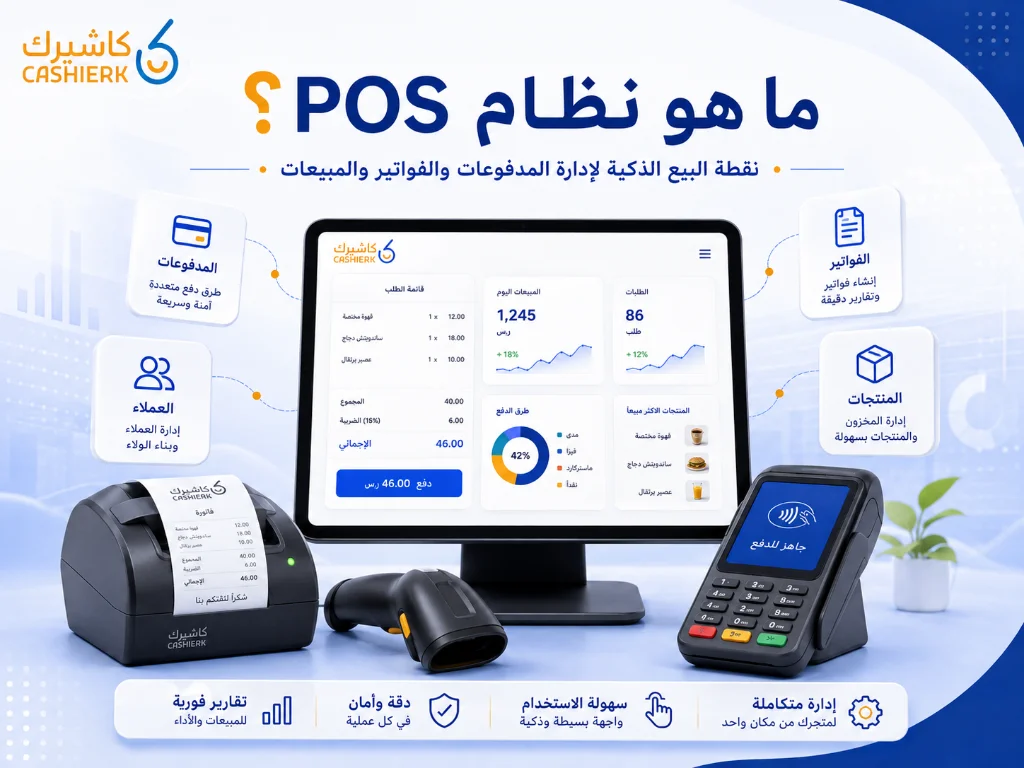
What Is Kashierapp? A Guide to POS and Cloud Point of Sale
A cashier system is no longer just a device for taking payments or printing receipts in a shop. Today, the...
Read the article
Saudi VAT Number 2026: Registration, Verification and VAT vs TIN
As tax legislation in Saudi Arabia keeps evolving, and as e-invoicing and the Integration phase with the Zakat, Tax and...
Read the article
What Is a Cashier System? Types, Benefits and Kashierapp's Role
In modern commerce, a cashier system is no longer just a way to collect payments or print receipts; it has...
Read the article Riyadh - King Fahd Road - Al Yamamah Tower, 1st Floor - Office 102

