

Use Sales Invoice Software to Simplify Your Operations
Using sales invoicing software reduces the time it takes to create and manage invoices, which increases productivity and improves workflow. Instead of spending hours preparing invoices by hand, employees can focus on more important tasks that grow the business. Sales invoice software automates calculations, which greatly reduces the chance of errors in calculations or data entry. This keeps your invoices accurate and protects your company's professional reputation with customers. By making it easy to issue and send invoices on time, sales invoice software helps improve your company's cash flow. It also provides tools to follow up on late payments and send automatic reminders to customers. Invoicing software helps ensure compliance with tax and legal requirements by creating invoices that include all the information required under local regulations, which protects the company from legal problems and fines. When looking for sales invoice software for your business, make sure it offers a set of essential features that ensure it meets your business needs efficiently and effectively. Professional sales invoice software lets you design custom invoices that reflect your brand identity. You can add your company logo, choose suitable colors and fonts, and customize the invoice layout to suit the nature of your business. Integrated sales invoice software provides tools to manage your customer database and track inventory. You can store customer information and purchase history, which makes it easier to create invoices and track sales. It also helps you manage inventory, monitor product levels and alerts you when it is time to reorder. Advanced sales invoice software provides automatic financial reports that help you analyze your business performance. You can get reports on sales, revenue and expenses, making it easier to make data-driven business decisions. Advanced sales invoice software calculates taxes automatically and issues e-invoices that comply with legal requirements. You can set up different tax rates and apply them to invoices automatically, ensuring accuracy and compliance with tax regulations.Why accounting software matters in business management
Accounting software plays a central role in the success of modern businesses, providing effective tools to manage financial operations accurately and efficiently. Sales invoice software is a core part of this ecosystem, helping you organize and document financial transactions professionally.
Better operational efficiency
Fewer human errors
Better cash flow
Key features of professional sales invoice software
Compliance with legal requirements
Custom invoice design
Customer and inventory management
Automatic financial reports
Tax and e-invoicing support
How to choose the right sales invoice software

Choosing the right sales invoice software depends on several factors related to the nature and size of your business. Here are the most important criteria to consider:
A comparison of sales invoice software by business size.
Small businesses
- - Ease of use and a simple interface
- - Affordable cost and flexible subscription plans
- - Works on mobile devices
- - Technical support available in Arabic
- - Room to grow as the business expands
Medium-sized businesses
- - Integration with other accounting systems
- - Advanced inventory and purchasing management
- - Advanced analytical reports
- - Multi-user support and permission management
- - Advanced customization options
Large enterprises
- - Integration with ERP systems
- - Support for multi-currency and multi-branch operations
- - Advanced supply chain management tools
- - Advanced security and data protection options
- - Extensive customization to industry requirements
Other factors to consider when choosing sales invoice software
Compatibility with your current systems
Make sure the sales invoice software works with the systems and software you already use in your business, such as accounting or customer relationship management (CRM) systems.
Ease of use
Choose software that is easy to use, with an intuitive interface your employees can pick up without intensive training.
Security and data protection
Make sure the software offers a high level of security to protect your business data and your customers' information, such as encryption and permission management.
Technical support and updates
Choose software that offers good technical support in Arabic, with regular updates that keep pace with changes in regulations and legal requirements.
The most important criteria for choosing sales invoice software
Tips for successfully implementing sales invoice software in your organization
Once you have chosen the right sales invoice software for your business, the next step is to implement it successfully. Here are some tips to help you get the most out of it:
Planning and setup
- Define your goals for using the software and what you want to achieve with it.
- Assess your current and future needs to make sure the software meets your requirements in the long term.
- Set an implementation timeline that covers setup, training and the full transition to the new system.
Team training
- Train every employee who will use the software on how to use it efficiently.
- Make use of the training resources the software provider offers, such as video tutorials and user guides.
- Appoint a lead person for the software in your organization to act as the point of contact with technical support and to help colleagues when needed.

Data migration
- Clean up and update customer and product data before moving it to the new software.
- Use the software's data import tools to move data from your old systems.
- Check the data for accuracy after migration and fix any errors before you start using the software fully.
Monitoring and improvement
- Review the software's performance regularly and identify areas for improvement.
- Listen to employee feedback on using the software and work to solve any problems they face.
- Follow the updates the software provider releases and use them to improve your business performance.
An important tip
Don't rush the full move to the new software. Try it first on a limited scale, such as one department or one branch, then expand gradually once you are sure it works and any problems that come up have been solved.
“Successfully implementing sales invoice software depends not only on the quality of the software itself, but also on how ready the organization is for change, on employee training and on a commitment to using the software properly.”
- A business management systems expert
How digitization drives business growth
Digitization has become an integral part of successful business strategies today. Using advanced sales invoice software is an important step in the digital transformation journey of companies and organizations.
Digital transformation in business management with sales invoice software
Moving from paper invoices to e-invoices as part of digitization
Greater efficiency and productivity
Digitization makes business operations more efficient and increases productivity by automating routine tasks such as creating invoices and following up on payments. Advanced sales invoice software saves time and effort, allowing employees to focus on higher-value tasks.
A better customer experience
Digitization improves the customer experience by providing faster, more accurate service. Customers can access their invoices easily, pay what they owe online and receive instant notifications, which increases their satisfaction and builds stronger relationships with them.
Better decision-making
Digital systems such as sales invoice software provide accurate data and advanced analytics that help you make better business decisions. Managers can analyze sales trends, identify the most profitable products and better understand customer behavior.
Key statistics
According to recent studies, companies that adopt digital solutions for managing their invoices are estimated to save up to 60-80% in processing costs compared with traditional paper-based systems, while their error rate drops by up to 90%.
The future of invoice and sales management
The future of invoice and sales management is heading toward more automation and integration with advanced technologies such as artificial intelligence (AI) and big data analytics. Sales invoice software will become smarter and better able to predict customer needs and anticipate market trends.
The future of sales invoice software with AI and data analytics
Integrating AI and data analytics into future versions of Kashierapp sales invoice software
Frequently asked questions about sales invoice software
How much does sales invoice software cost?
The cost of sales invoice software varies depending on the features and capabilities it offers. Prices usually range from SAR 29 to SAR 499 per month, and most programs offer different plans to suit different business needs. Many also offer a free trial period so you can test the software before subscribing.
Can I use sales invoice software on my mobile phone?
Yes. Most modern sales invoice software offers smartphone apps (Android and iPhone) that let you create invoices and manage sales on the go. Check whether a mobile app is available when choosing the right software for your business.
Is sales invoice software compliant with tax requirements?
Yes. Most local sales invoice software is designed to comply with tax requirements in Arab countries, including VAT and e-invoicing. Make sure you choose software approved by the local tax authorities to ensure compliance with tax regulations.
How can I move my data from my old system to new sales invoice software?
Most sales invoice software provides tools to import data from older systems, usually via Excel or CSV files. You can also ask the new software's technical support team to help with the data migration. It is important to clean up and update your data before moving it to make sure it is accurate in the new system.
Can sales invoice software be customized to my business needs?
Yes. Most sales invoice software offers a range of customization options that let you adapt the software to your specific business needs. You can customize invoice templates, add custom fields, modify reports and adjust other settings. More advanced software offers more flexible and comprehensive customization options.
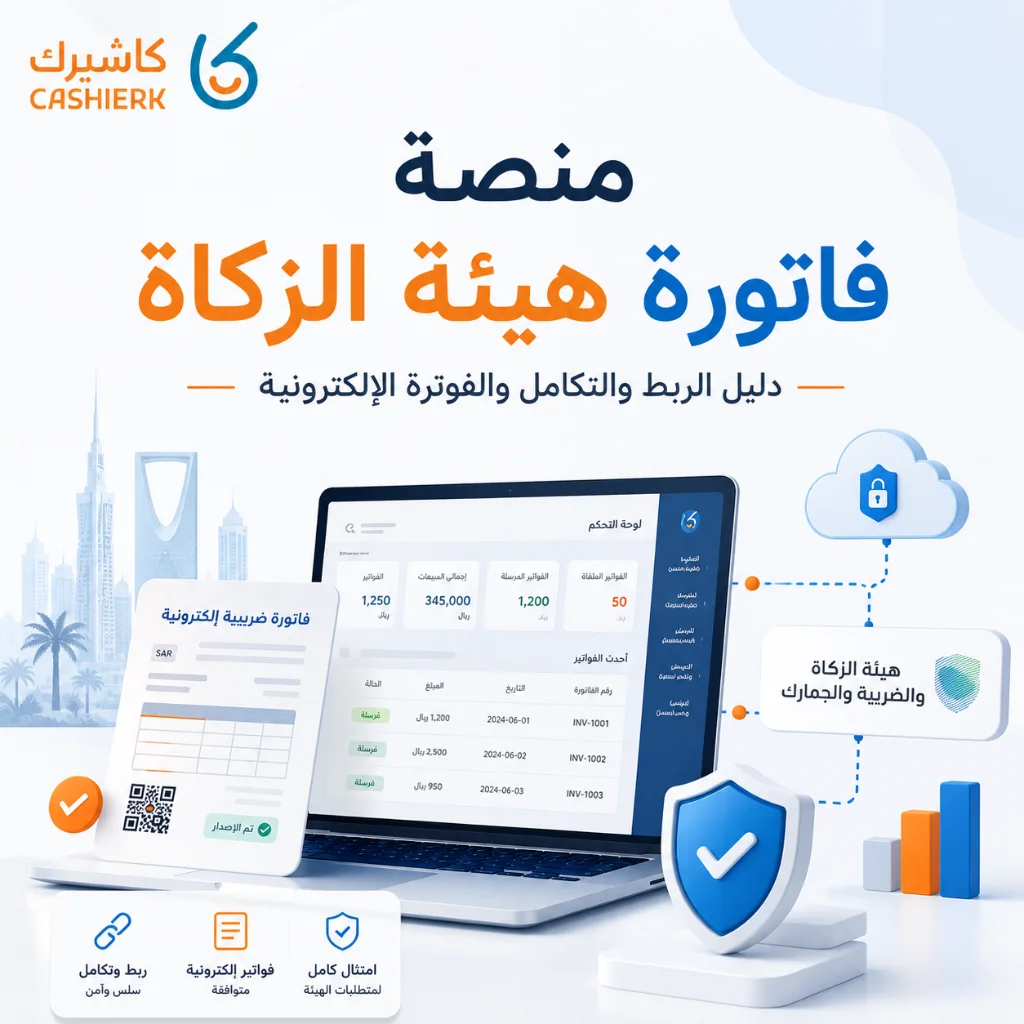
Fatoora Portal Guide 2026: Onboarding, OTP and ZATCA Compliance
As e-invoicing continues to roll out in Saudi Arabia and the Integration phase with the Zakat, Tax and Customs Authority...
Read the article
ZATCA E-Invoicing Phase 2 Guide: Integration Phase 2025
What is Phase 2 of e-invoicing?Phase 2 of e-invoicing is an advanced step toward digitizing financial transactions and invoices in...
Read the article
What Is Kashierapp? Cloud Cashier Software and Its Key Features
Kashierapp cashier softwareCashier software (a point of sale (POS) system ) is one of the essential tools for managing sales...
Read the article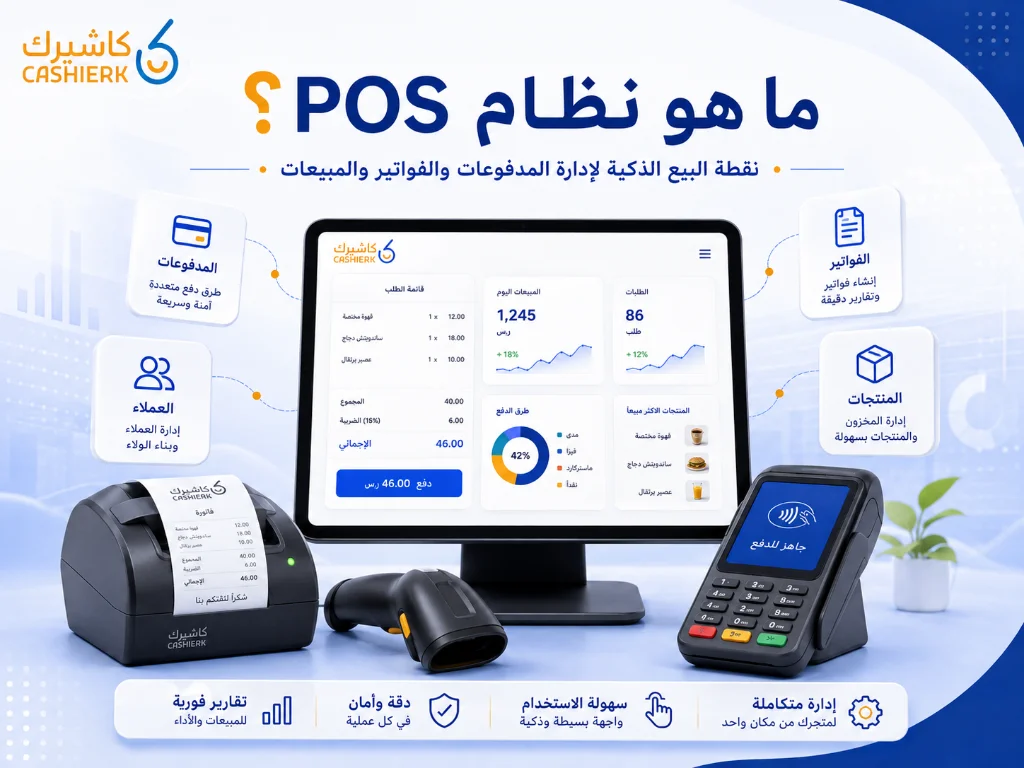
What Is Kashierapp? A Guide to POS and Cloud Point of Sale
A cashier system is no longer just a device for taking payments or printing receipts in a shop. Today, the...
Read the article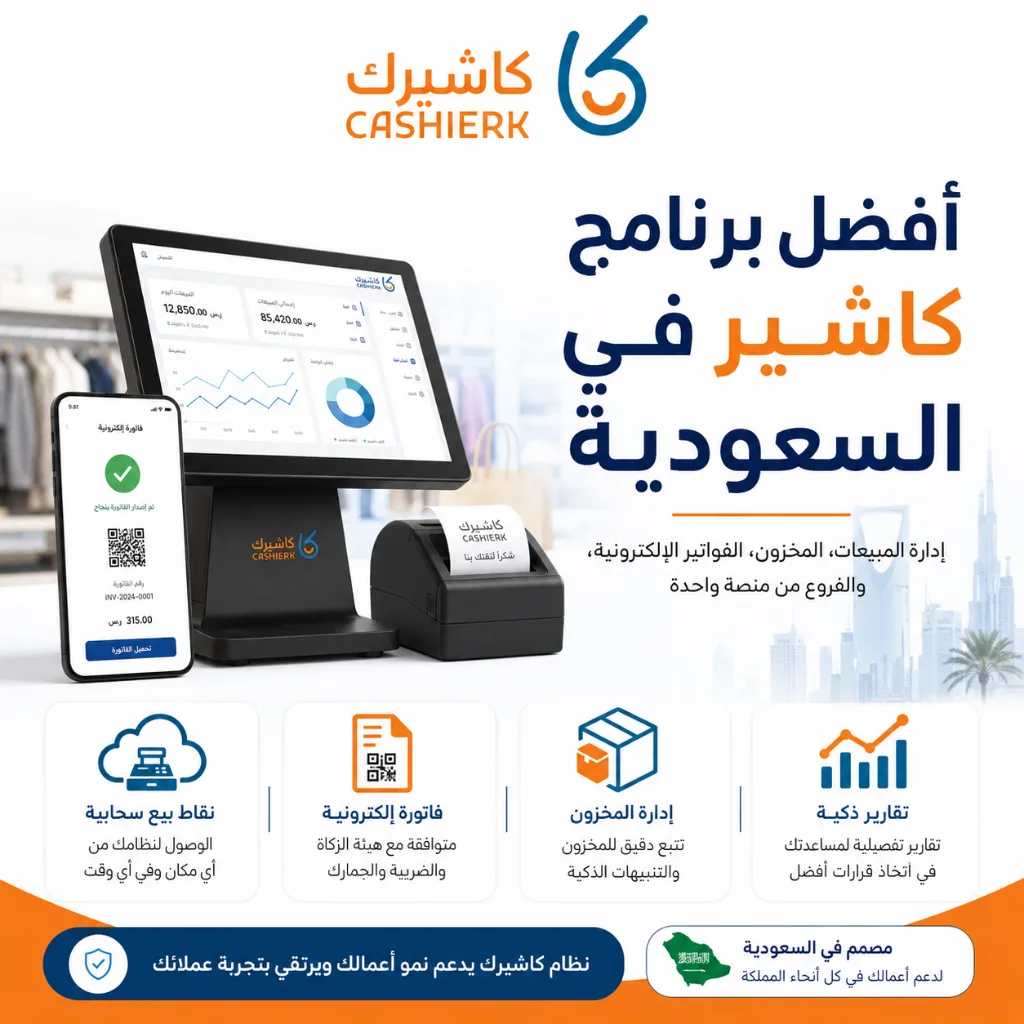
Best Cashier Software in Saudi Arabia: Sales, Stock, E-Invoices
Choosing the best cashier software in Saudi Arabia is no longer a simple decision about how fast you can issue...
Read the article
The Best Cloud Cashier Software in Saudi Arabia
With technology evolving so rapidly, traditional ways of running stores and businesses no longer work. Relying on technology has become...
Read the article Riyadh - King Fahd Road - Al Yamamah Tower, 1st Floor - Office 102

