

VAT Settlement at the End of the Quarter: A Step-by-Step Guide
What does VAT settlement mean?
VAT settlement means adding up and calculating the difference between output tax (the VAT you collect from your customers on your sales) and input tax (the VAT you pay when you buy products or services), then determining the amount you must pay to ZATCA or are entitled to reclaim.
VAT settlement deadlines in Saudi Arabia
VAT is settled quarterly or monthly, depending on the size of the business:
Monthly: for businesses with annual revenue above SAR 40 million.
Quarterly: for businesses with revenue below SAR 40 million.
The VAT return must be filed within 30 days of the end of the relevant tax period.
Why regular VAT settlement matters
Avoid fines and penalties caused by late filing or incorrect data.
Ensure full tax compliance with the official authorities.
Save time and effort during reviews and audits.
Get better financial visibility and make informed decisions based on clear data.
Make it easier to
analyze financial performance quarter by quarter.
Steps to settle your quarterly VAT with Kashierapp
1. Collect your tax invoices
Start by gathering all the e-invoices issued during the quarter, and make sure that:
The VAT rate is stated correctly.
The VAT registration number is correct.
Each product or service is classified correctly for VAT.
2. Review your input tax
Gather all the invoices and documents for expenses and purchases from VAT-registered suppliers, and check that they and their VAT amounts are correct.
3. Generate a VAT report
With Kashierapp, you can generate a VAT report in one click, showing:
Total output tax.
Total input tax.
The amount payable or refundable.
4. File your VAT return
Log in to the ZATCA portal, file your return electronically through the unified system, then pay any amount due.
5. Archive your documents
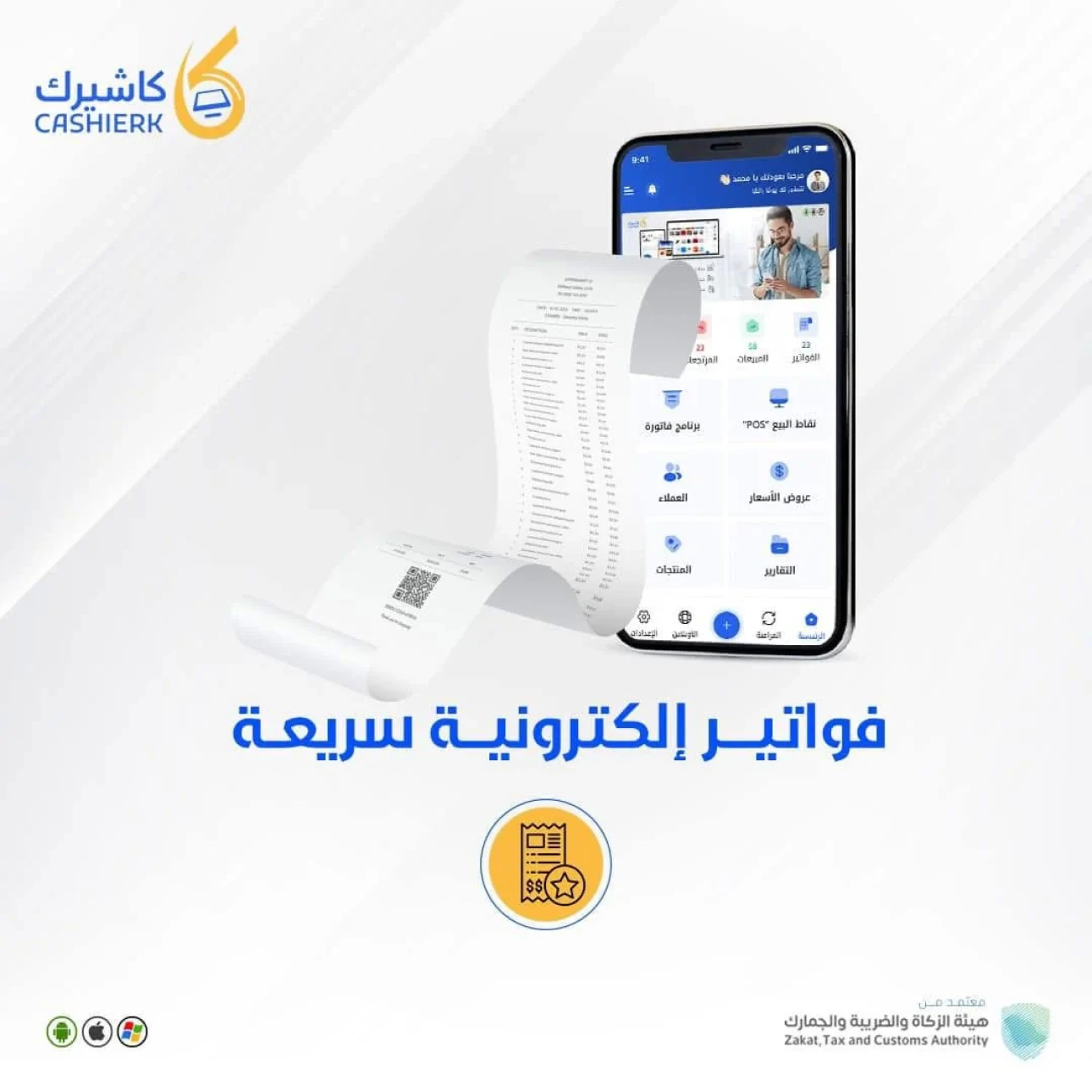
Don't forget to keep electronic copies of all reports and invoices for at least five years, so they are ready whenever a review or audit is requested.
How does Kashierapp help you settle VAT smartly?
The Kashierapp system does more than issue e-invoices that comply with the regulations. It also offers:
A complete dashboard for tracking VAT in real time.
Detailed reports covering everything related to VAT for the selected period.
Automatic classification of products by VAT rate.
Support for multiple branches and currencies, and for variable-rate or exempt VAT.
The option to connect the system with your accountant or finance manager.
Automatic reminders of VAT return filing deadlines.
Frequently asked questions about VAT settlement
1. What happens if I don't file my return on time?
You expose yourself to fines that can start at 5% and reach 25% of the tax due, in addition to late payment penalties.
2. Can I amend a VAT return after filing it?
Yes, you can amend the return within 20 working days of filing, through ZATCA's online portal.
3. Does VAT settlement cover all types of invoices?
It covers taxable invoices only; exempt and out-of-scope invoices must be excluded.
4. Does Kashierapp provide technical support for filing returns?
Absolutely. The Kashierapp support team is available to help with any question about tax reports or how to file.
.webp)
E-Invoicing in Saudi Arabia: A Complete Guide for Your Business
Table of contents What is an e-invoice?Why e-invoicing matters for Saudi Arabia and for businesses Types of e-invoices What are the elements of...
Read the article
Saudi Tax Invoice: The Complete 2025 Guide
Key takeawaysWhat a Saudi tax invoice is and why it mattersVAT requirements in Saudi ArabiaHow to issue e-invoices step by...
Read the article.webp)
E-Invoicing Financial Support for SMEs in Saudi Arabia
In this article, we discuss the details of e-invoicing financial support and look at how to make better use of...
Read the article
ZATCA E-Invoicing Phase 2 Guide: Integration Phase 2025
What is Phase 2 of e-invoicing?Phase 2 of e-invoicing is an advanced step toward digitizing financial transactions and invoices in...
Read the article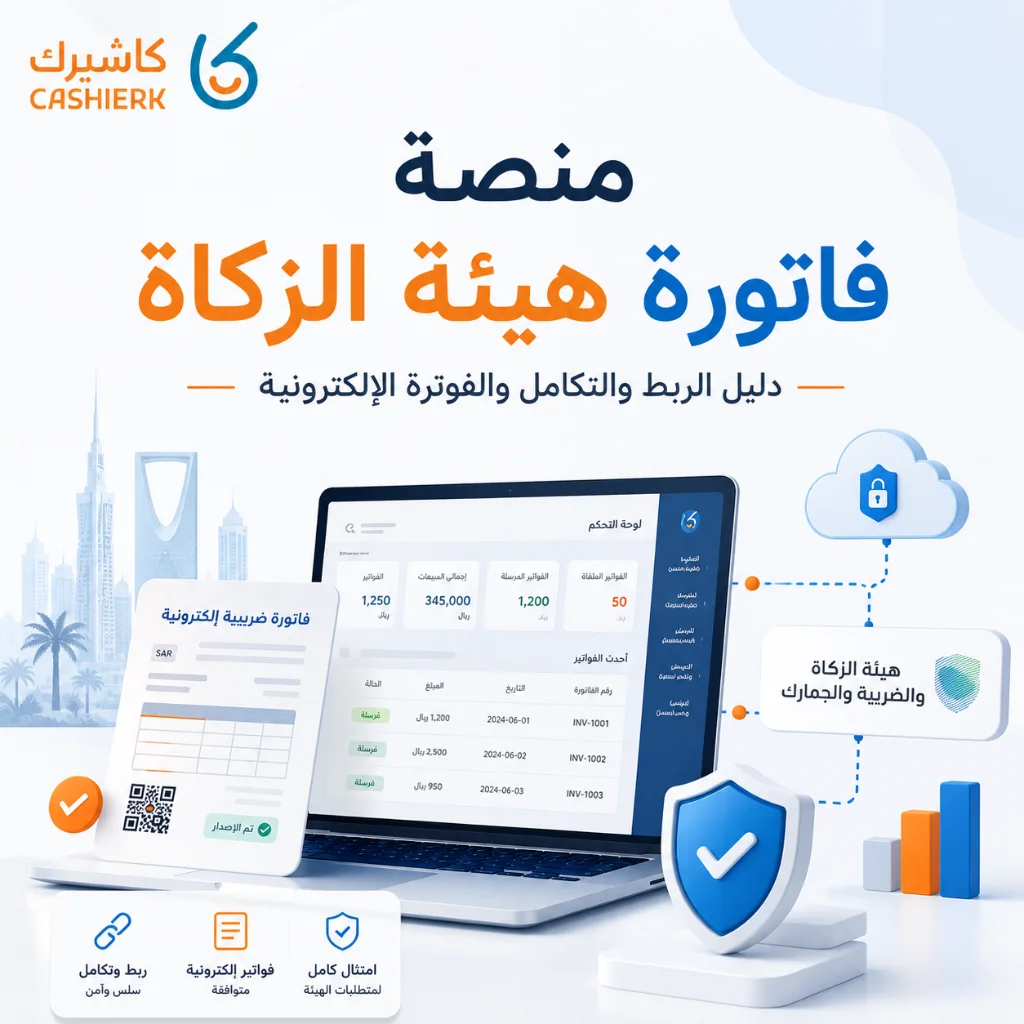
Fatoora Portal Guide 2026: Onboarding, OTP and ZATCA Compliance
As e-invoicing continues to roll out in Saudi Arabia and the Integration phase with the Zakat, Tax and Customs Authority...
Read the article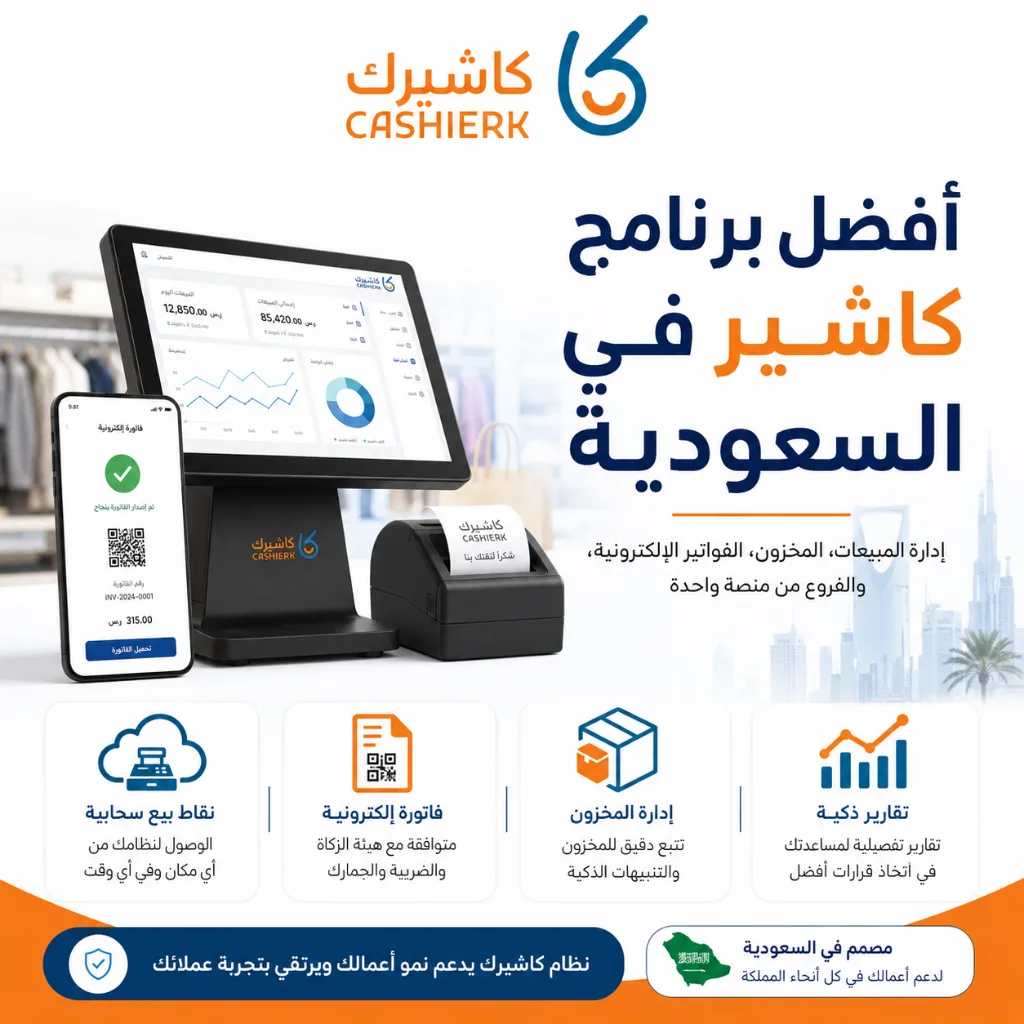
Best Cashier Software in Saudi Arabia: Sales, Stock, E-Invoices
Choosing the best cashier software in Saudi Arabia is no longer a simple decision about how fast you can issue...
Read the article Riyadh - King Fahd Road - Al Yamamah Tower, 1st Floor - Office 102

