
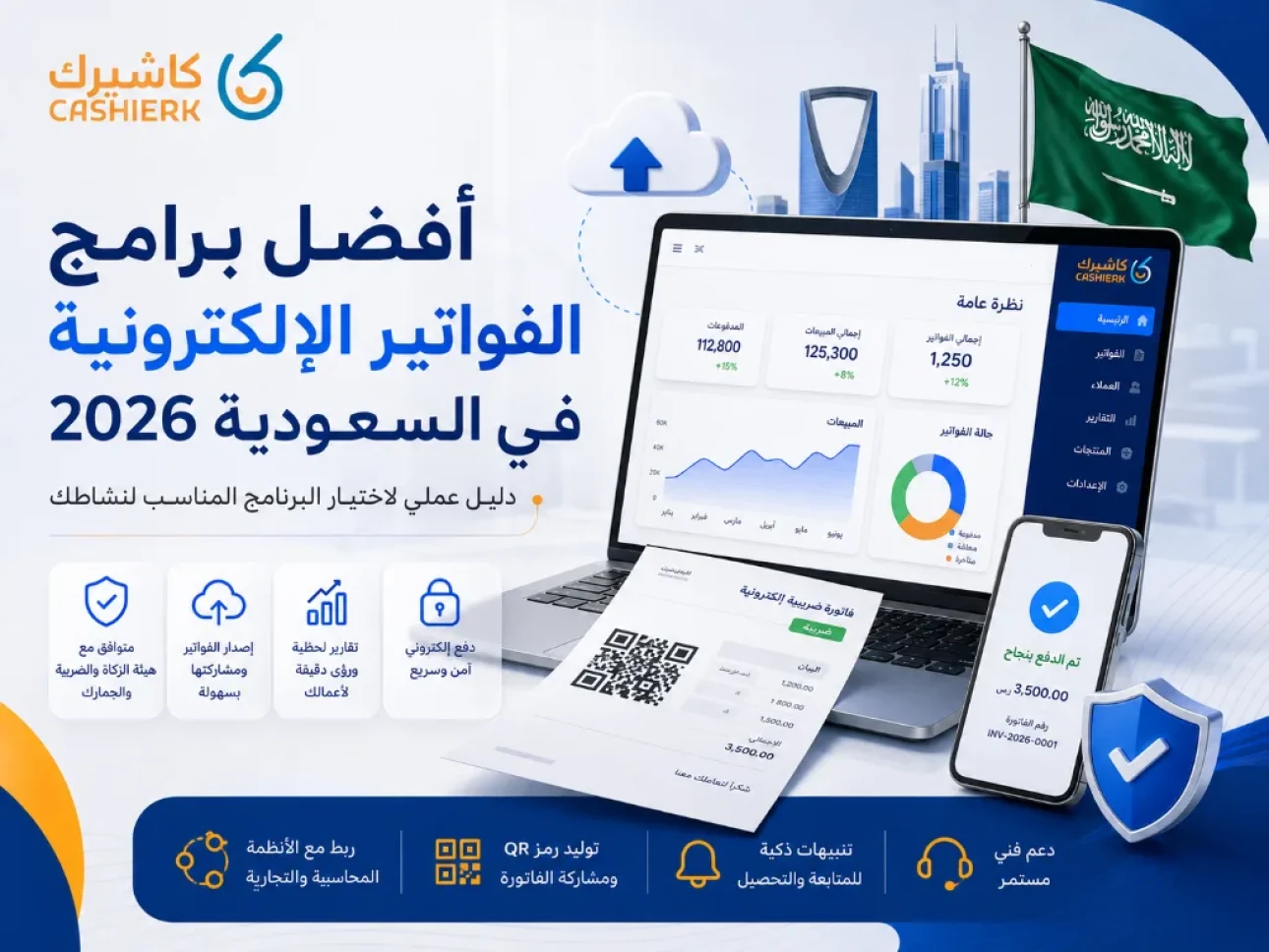
Best E-Invoicing Software in Saudi Arabia 2026: How to Choose
As e-invoicing continues to roll out in Saudi Arabia and the Integration phase with the Zakat, Tax and Customs Authority (ZATCA) expands, choosing e-invoicing software that meets ZATCA requirements has become an essential step for any business that wants to manage its sales and invoices in an organized, secure way.
Invoicing software is no longer just a tool for issuing an invoice or storing customer details. It has become part of an integrated operating system that covers tax and simplified invoices, payment management, sales tracking, inventory, reporting, and integration with POS and accounting systems.
In this guide, updated for 2026, we look at the most important criteria for choosing e-invoicing software in Saudi Arabia, compare the leading solutions on the market, and explain when Kashierapp is the right choice for businesses that need invoicing, POS and operations management on a single platform.
Contents
What is an e-invoice in Saudi Arabia?
Why do businesses need e-invoicing software?
What is the difference between a tax invoice and a simplified tax invoice?
What should e-invoicing software include?
The best e-invoicing software in Saudi Arabia in 2026
Kashierapp vs Daftra vs Wafeq vs Qoyod
When is Kashierapp the best choice?
How to choose invoicing software for your type of business
Common mistakes when choosing e-invoicing software
A checklist before subscribing to any invoicing software
Frequently asked questions about e-invoicing software
What is an e-invoice in Saudi Arabia?
An e-invoice is an invoice that is issued and stored in a structured electronic format through an electronic system that meets the requirements of the Zakat, Tax and Customs Authority. Handwritten invoices and scanned invoices do not count as e-invoices.
E-invoicing in Saudi Arabia is being implemented in two main phases:
Phase 1: Generation (issuing and storing)
This phase began on December 4, 2021, and focuses on issuing and storing invoices electronically through a compliant technical solution instead of traditional handwritten or paper invoices.
Phase 2: Integration
Phase 2 began gradually on January 1, 2023, and focuses on integrating taxpayers' e-invoicing systems with ZATCA's systems and issuing invoices in the specified formats and to the specified requirements, according to the mandatory rollout waves.
This means that choosing invoicing software in 2026 shouldn't depend only on how easy it is to issue an invoice; it must also take into account whether the system is ready to handle e-invoicing and integration requirements.
Why do businesses need e-invoicing software?
E-invoicing software has become important for businesses because it helps them reduce errors, organize sales, issue invoices faster and keep their data ready for audits and reporting.
The main practical benefits:
Issue invoices quickly without repetitive manual entry.
Reduce VAT calculation errors.
Store invoices in an organized way that is easy to refer back to.
Support tax invoices and simplified invoices depending on the type of customer.
Track payments and collections more effectively.
Link invoices to sales, inventory and reports.
Make life easier for your accountant or finance team.
Help you comply with e-invoicing requirements in Saudi Arabia.
If your business relies on direct, everyday sales, like a restaurant, store or café, it's best for your invoicing software to be linked to your POS system too, so you don't have to enter the same data in more than one place.
What is the difference between a tax invoice and a simplified tax invoice?
Before choosing invoicing software, you should know the difference between the two most common invoice types in Saudi Arabia.
Tax invoice
A tax invoice is mostly used in business-to-business transactions. It contains detailed information such as the seller's and buyer's details, the VAT registration number, item details, the VAT and the total.
Simplified tax invoice
A simplified tax invoice is mostly used in transactions with individual consumers, such as sales in stores, restaurants and cafés, and contains the basic elements required for that type of invoice.
So when you choose e-invoicing software, make sure it supports both types as your business requires, especially if you sell directly to the public and also deal with companies or suppliers.
What should e-invoicing software include?
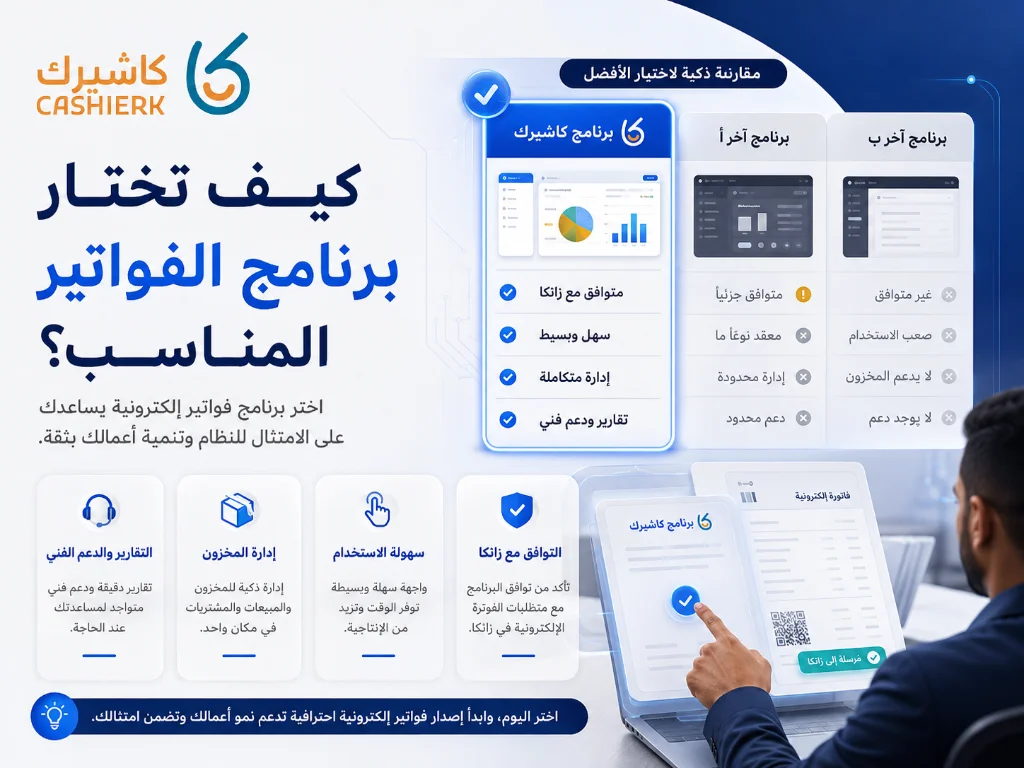
You shouldn't choose invoicing software on price alone. There are important criteria to review before relying on any solution.
1. Compliance with ZATCA requirements
The software must be able to issue e-invoices according to the requirements of the Zakat, Tax and Customs Authority, supporting the data and fields required for each invoice type and implementation phase.
2. Support for tax and simplified invoices
Some businesses only need to issue simplified invoices, while others need detailed tax invoices. The right software should support both if your business requires it.
3. Ease of use
The interface should be clear and easy for staff to use, especially in businesses where speed of service matters, such as restaurants, cafés and stores.
4. POS integration
If you make direct sales, you need software that combines the point of sale and e-invoicing, so the invoice is issued straight from the sale without entering data twice.
See our smart POS system page to learn how sales can be linked to invoices and reports.
5. Inventory management
Invoicing software becomes more powerful when it is linked to inventory, because every sale affects the quantities available. This matters for stores, restaurants and businesses that sell products or changing menu items.
See our Smart Inventory Management page to learn how inventory improves your operations.
6. Reports and analytics
Invoices aren't just documents; they are an important source of data. The software should provide reports that show total sales, VAT, payments, best-selling products and branch performance.
Learn more on our Smart Reports page.
7. Local technical support
Fast technical support suited to the Saudi market is very important, especially since any problem with invoicing or the point of sale can directly disrupt your operations.
The best e-invoicing software in Saudi Arabia in 2026
The Saudi market offers several e-invoicing, accounting and POS solutions. Which one is best depends on the nature of your business: do you need an accounting system only, or invoicing, POS, inventory and branches on a single platform?
1. Kashierapp
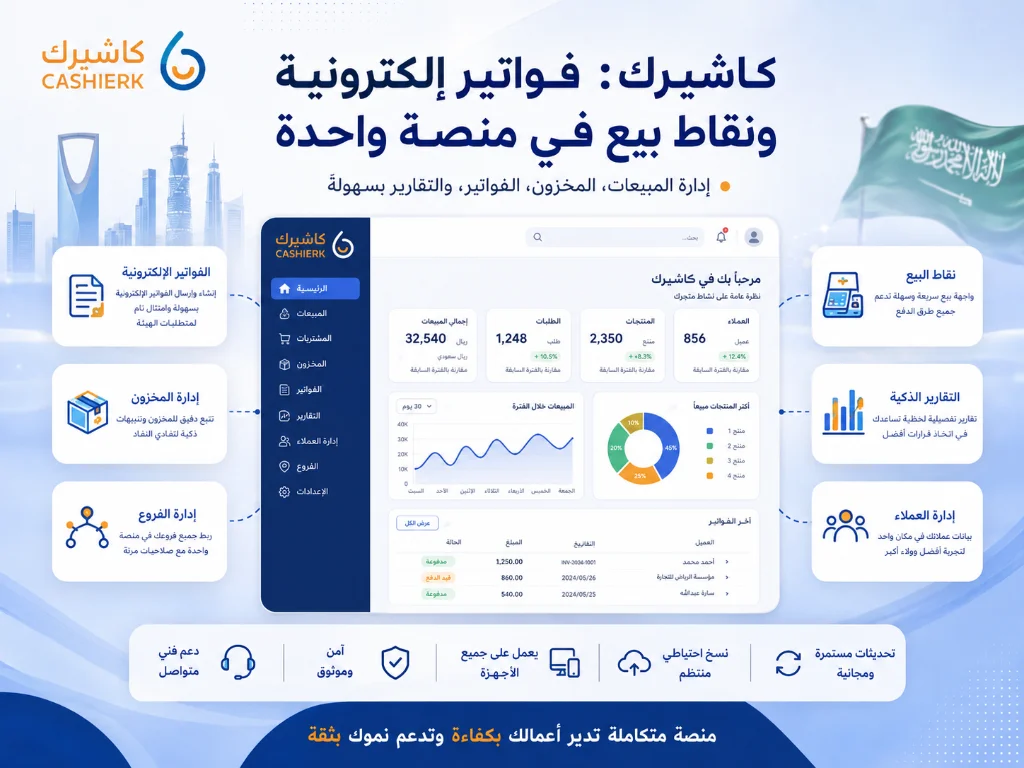
Kashierapp is a strong fit for businesses that need more than just invoicing. It brings together point of sale, e-invoicing, inventory management, reports, branches, payments and the customer experience in one system.
Kashierapp is especially well suited to:
Restaurants and cafés.
Retail stores.
Multi-branch businesses.
Companies that need to link sales to invoices.
Businesses that need clear operational reports.
Businesses that want to rely less on manual data entry.
What sets Kashierapp apart:
Invoices issued directly from sales transactions.
E-invoicing support in Saudi Arabia.
Sales linked to inventory and reports.
Branch management from a central dashboard.
Suitable for restaurants, stores and service businesses.
Support for add-on solutions such as Kashierapp Pay, the digital menu and the Customer Loyalty Program.
If your main goal is issuing and organizing invoices, you can start with the Kashierapp invoicing software page.
2. Daftra
Daftra is a well-known solution for invoicing, accounting and business management. It is typically used by companies that need a management system covering invoices, inventory, accounts and customers.
It may suit companies looking for a broad management system covering several areas, especially if their work relies more on back-office management and recurring invoices than on direct sales through a point of sale.
3. Wafeq
Wafeq focuses clearly on cloud accounting and e-invoicing, and typically serves accountants and companies that want to manage invoices, financial reports and taxes in an organized way.
It is better suited to businesses that need a clear accounting focus, such as service companies, professional firms or businesses that rely on an accountant to manage the invoicing cycle.
4. Qoyod
Qoyod is a Saudi cloud solution offering tools for invoicing, accounting and expenses. It is used by entrepreneurs and small and medium-sized businesses that need simple, organized accounting software.
It may suit businesses that want to manage accounting and invoicing in a simple way, especially if they don't need an advanced POS system or daily restaurant and store operations.
Kashierapp vs Daftra vs Wafeq vs Qoyod
Choosing e-invoicing software isn't only about issuing invoices; it's about how well the system can run your entire business. Some software focuses only on accounting and invoicing, while many businesses need an integrated ERP system that brings together sales, point of sale, inventory, accounting, branches, reports and team management.
The comparison below shows how Kashierapp differs from some of the cloud invoicing and accounting solutions widely used in the Saudi market:
| Criteria | Kashierapp | Daftra | Wafeq | Qoyod |
|---|---|---|---|---|
| System type | Integrated cloud ERP with POS and e-invoicing | Cloud business management and accounting system | Cloud accounting and invoicing system | Cloud accounting and invoicing system |
| Target sectors | Companies, establishments, shops, stores, restaurants, cafés, multi-branch businesses, sales and distribution | SMEs and administrative businesses | Companies, accountants and service businesses | SMEs and entrepreneurs |
| E-invoicing | Supported as part of a complete operating system | Supported | Supported | Supported |
| Point of sale (POS) | Powerful, suited to daily sales and branches | Available depending on use | Not the main focus | Available depending on plan or use |
| Inventory management | Advanced and linked to sales and invoices | Available | Limited compared with retail operations systems | Available depending on plan |
| Branch management | Suited to multi-branch companies and stores | Available depending on settings | Less focused on branch operations | Available depending on plan |
| Sales rep management | Available as part of the operations and sales system | May need extra settings or add-on solutions | Not the main focus | Not the main focus |
| Accounting and reports | Accounting plus operational and financial reports linked to sales and invoices | Accounting and business management | Accounting focus and financial reports | Simplified accounting and reports |
| Daily operations integration | Connects sales, invoices, inventory, branches, customers and payments | Suited to business management and invoicing | Suited to accounting and invoicing | Suited to basic accounting and invoicing |
| Best use case | A business that needs a complete ERP to run everything from sales to reports | A company that needs a general business management system | A company that needs cloud accounting and invoicing | A small business that needs simple accounting and invoicing |
| Main strength | One platform to run the whole business: ERP + POS + invoicing + inventory + branches + reports | Good administrative coverage | Strong on accounting | Simplicity |
This comparison doesn't mean the other solutions aren't suitable, but it shows that Kashierapp is more than just e-invoicing software: it works as an integrated ERP system for businesses that need to manage sales, point of sale, invoices, inventory, branches, customers, reports and daily operations from a single platform.
That makes Kashierapp particularly well suited to companies, establishments, shops, stores, restaurants, cafés and multi-branch businesses that need one system instead of several separate programs.
When is Kashierapp the best choice?
Kashierapp is the best choice when you need more than invoicing software: an integrated cloud ERP that helps you run your entire business from one place.
Choose Kashierapp if you:
- Run a company or establishment and need to link invoices to sales and reports.
- Run a shop or store and need POS, inventory and e-invoicing.
- Run a restaurant or café and need fast invoicing and order management.
- Have more than one branch and need to track performance from a central dashboard.
- Need to organize your inventory and link it to your sales.
- Need to manage customers, promotions and loyalty programs.
- Need to track sales reps or sales teams.
- Want to stop juggling separate systems and rely on a single platform.
- Are looking for a system that combines ERP, POS, e-invoicing and reporting.
In this way, Kashierapp isn't just software for issuing invoices; it's an operating system that helps you run your entire business, whether you are a company or establishment, a store or shop, a restaurant or café, or a multi-branch business.
How to choose invoicing software for your type of business
If you run a restaurant or café
Focus on a system that supports fast invoicing, order management, tables, a digital menu, payments and reports. In this case, a POS system linked to invoicing is more useful than standalone invoicing software.
If you run a retail store
Focus on linking invoices to inventory, barcodes, returns and reports. Invoicing software alone may not be enough if you have many products and daily sales activity.
If you run a service company
You may need software that focuses on tax invoices, customers, payments and financial reports. Here, cloud accounting systems may be a good fit, depending on the size of the company.
If you have more than one branch
Look for software that supports branch management, user permissions, separate and consolidated reports, and links invoices and sales from a central dashboard.
If you have sales reps
You'll need a system that helps you track orders, collections and visits and links your reps' activity to invoices and reports. See our Sales Rep Management page.
Common mistakes when choosing e-invoicing software
1. Choosing software on price alone
Price matters, but it isn't enough. Cheap software can become expensive if it doesn't support your business requirements, needs repetitive manual entry or doesn't provide clear reports.
2. Not linking invoices to sales
If you make direct sales every day, choosing invoicing software that is separate from your point of sale can mean entering data twice and a higher risk of errors.
3. Not checking support for tax and simplified invoices
Some businesses need both types, so make sure the software supports the right invoice type for your business.
4. Ignoring inventory
Inventory is an important part of operations. If your invoicing software isn't linked to inventory, you may need an extra system to manage products and quantities.
5. Overlooking technical support
Any downtime in your invoicing or POS system can stop sales. Choose software that offers proper, responsive technical support.
6. Not trying the software before subscribing
Hands-on testing shows you how easy the software is to use, how well it suits your staff and how quickly it issues invoices and reports.
A checklist before subscribing to e-invoicing software
Before subscribing to any software, ask the following questions:
Does it support e-invoicing in Saudi Arabia?
Does it support both tax invoices and simplified invoices?
Can it be linked to a POS system?
Does it support inventory management?
Does it provide sales and VAT reports?
Does it suit my business: restaurant, store, service company or multiple branches?
Does it support Arabic?
Is proper technical support available?
Can I manage users and permissions?
Can I try the system before subscribing?
Does it reduce manual data entry or increase it?
Will it support future growth and expansion?
This checklist helps you choose software based on what you actually need, not just on its name or price.
The bottom line: what is the best e-invoicing software in Saudi Arabia?
The best e-invoicing software in Saudi Arabia is the one that delivers the required compliance, fits the way your business works day to day, and helps you manage invoices, sales and reports with ease.
If your business relies on direct sales, like restaurants, cafés and stores, it's best to choose a system that combines e-invoicing, POS, inventory and reports, such as Kashierapp.
If your business is purely administrative or service-based, accounting software that focuses more on invoices and financial reports may suit you better.
Most importantly, choose your software after actually trying it, and make sure it fits the way you work every day, rather than choosing it just because it's well known or inexpensive.
Get started now with the Kashierapp invoicing software page, or contact our team through the Kashierapp free trial to find the best solution for your business.
Frequently asked questions about e-invoicing software
What is the best e-invoicing software in Saudi Arabia?
The best e-invoicing software is the one that supports Saudi e-invoicing requirements and suits your business, whether you need invoicing only or an integrated system that combines invoicing, POS, inventory and reports.
Does my invoicing software have to be on ZATCA's list of providers?
ZATCA's list of e-invoicing solution providers is a guidance list to make it easier to find some providers. What matters in practice is that the system you use complies with e-invoicing requirements.
What is the difference between invoicing software and cashier software?
Invoicing software focuses on issuing and managing invoices, while cashier or POS software handles direct sales. Some systems, such as Kashierapp, combine both on a single platform.
Is Kashierapp suitable for e-invoicing?
Yes. Kashierapp suits businesses that need to manage e-invoicing as part of a broader operating system that includes POS, inventory, reports and branches.
Is e-invoicing software suitable for restaurants?
Yes, but restaurants are better off with a system that combines invoicing, POS and order management, because a restaurant needs to issue invoices quickly and link them to orders and sales.
Do I need invoicing software if I have an accountant?
Yes. Having an accountant is important, but software helps organize your data, invoices and sales, which makes your accountant's work easier and reduces manual errors.
Can invoicing software be linked to inventory?
Yes, some systems support linking invoices to inventory. This matters for stores, restaurants and businesses that sell products or changing menu items.
Can I try Kashierapp before subscribing?
Yes. You can contact the Kashierapp team through the contact page to request a trial or an offer tailored to your business.
The Best Cloud Cashier Software in Saudi Arabia
With technology evolving so rapidly, traditional ways of running stores and businesses no longer work. Relying on technology has become...
Read the article.webp)
E-Invoicing in Saudi Arabia: A Complete Guide for Your Business
Table of contents What is an e-invoice?Why e-invoicing matters for Saudi Arabia and for businesses Types of e-invoices What are the elements of...
Read the article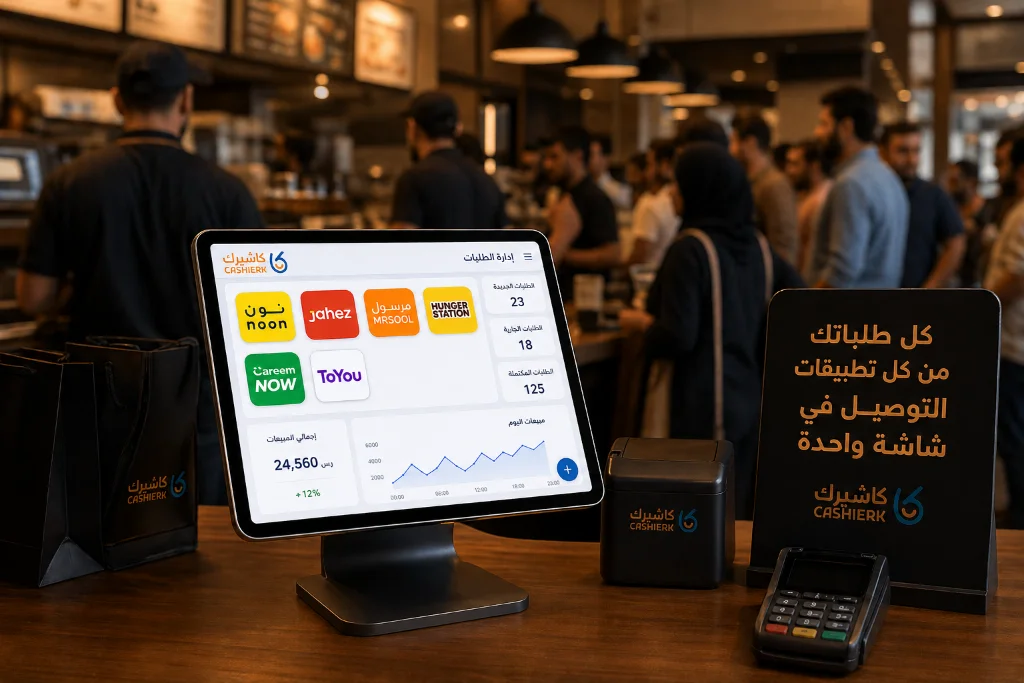
Best iPad Cashier Software to Manage Delivery Orders in One Place
Delivery apps such as Jahez, HungerStation and ToYou have become an indispensable partner for increasing sales and reaching new customer...
Read the article
Cashier Software: The Easy Way to Boost Your Profits
Key takeaways from this articleCashier software helps you manage your store more efficientlyUsing cashier software leads to higher profitsChoosing the...
Read the article
Use Sales Invoice Software to Simplify Your Operations
Why accounting software matters in business managementAccounting software plays a central role in the success of modern businesses, providing effective...
Read the article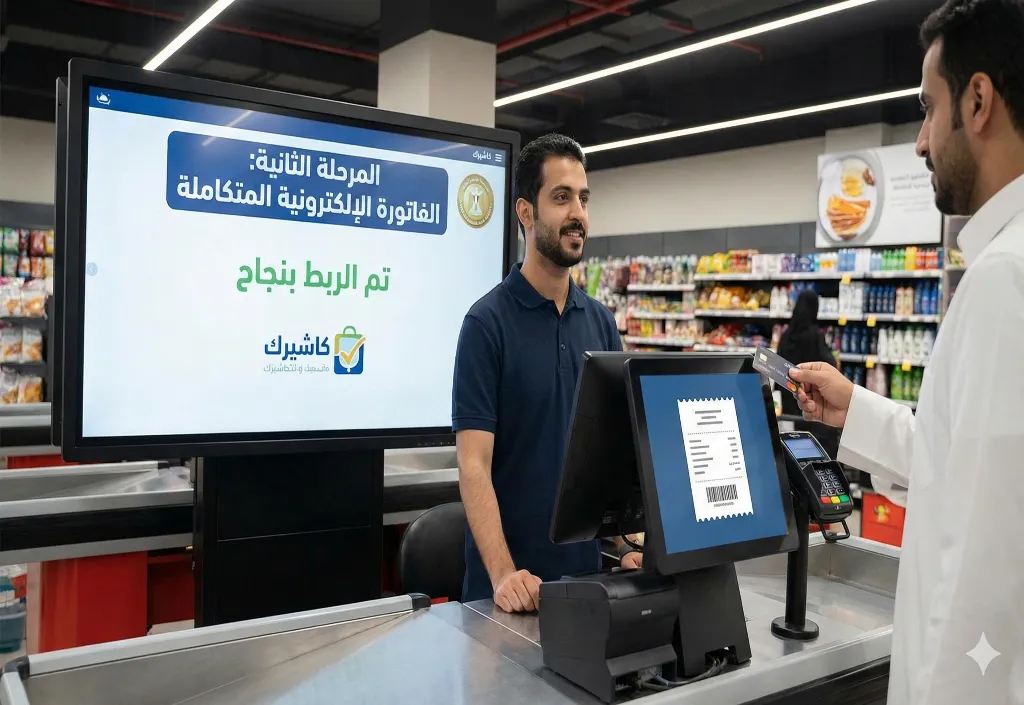
ZATCA E-Invoicing Phase 2: The Complete Guide for Businesses
The complete guide: your safe path to Phase 2 of e-invoicing in Saudi Arabia (2025)Feeling anxious about terms like “integration,”...
Read the article Riyadh - King Fahd Road - Al Yamamah Tower, 1st Floor - Office 102

