
-large_thumb.webp)
Digital Menus for Restaurants and Cafés: Benefits and Tips
Contents:
1 - What is a digital menu and why does it matter?
2 - How to create an effective digital menu for restaurants and cafés
3 - Benefits of a digital menu for restaurants and cafés
4 - Top tips to get the most out of your digital menu
5 - Summary
What is a digital menu and why does it matter?
A digital menu is an online version of your restaurant's or café's traditional menu. It lets your guests browse your food and drinks online, and order and pay from their phone or tablet, as with the digital menu system offered by Kashierapp. With the revolutionary advances in management systems for businesses in general, and for restaurants and cafés in particular, customers now expect a dining experience that is highly comfortable and convenient. The digital menu is one of the most important new tools for meeting those expectations, and this digital shift can have a major impact on your restaurant's success.
How to create an effective digital menu for restaurants and cafés
To create a professional menu, follow these steps:
Choose the right items
The first step is to choose the items that will appear on your digital menu. They should be varied and cater to different tastes and needs. Divide the menu into sections such as main courses, appetizers, drinks, desserts and so on.
Use high-quality food photos
Invest in professional food photography. High-quality photos attract customers and encourage them to order, so make sure your pictures are appealing and reflect the quality of the food you serve.
Organize the menu logically
Arrange the items on your menu in a logical order. You can group dishes by type (such as meat, fish and salads) or by meal (breakfast, lunch and dinner). Use indexes and drop-down lists to make browsing easier and give customers a smooth experience.
Provide complete information
Give detailed information about every item on the menu: the main ingredients, the side dishes and the prices.
Complete information helps customers make informed decisions about what they order.
Update the menu regularly
Plan to update your menu regularly. You might add new dishes for a particular season or based on general demand, and be sure to update prices too when necessary.
Keep track of your stock
If you serve certain dishes in limited quantities, make sure you update the menu when they run out so customers don't order dishes that are no longer available.
Provide contact details
Display your restaurant's or café's contact details clearly on the digital menu so customers can easily reach you with their orders or get answers to their questions.
Test the menu
Before launching your digital menu to customers, try it yourself to make sure it's easy to use and that all links and images work properly.
Promote the menu
Feature your digital menu prominently on your restaurant's or café's website, and promote it on social media and by email to attract more customers.
Offer technical support
Some customers may need help using the digital menu, so provide fast, effective technical support to solve their problems and answer their questions.
By following these steps, you'll be able to create an effective digital menu that increases customer satisfaction, boosts your restaurant's or café's sales and improves the overall user experience.
Read also:
Marketing tips for stores and restaurants during Ramadan
Benefits of a digital menu for restaurants and cafés
A digital menu makes browsing the menu and choosing meals easy and enjoyable.
Better customer service
Customers can search for their favorite dishes, see what's in each meal and find offers and discounts with ease. Simple touches like these keep customer satisfaction high and encourage guests to visit your restaurant again and again.
Higher sales
With digital menu technology, customers can order food quickly and accurately, which improves order preparation and reduces mistakes. You can also boost sales by adding more photos and descriptions of your dishes.
Lower costs
A digital menu cuts the cost of printing and constantly updating paper menus. You can easily update any part of the menu for the season or when your offering changes, without reprinting anything. This is exactly what the new digital menu in Kashierapp provides.
Top tips to get the most out of your digital menu
In this part of the article, we look at how to get the most out of your digital menu to design an outstanding user experience:
Update your digital menu regularly. It's simple and costs nothing, unlike a paper menu.
Use high-quality food photos to encourage customers to order.
- Provide accurate descriptions of your dishes, including the main ingredients and preparation time.
- Organize your menus in a logical, indexed and interactive way.
- Offer multiple ways to browse.
- Provide technical support for customers who need help.
- Use social media and email to promote your menu.
- Make sure the menu works on all screen sizes, including mobile phones.
- Use data analytics tools to understand customer behavior and improve the menu based on the data.
- Protect your data and keep it confidential.
- Take advantage of technology such as food ordering through an app with built-in online payment.
- Encourage customers to leave ratings and reviews of your food and service.
- Offer customers deals and discounts to attract more sales.
- Offer delivery options to make your products easier for customers to get.
- By using these tips, you'll get the most out of your digital menu, drive the success of the restaurants or cafés you manage, and present all your products to customers in the best possible way and at the best price. Kashierapp also gives you many more features to help.
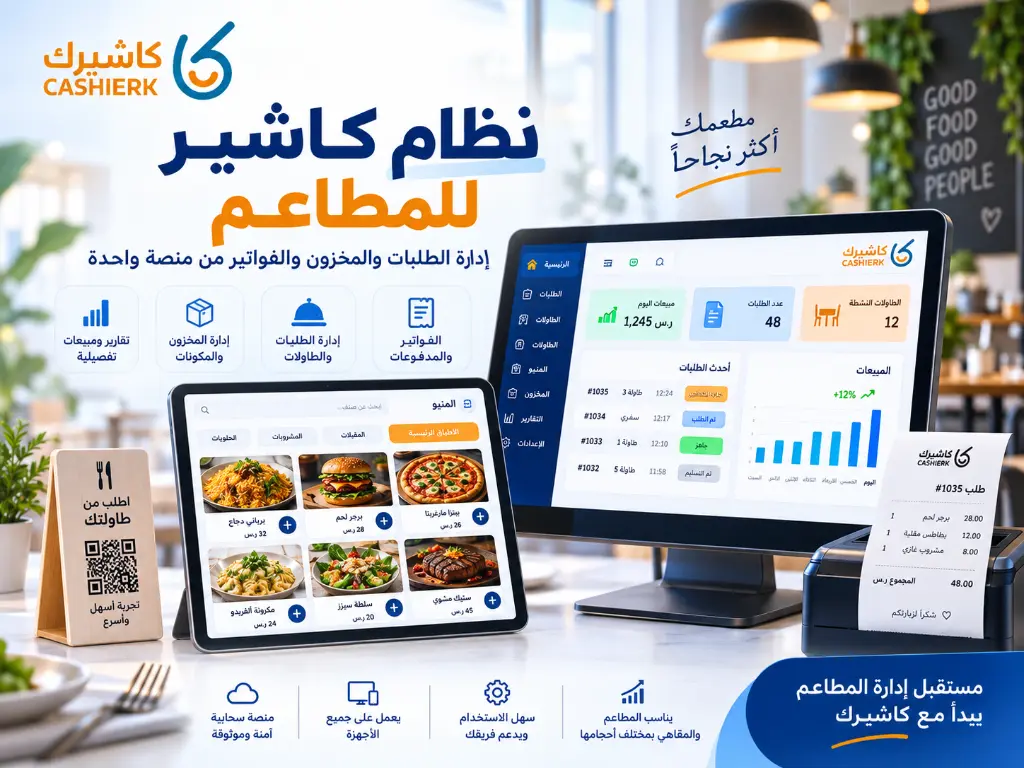
Restaurant POS System: Manage Orders, Inventory and Invoices
Running a restaurant is no longer just about great food or fast service. It now takes a clear operating system...
Read the article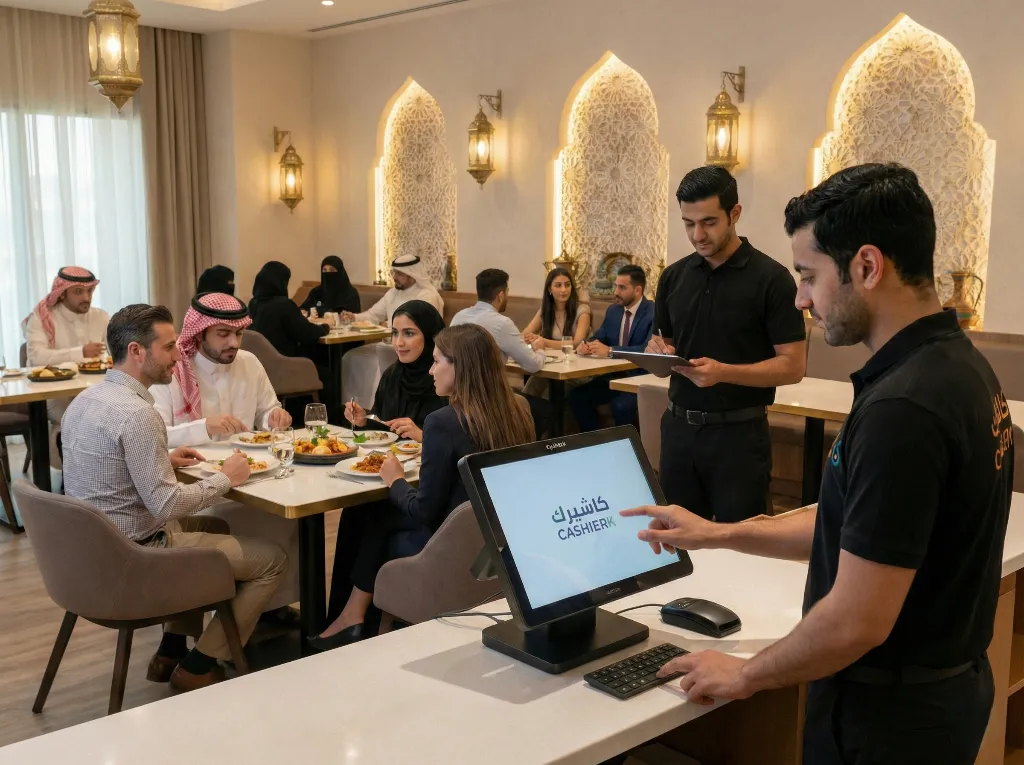
Restaurant Cashier Software: All-in-One Restaurant Management
Would you like to see the order rush and invoicing errors in your restaurant solved in just a few days?Every...
Read the article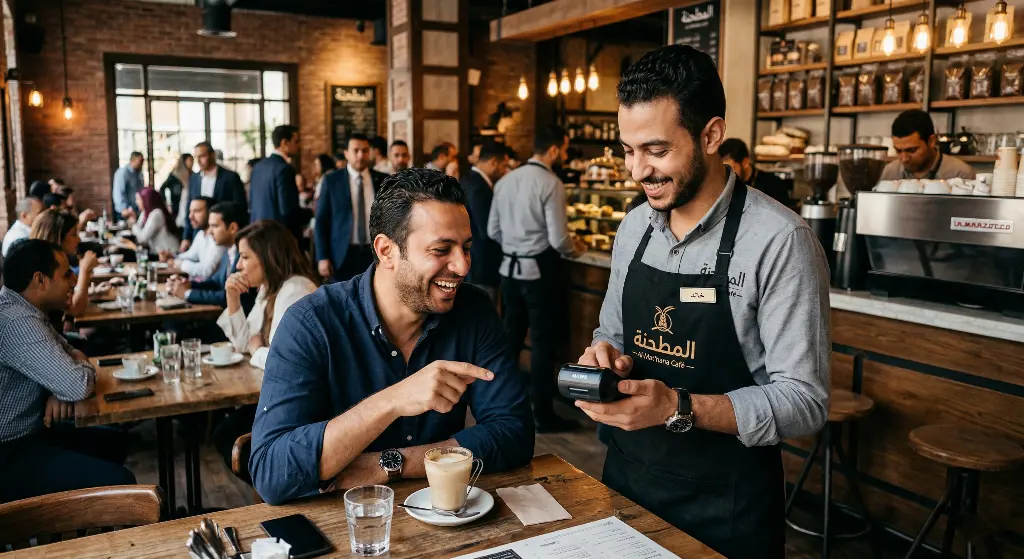
How to Increase Table Turnover and Boost Your Café's Profits
Picture this familiar weekend scene: your café is completely full, the place is buzzing with customers' laughter, and there's a...
Read the article Riyadh - King Fahd Road - Al Yamamah Tower, 1st Floor - Office 102

