
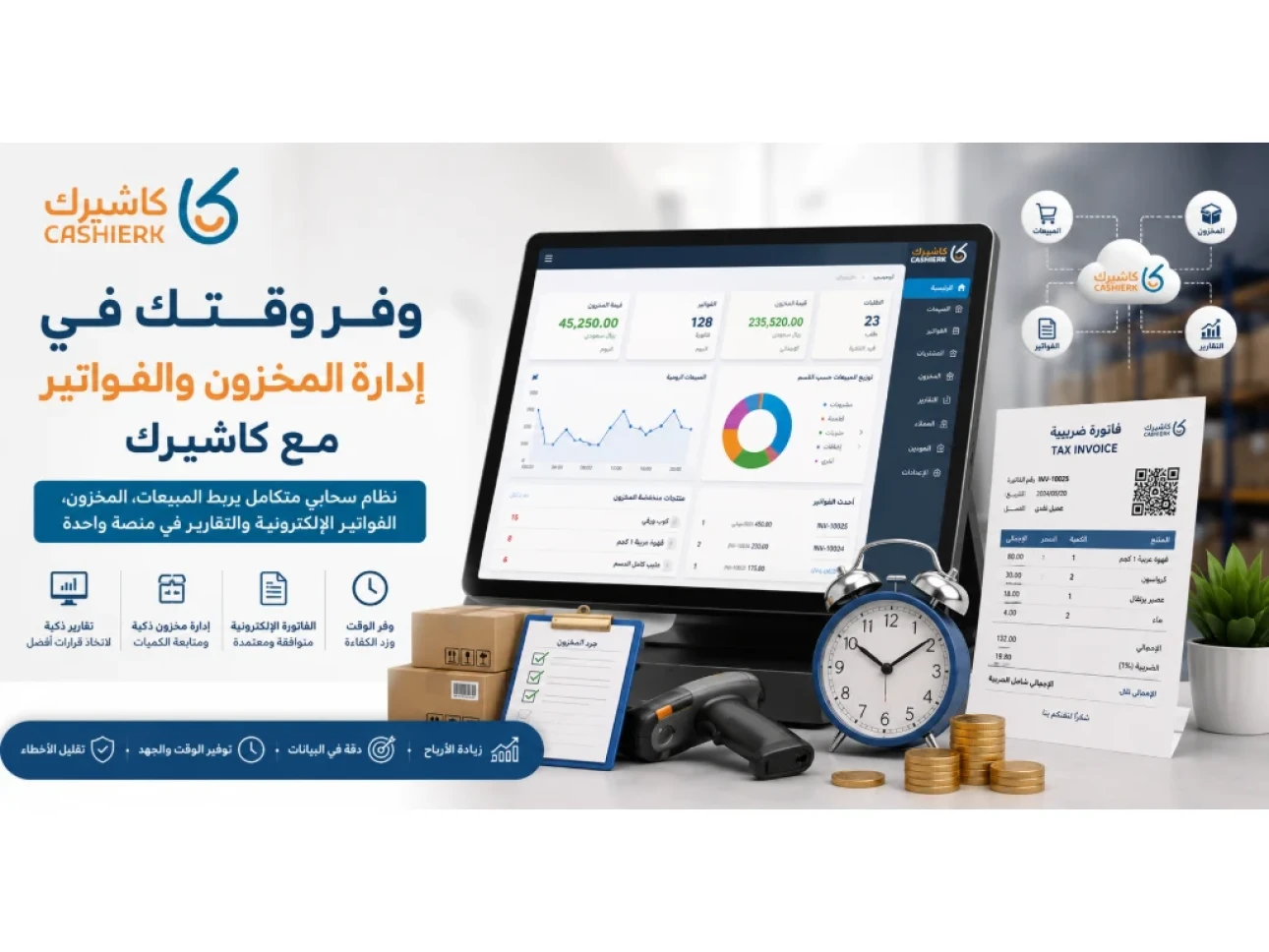
Save Time on Inventory and Invoicing with Kashierapp
Managing inventory and invoices is one of the most time-consuming daily tasks for business owners, especially in restaurants, cafés, retail shops, supermarkets and companies with constant buying and selling. Every sale changes the quantity of a product in stock, every purchase invoice changes the cost of goods, and every small recording error can surface later as a stocktaking discrepancy, a product shortage or a problem in the financial reports.
As the business grows and the number of products or branches increases, traditional methods such as paper records or Excel spreadsheets are no longer enough to run things efficiently. This is when a business needs inventory management software and invoicing software that work together in one system, so that sales, inventory, invoices and reports are linked automatically and accurately.
With Kashierapp, you can save time on inventory and invoicing through an integrated cloud cashier system that brings together the smart POS system, Smart Inventory Management and e-invoicing on a single platform that helps you reduce errors, work faster and make better buying and selling decisions.
Why do inventory and invoice management take so much time?
In many businesses, inventory and invoicing are handled as two separate processes. One employee records the sale, another checks the quantities and a third keeps track of invoices or accounts. Separating these processes slows down the workflow and increases the chance of duplicate data or errors in quantities, prices and reports.
When a product is sold, it must be deducted from inventory. When new stock is purchased, it must be added to the current quantity. And when an invoice is issued, it must be linked to the sale or purchase. Without an inventory management system integrated with your e-invoicing software, problems gradually start to appear.
The most common problems include:
- Spending a long time entering data manually.
- Entering the same data in more than one file or system.
- Discrepancies between actual and recorded stock.
- Difficulty identifying best-selling or slow-moving products.
- Delays in issuing or reviewing invoices.
- Difficulty tracking sales, purchases and returns.
- No clear view of each product's real profitability.
That's why integrated cashier software has become a necessity for any business that wants to manage its daily operations quickly and accurately.
How does Kashierapp save you time on inventory and invoicing?
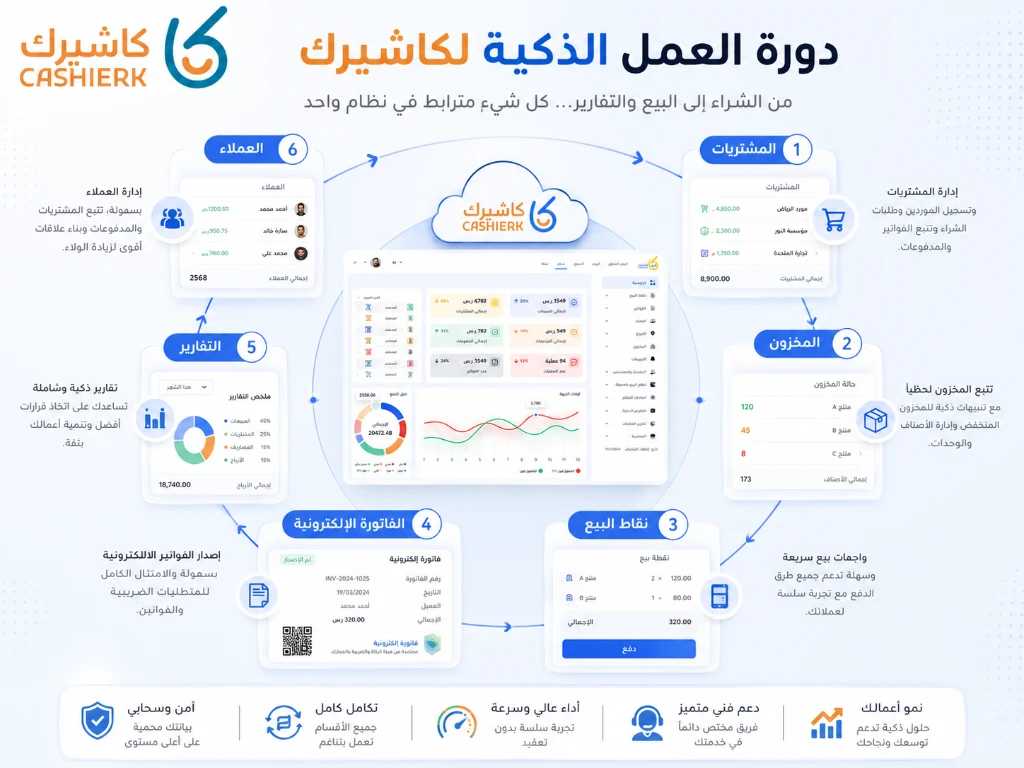
Kashierapp isn't just a standalone inventory or invoicing program; it's a unified platform that connects your operations. When a sale is made at the cashier, inventory is updated automatically. When an e-invoice is issued, it is linked to the sale or purchase. And when you review your reports, the data is presented clearly without any manual compilation.
This integration cuts the number of steps needed to get the job done and gives you a faster, more accurate view of your business. Instead of asking every day: Has the product been deducted from inventory? Has the invoice been recorded? Is the current quantity correct? Does the product need reordering? Kashierapp gives you clear answers from a single dashboard.
Learn more about the system on Kashierapp's Smart Inventory Management page.
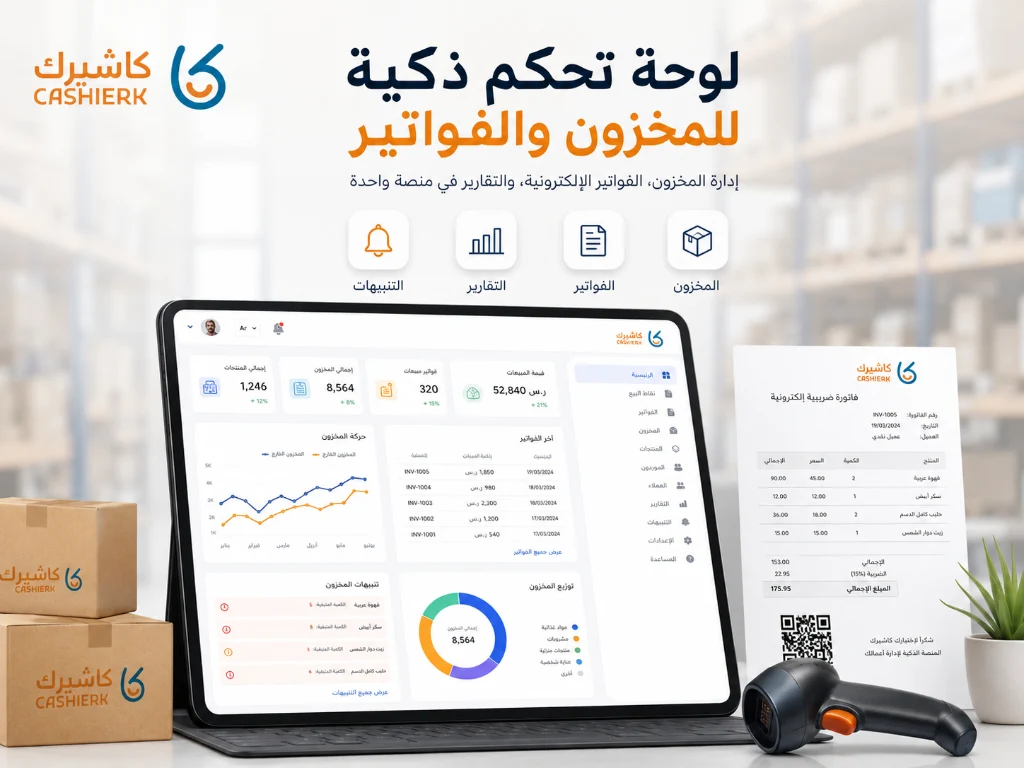
1. Automatic inventory updates after every sale
One of Kashierapp's most important features is that inventory is updated automatically after every sale. As soon as a sale goes through the POS software, the quantity is deducted from inventory immediately, with no manual input.
This means you no longer need to go through every sales invoice and update quantities yourself at the end of the day. The system does it automatically, saving your team time and reducing manual entry errors.
This feature is especially important for businesses with high daily sales volumes, such as:
- Restaurants and cafés.
- Retail shops.
- Supermarkets.
- Wholesale stores.
- Businesses with branches in multiple locations.
- Companies with warehouses and fast-moving products.
Over time, real-time inventory updates help you know exactly what is available and avoid selling out-of-stock products or discovering shortages when it's too late.
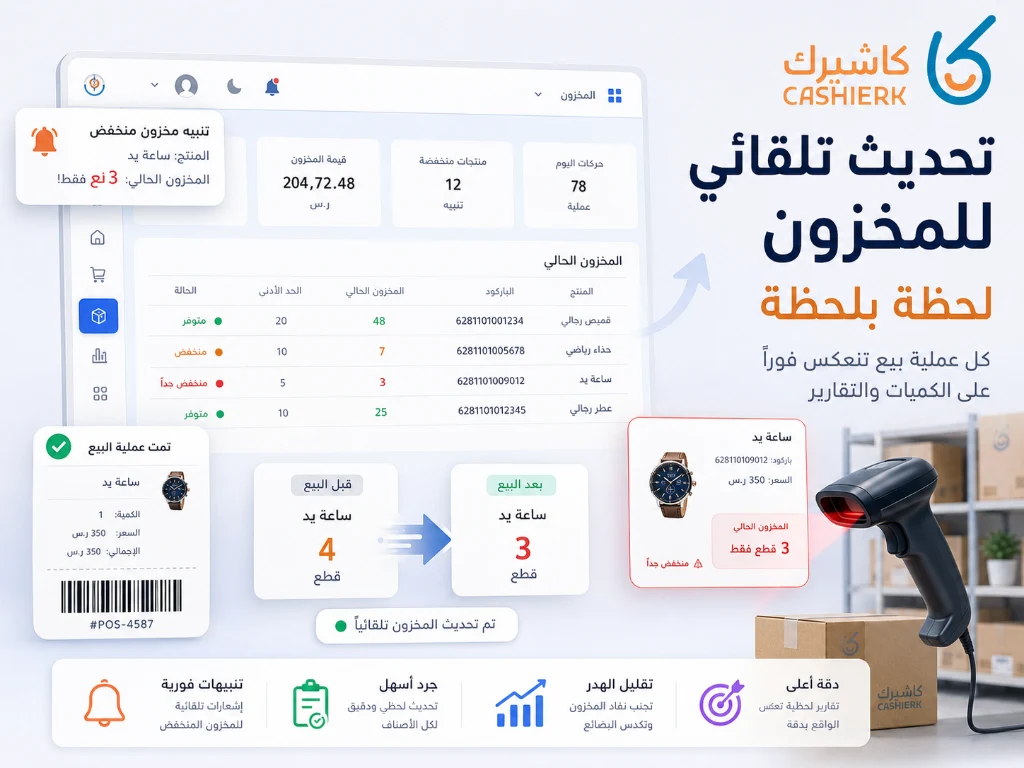
2. Easy e-invoice management
Issuing invoices is no longer just an administrative task; it has become a core part of compliance and financial organization. With e-invoicing requirements in force in Saudi Arabia, businesses need a system that helps them issue invoices in an organized, compliant way.
With Kashierapp, you can manage e-invoices and link them to sales and inventory, which makes the workflow much simpler. When a sale is made, the invoice can be issued and its effect on inventory and reports tracked without separate systems.
Kashierapp helps you:
- Issue invoices quickly.
- Reduce manual entry errors.
- Link each invoice to its sale.
- Track daily sales.
- Organize customer and product data.
- Make financial reports more accurate.
- Link invoices with inventory and accounts.
For more details, visit Kashierapp's e-invoicing page.
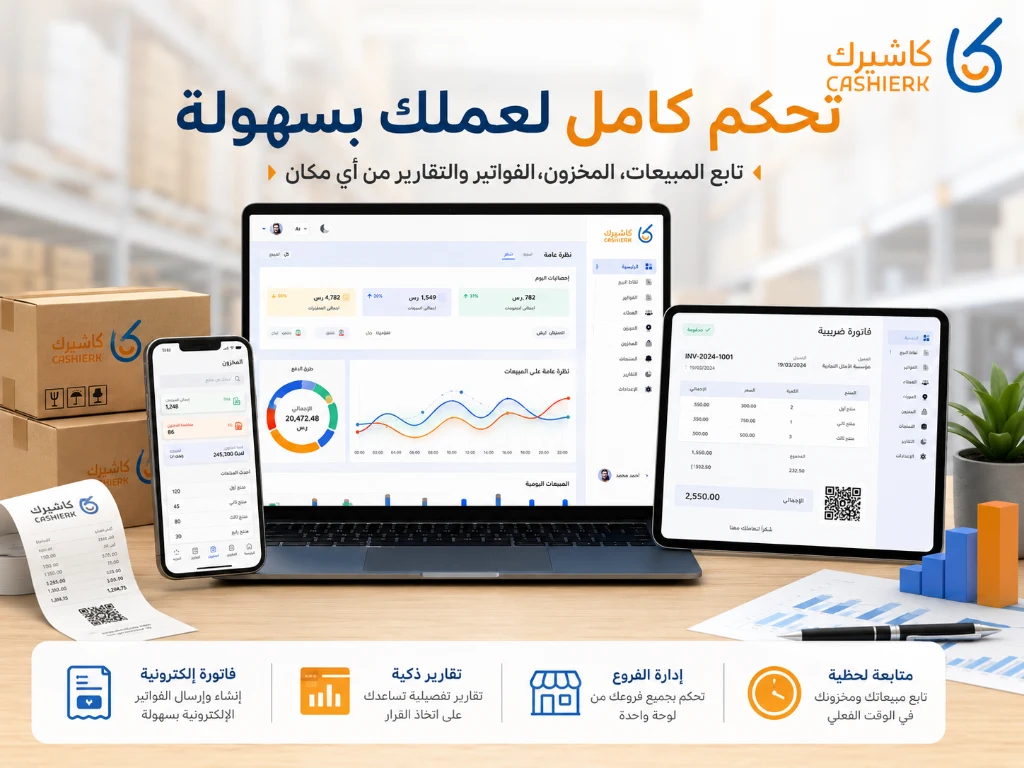
3. Fewer manual entry errors
The more you rely on manual entry, the more likely errors become. An employee might forget to update a product's quantity, record the wrong price, duplicate an invoice or mix up two branches or warehouses.
Kashierapp reduces these errors through automation and by connecting your processes. Sales, inventory, invoices and reports aren't separate islands; they are parts of a single cycle within one system.
For example, when a product is sold, the transaction is recorded, the quantity is updated, the invoice is linked and the data shows up in your reports. This makes your data more accurate and any transaction easier to review later.
That's why Kashierapp suits any business looking for cloud cashier software that helps it manage sales, invoices and inventory from one place.
4. Inventory alerts before products run out
Running out of products is one of the biggest problems affecting sales and the customer experience. A customer may come in to buy a particular product or order a dish at a restaurant, only for the staff to discover it isn't available.
Kashierapp helps you avoid this with inventory alerts. You can set a minimum level for each product, and when the quantity approaches that level, an alert appears in good time.
This saves you daily monitoring time, because you no longer need to check every product manually to see what needs reordering. Instead, the system lets you focus only on the products that need a decision.
This feature is particularly useful for:
- Fast-moving products.
-
Raw ingredients in restaurants.
- Seasonal products.
- Items with a limited shelf life.
- Products that depend on specific suppliers.
5. Faster, more accurate electronic stocktaking
Manual stocktaking is one of the most time-consuming processes, especially if your business has a large number of products or more than one branch or warehouse.
With Kashierapp, stocktaking becomes more organized. You can compare actual quantities with recorded quantities, spot discrepancies and record adjustments more clearly.
Instead of relying on separate paper records and spreadsheets, the electronic stocktaking software in Kashierapp helps you run inventory counts faster and more accurately. This helps you reduce shrinkage, improve control and understand why products are short or in surplus.
Electronic stocktaking helps you:
- Spot discrepancies quickly.
- Understand the reasons for shortages or surpluses.
- Improve inventory accuracy.
- Reduce shrinkage and waste.
- Monitor the performance of branches and warehouses.
- Make more accurate purchasing decisions.
The more accurate your inventory data, the better your purchasing, pricing and promotion decisions.
6. Reports that help you make decisions quickly
Saving time isn't only about getting tasks done faster; it's also about getting the right information at the right time.
With Kashierapp's Smart Reports, you can see how your products and sales are performing without compiling data by hand.
You can track:
- Best-selling products.
- Slow-moving products.
- Excess stock.
- Products that need reordering.
- Branch performance.
- Sales across different periods.
- The impact of promotions on product movement.
- Current inventory value.
- Invoice and sales activity.
This data helps you make faster decisions, such as: What should you buy? What should you stop selling? Which product needs a promotion? And which branch needs extra support?
7. Branches and warehouses connected in one system
If you have more than one branch or warehouse, inventory management becomes more complex. A product may be in stock at one branch and short at another, or you may need to transfer quantities between locations.
Kashierapp helps you manage branches and warehouses from a single dashboard, saving the time you would spend following up and switching between systems or files.
With Advanced Branch Management, you can track each branch independently while also getting an overall picture of the entire business.
This makes the system a good fit for companies that have:
- More than one branch.
- More than one warehouse.
- Multiple points of sale.
- Different teams.
- Frequent internal stock transfers.
- Daily sales in more than one location.
8. A better experience for your team
A good system doesn't just serve the business owner; it also helps employees get their work done faster and more clearly.
When the interface is easy to use and processes are connected, there is less pressure on your team. Staff don't need to re-enter the same data, look through several files or ask management whether each product is available.
Kashierapp helps your team:
- Complete sales quickly.
- Check product availability.
- Issue invoices easily.
- Make fewer mistakes under pressure.
- Serve customers better.
- Speed up stocktaking and follow-up.
- Spend less time on manual reviews.
This is reflected directly in the customer experience, especially at peak times.
9. How does saving time affect profitability?
Many business owners see time as purely an operational factor, but it is actually an important financial one. Every minute saved on selling, stocktaking, invoicing or inventory follow-up means higher efficiency and lower costs.
When you save your team's time, errors go down, service gets faster and management is better able to make good decisions. With an integrated cashier system like Kashierapp, daily operations become more organized and transparent.
Saving time helps you:
- Reduce operating costs.
- Sell faster.
- Reduce waste.
- Manage purchasing better.
- Make reports more accurate.
- Increase customer satisfaction.
- Improve profitability over the long term.
That's why investing in an inventory and invoice management system isn't just a technical upgrade; it's an important management and financial decision.
Managing inventory and invoices manually vs with Kashierapp
| Area | Manual management | Kashierapp |
|---|---|---|
| Inventory updates | Require manual entry | Automatic after every sale and purchase |
| Invoicing | Separate or manual | Linked to sales |
| Stocktaking | Takes a long time | Electronic and better organized |
| Reports | Require manual compilation | Ready on the dashboard |
| Branches | Hard to monitor | Central branch management |
| Errors | High likelihood | Fewer, thanks to automation |
| Decision-making | Based on guesswork | Based on real data |
When do you need an integrated system like Kashierapp?
You need Kashierapp if you face one or more of these challenges:
- You have many products that are hard to track manually.
- You keep finding stocktaking discrepancies.
- You issue a large number of invoices every day.
- You have more than one branch or warehouse.
- You want to link sales to inventory.
- You need fast, accurate reports.
- You want to reduce operational errors.
- You're looking for integrated cloud cashier software.
- You need invoicing software linked to inventory.
- You want to manage invoices and inventory from one system.
Whether you run a restaurant, café, store, company or multi-branch business, Kashierapp helps you organize your daily operations from a single platform.
How is Kashierapp different from traditional methods?
Traditional methods usually rely on manual record-keeping, which makes inventory and invoice management slow and error-prone. Kashierapp, by contrast, connects your processes so that every sale, purchase or invoice becomes data you can track and analyze.
The key difference is that Kashierapp doesn't just record data; it helps you use it to make better decisions. Through reports, alerts, electronic stocktaking and connected branches, you can see what's happening in your business moment by moment.
That's what makes Kashierapp the right solution for anyone looking for inventory management software, invoicing software and POS software on a single platform.
Conclusion
Managing inventory and invoices shouldn't be a daily burden that eats up your time and your team's energy. With Kashierapp, you can turn these processes into an organized, fast workflow that starts with the sale and ends with the inventory update, the invoice and the report.
Kashierapp helps you run your business from a single platform that combines cashier software, POS, invoicing, inventory, branches and reports, so you can save time, reduce errors and make better decisions.
If you're looking for integrated inventory management software, invoicing software and a POS system, Kashierapp gives you the tools you need to run your business easily and professionally.
Want to save time on inventory and invoicing?
Get started with Kashierapp now and manage your sales, inventory and invoices from a single platform.
Request a Kashierapp free trial
Frequently asked questions about inventory and invoice management
Can I manage inventory and invoices in the same system?
Yes. Kashierapp links sales, inventory, invoices and reports on a single platform, making daily operations easy to follow without separate systems.
Is inventory updated automatically after a sale?
Yes. When a sale is made through Kashierapp, the product's quantity in inventory is updated automatically, reducing the need for manual entry.
Does Kashierapp help with electronic stocktaking?
Yes. Kashierapp provides tools that help you organize electronic stocktaking and compare actual quantities with recorded quantities.
Can Kashierapp be used for more than one branch?
Yes. Kashierapp supports managing branches and warehouses from a single dashboard, helping you keep track of every location easily.
Is Kashierapp suitable for restaurants and stores?
Yes. Kashierapp is suitable for restaurants, cafés, retail shops, supermarkets, companies and multi-branch businesses.
.webp)
POS Systems in Retail and Restaurants: A Key to Success
Point of sale in retail and restaurantsRetail and food service are vital sectors of the global economy: they provide income...
Read the article
What Is Kashierapp? Cloud Cashier Software and Its Key Features
Kashierapp cashier softwareCashier software (a point of sale (POS) system ) is one of the essential tools for managing sales...
Read the article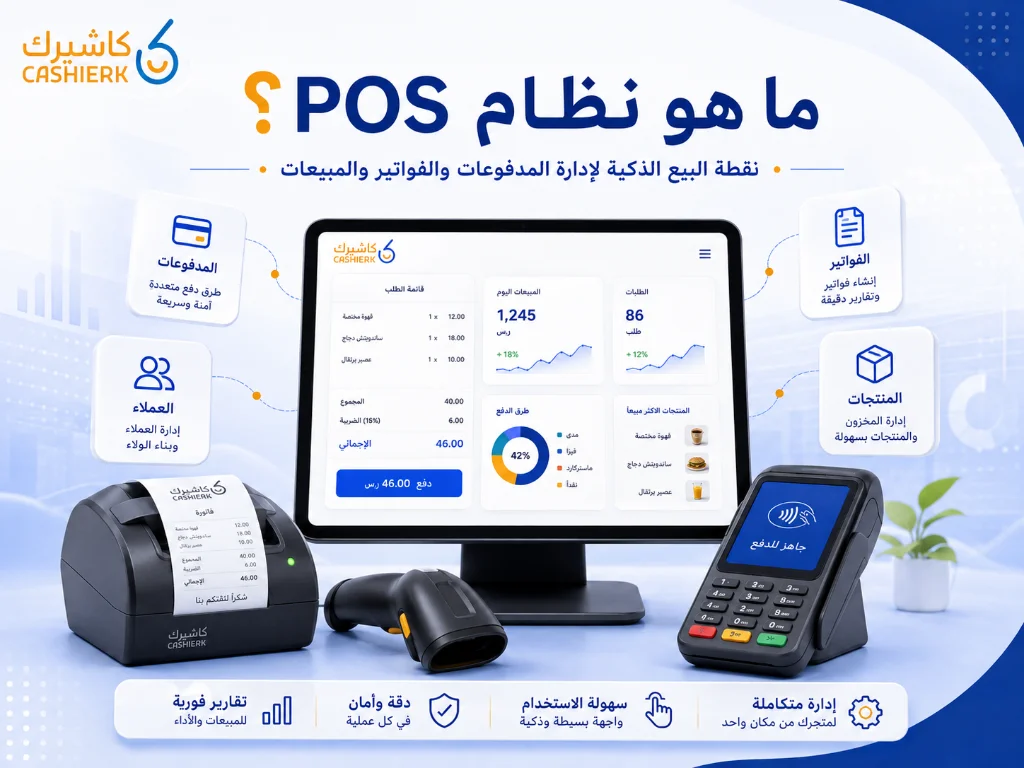
What Is Kashierapp? A Guide to POS and Cloud Point of Sale
A cashier system is no longer just a device for taking payments or printing receipts in a shop. Today, the...
Read the article
Restaurant Management Software in Saudi Arabia
There is no doubt that restaurant management software in Saudi Arabia is an important field with many aspects, as it...
Read the article
The Best Cloud Cashier Software in Saudi Arabia
With technology evolving so rapidly, traditional ways of running stores and businesses no longer work. Relying on technology has become...
Read the article
What Is a Cashier System? Types, Benefits and Kashierapp's Role
In modern commerce, a cashier system is no longer just a way to collect payments or print receipts; it has...
Read the article Riyadh - King Fahd Road - Al Yamamah Tower, 1st Floor - Office 102

